


← Все видеоинструкции
Your payment methods, and guests paying in foreign currency
Add your own methods such as a JCB card, record a payment in dollars at a rate, and see money taken by method.
Озвучено на вьетнамском, с вьетнамскими субтитрами.
О возможности «VietQR payments» →В этом видео
- On the Payments page, the In-person payment methods list is what the receptionist chooses from when taking money: cash, bank transfer, card, wallet, debt.
- Add your own: click Add method, name it, choose the type and save. The books still count it as cash or transfer according to its type.
- A foreign guest pays in dollars? Open the booking and click Record payment.
- Choose Visa/Mastercard, tick Guest pays in foreign currency, and enter the amount and the exchange rate: the VND amount is calculated for you, rounded to the nearest dong.
- Save the payment: the payment line shows twenty dollars and the exchange rate used; the printed receipt shows it too.
- The Reports page has a Payments by method section, added up under the exact names you set.
Ещё по этой теме
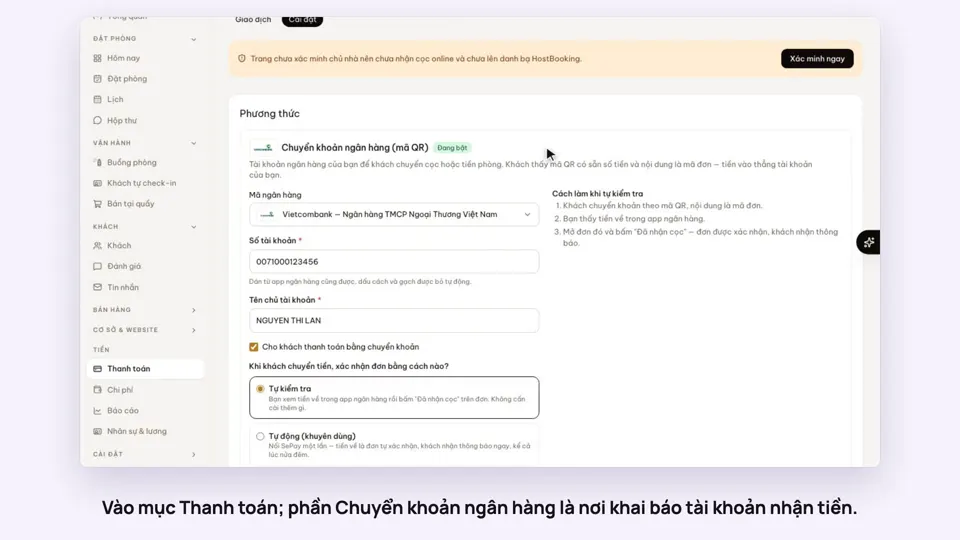 0:31Add your bank account to take payments by QRНачало работыДеньги
 0:39Cancel a booking and refund the depositБронированияДеньги
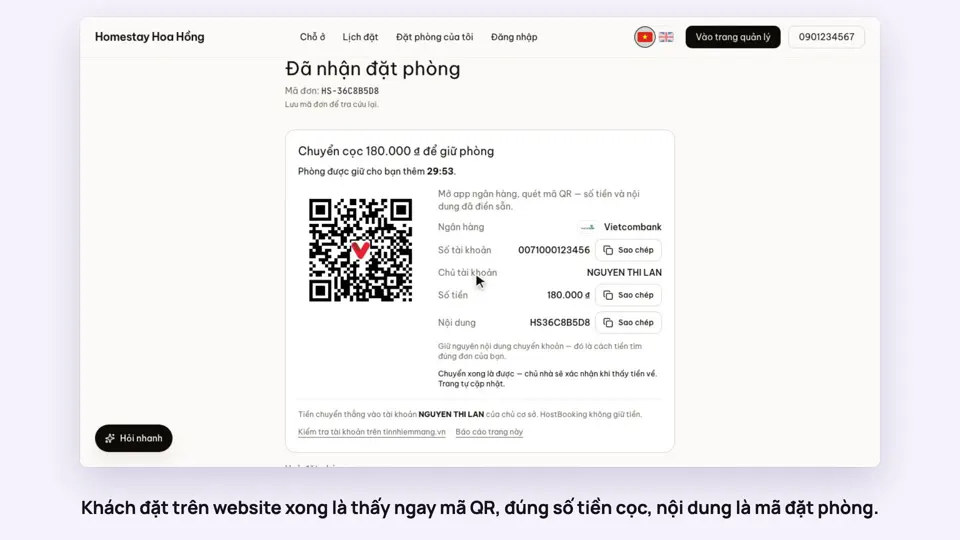 0:36Take a deposit with an exact-amount QRДеньги
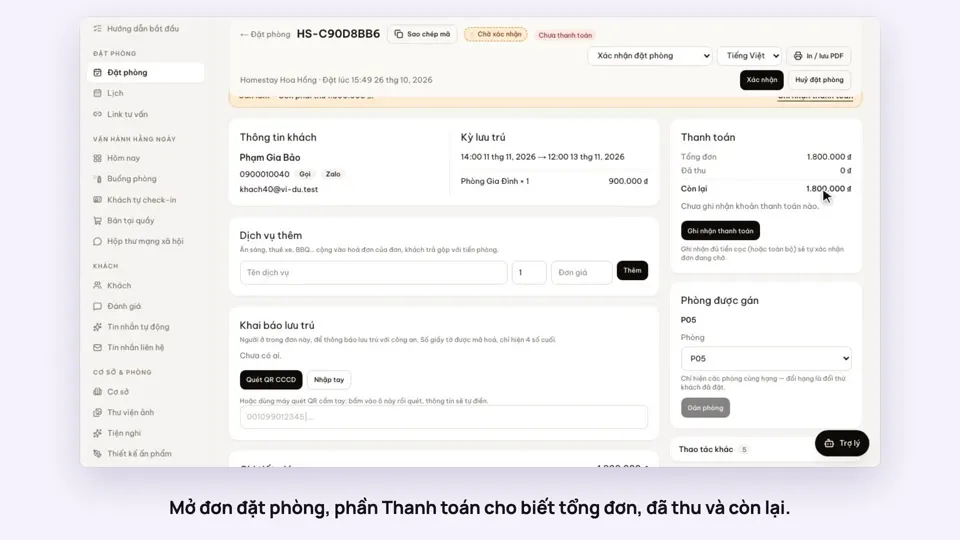 0:30Record cash, transfers and what is still owedДеньги
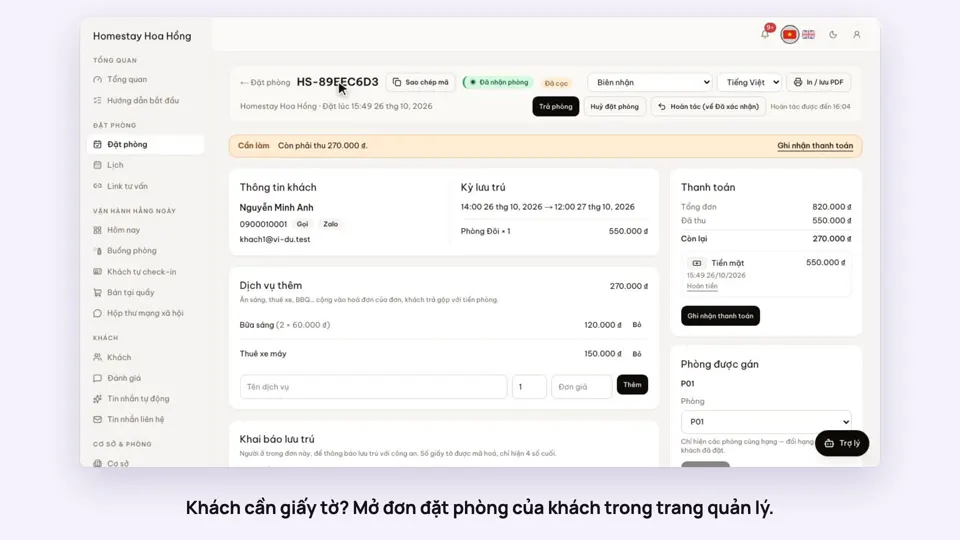 0:58Print a receipt, booking confirmation or registration formДеньги
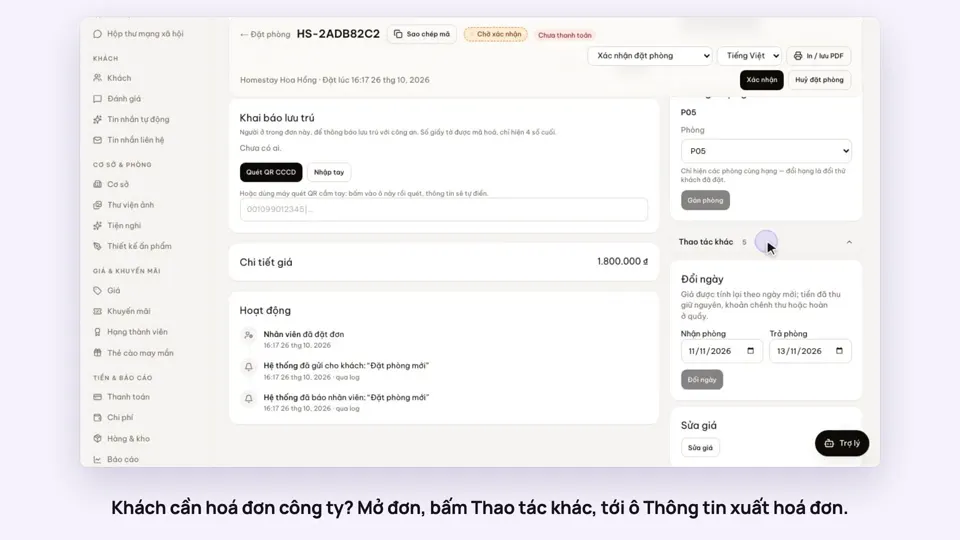 0:30Keep a guest’s invoice detailsДеньги