


← Все видеоинструкции
Expense categories, expenses per room, import from Excel
Add about 30 common categories, link an expense to a room or a booking, attach the receipt, and import a whole expense book from Excel.
Озвучено на вьетнамском, с вьетнамскими субтитрами.
О возможности «Expenses and P&L» →В этом видео
- Just starting to record expenses? Click Add default categories to get nearly thirty common categories ready, such as electricity, water, laundry, repairs, OTA commission.
- Record an expense and link it to a room, a room type or a booking: profit and loss can then be worked out by room type.
- Attach a photo of the invoice right on the expense row, up to three files.
- Already have an expense book in Excel? Download the template, fill in the expenses, then choose the file to preview each row.
- When every row is correct, click Save: the expenses go into the books in one go.
Ещё по этой теме
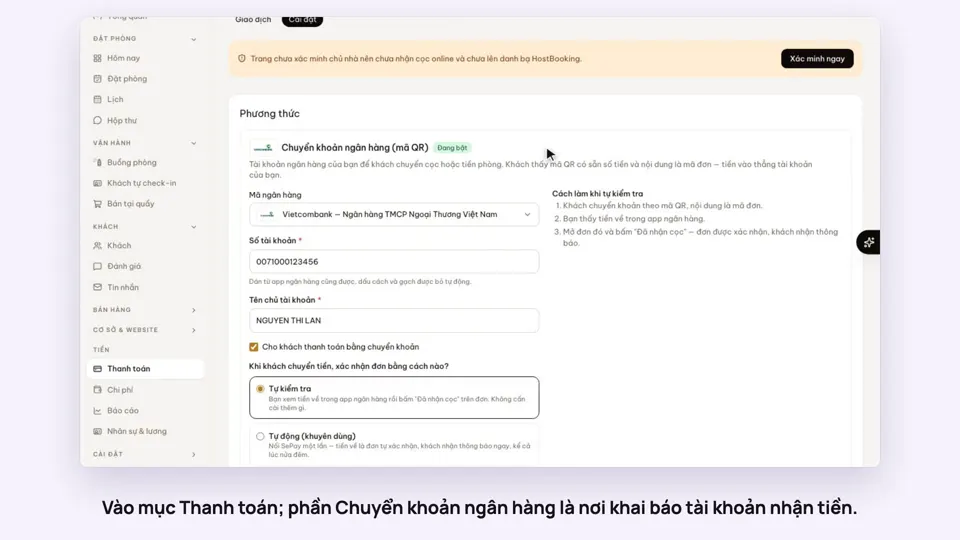 0:31Add your bank account to take payments by QRНачало работыДеньги
 0:39Cancel a booking and refund the depositБронированияДеньги
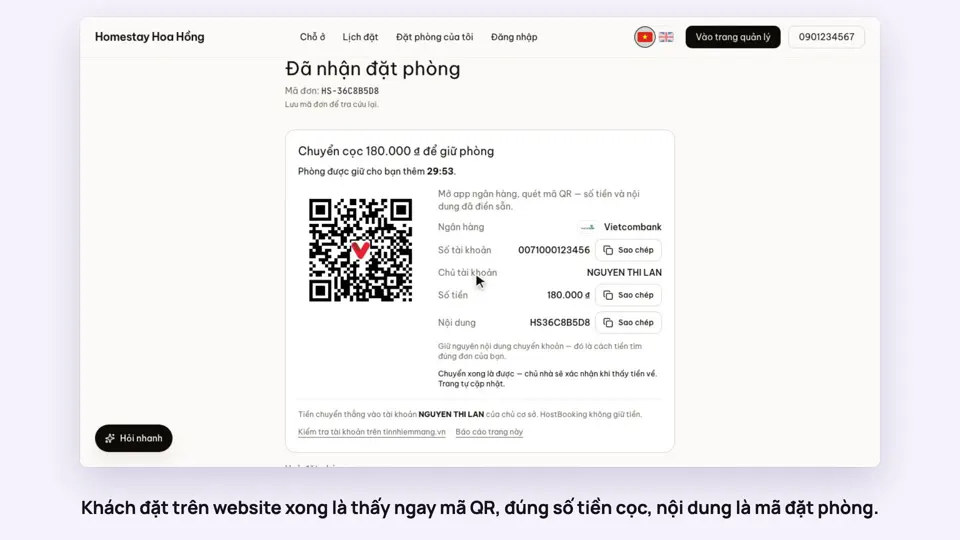 0:36Take a deposit with an exact-amount QRДеньги
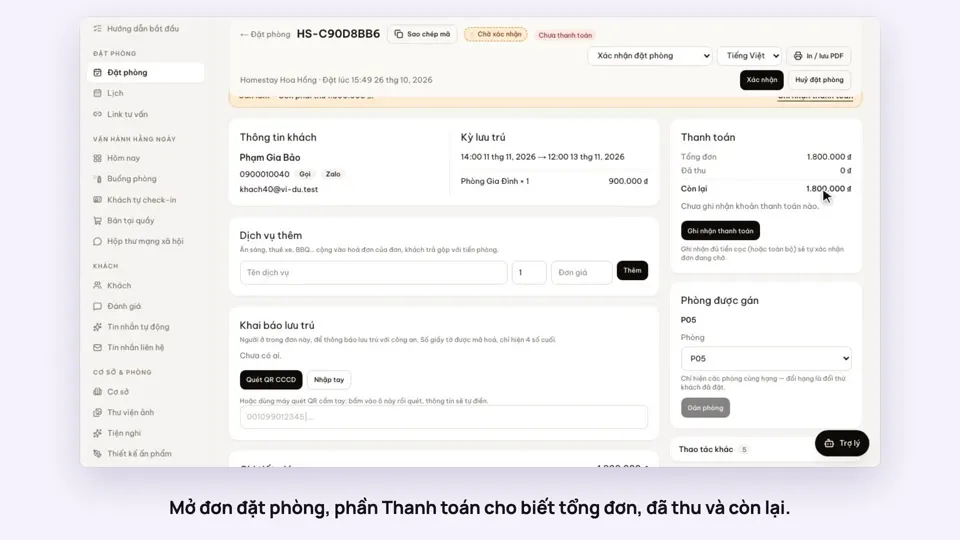 0:30Record cash, transfers and what is still owedДеньги
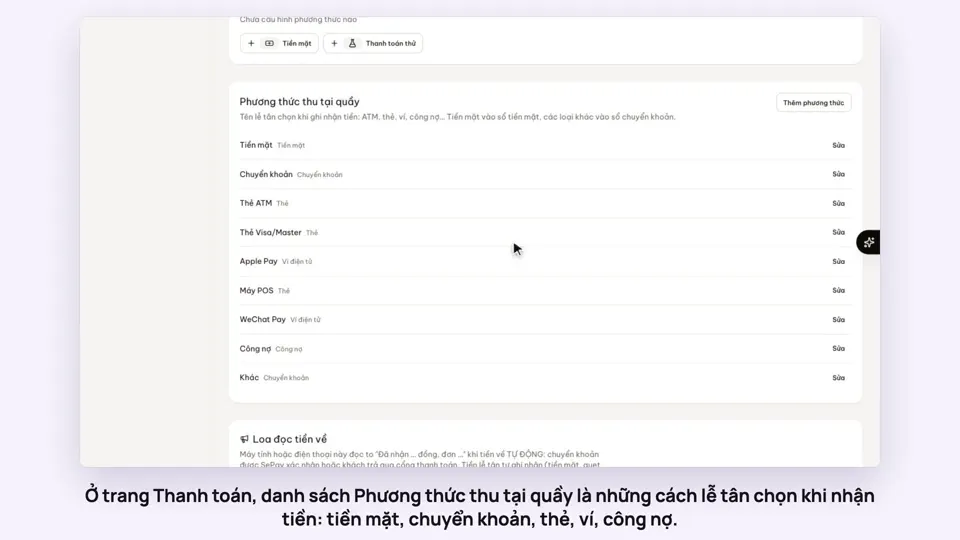 0:47Your payment methods, and guests paying in foreign currencyДеньги
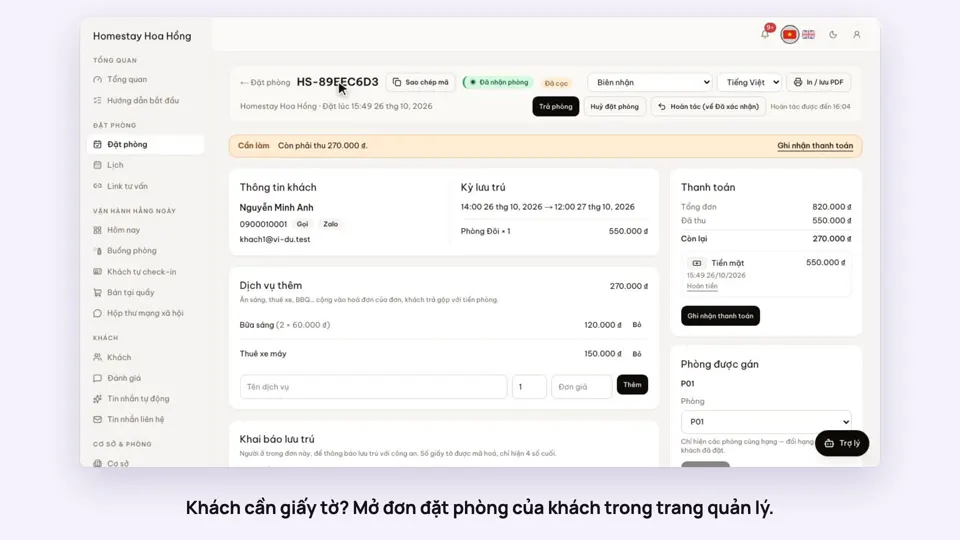 0:58Print a receipt, booking confirmation or registration formДеньги