


← Все видеоинструкции
Group rooms by area
Give each room its area; the Today board groups rooms by area and the calendar shows one area at a time.
Озвучено на вьетнамском, с вьетнамскими субтитрами.
О возможности «Today room board» →В этом видео
- Does your property have several zones, such as zone A, zone B or a garden house? Set an area for each room: click the room number under Room types.
- Enter the area and save. Do the same for the other rooms.
- The Today board groups rooms by area and then by floor, so the receptionist and housekeeping can do one round and be done.
- On the Calendar, choose an area in the Area field to see only the rooms and bookings in that area.
Ещё по этой теме
 0:36Share a view-only calendar, recolour it, see a room’s monthСегодня и уборка
 0:34Block a room for repairs or a friendБронированияСегодня и уборка
 0:35Check guests in and outБронированияСегодня и уборка
 0:38Sync iCal calendars room by roomСегодня и уборка
 0:30Today’s board: arrivals, departures, rooms to cleanСегодня и уборка
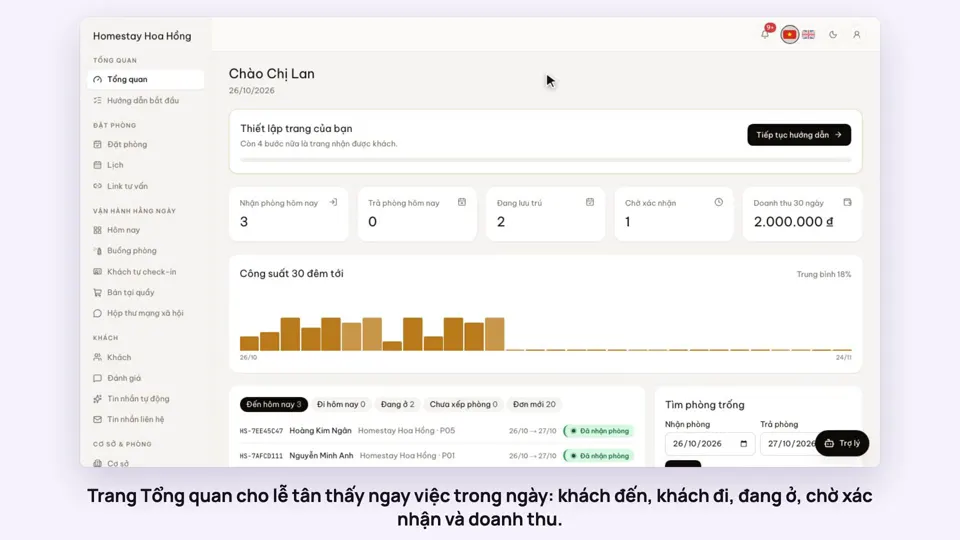 0:36Dashboard: 30 nights of occupancy, arrivals and departuresСегодня и уборка