


← Все видеоинструкции
Block a room for repairs or a friend
Block a room for a few days so nobody can book it, note why, and open it again when done.
Озвучено на вьетнамском, с вьетнамскими субтитрами.
О возможности «Booking calendar» →В этом видео
- Need to repair a room or hold one for an acquaintance? On the Calendar page, open Block rooms by date.
- Choose the room type, the start date, the end date and the number of rooms to block.
- Write a reason so everyone on the team knows, then click Block dates.
- Those dates show a grey bar on the calendar, and guests can no longer book them.
- When the repair is done, click the bin button on that block row, and the room opens for guests to book right away.
Ещё по этой теме
 0:37Set weekend and holiday pricesНачало работыБронирования
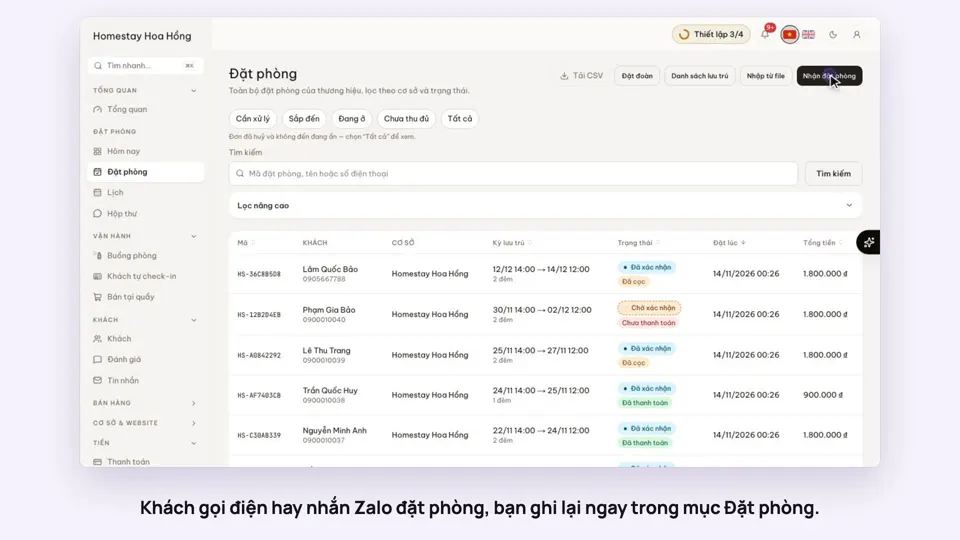 0:43Take a booking from a phone call or a Zalo messageБронирования
 0:42Record the OTA, its booking code and commissionБронирования
 0:30Confirm a booking made onlineБронирования
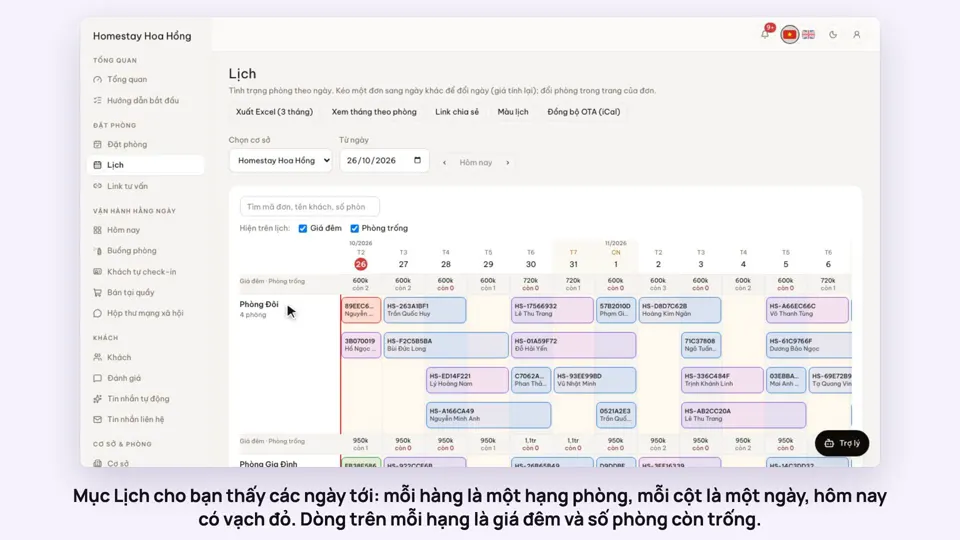 0:54Read the room calendar by day, week and rangeБронирования
 0:36Share a view-only calendar, recolour it, see a room’s monthСегодня и уборка