


← Все видеоинструкции
Have payments read aloud
Turn on read-aloud on the desk computer: each payment is spoken with its amount and booking code; a new booking rings the bell.
Озвучено на вьетнамском, с вьетнамскими субтитрами.
О возможности «VietQR payments» →В этом видео
- Is the receptionist busy with a guest? The front-desk device reads out every payment that comes in, in a Vietnamese voice.
- The speaker is on already, nothing to set up: click the notification bell at the top and you see the line Payment speaker: on.
- The chime is on already too: a new booking makes the device ring and show a notification.
- When a guest transfers money, the device reads out the amount and the booking code. A device that should stay quiet, like your own phone, can be switched off with this line, for that device only.
Ещё по этой теме
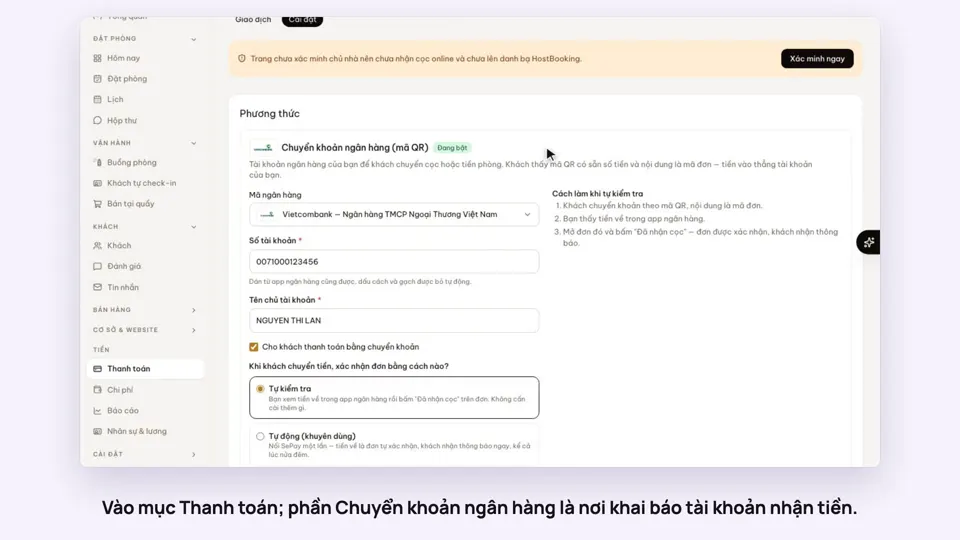 0:31Add your bank account to take payments by QRНачало работыДеньги
 0:39Cancel a booking and refund the depositБронированияДеньги
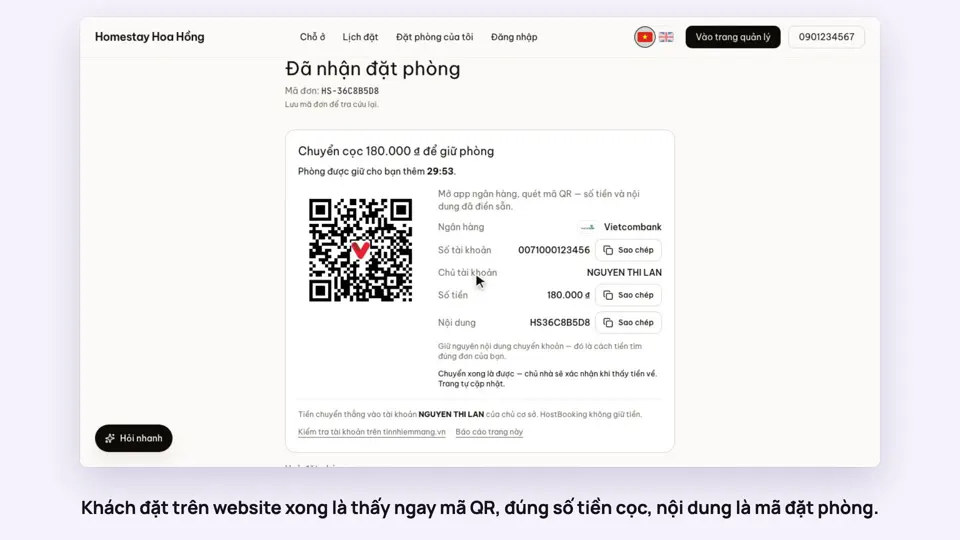 0:36Take a deposit with an exact-amount QRДеньги
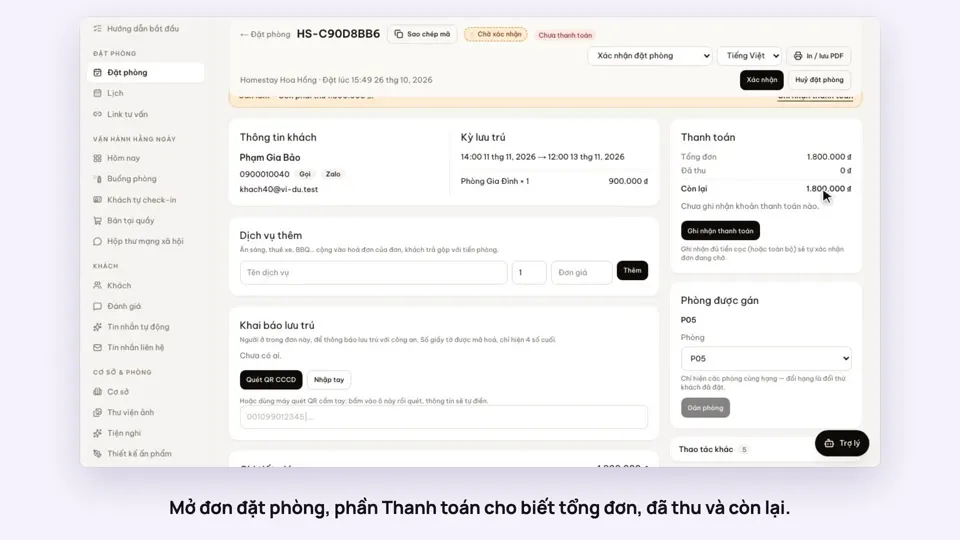 0:30Record cash, transfers and what is still owedДеньги
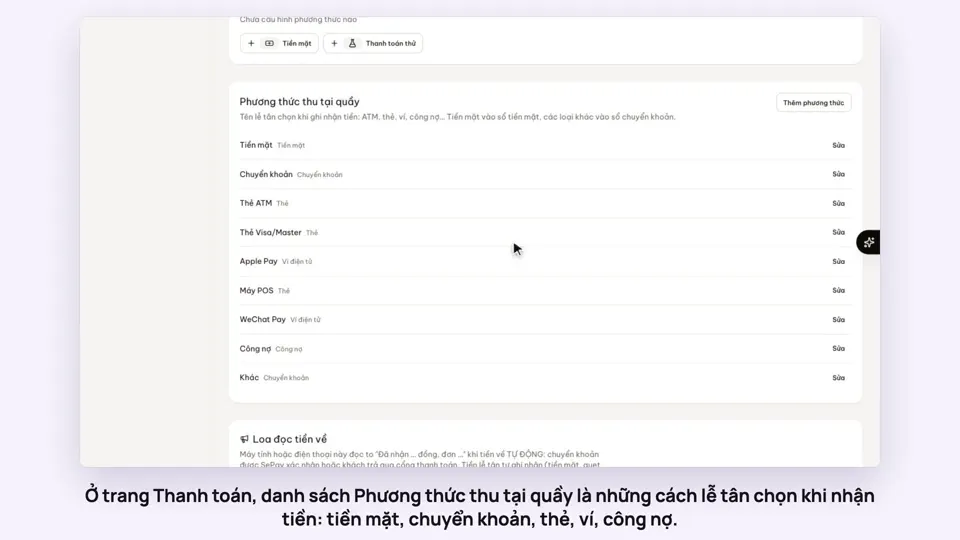 0:47Your payment methods, and guests paying in foreign currencyДеньги
 0:58Print a receipt, booking confirmation or registration formДеньги