


← Все видеоинструкции
Your plan, upgrading and receipts
The current plan, what is used, changing plans with a transfer QR, and printing receipts for past payments.
Озвучено на вьетнамском, с вьетнамскими субтитрами.
В этом видео
- Go to Brand, then Plan and billing: at the top is the plan you are on and when it expires.
- Current usage shows your number of properties, rooms, photos and staff compared with the plan’s limits.
- To change plan, choose monthly or yearly billing, then click Upgrade on the plan you need.
- The screen shows a QR code with the amount and transfer note already filled in; once the money arrives, the plan switches automatically.
- Your payments are listed under Invoices; click Print receipt to print it or save it as a PDF.
Ещё по этой теме
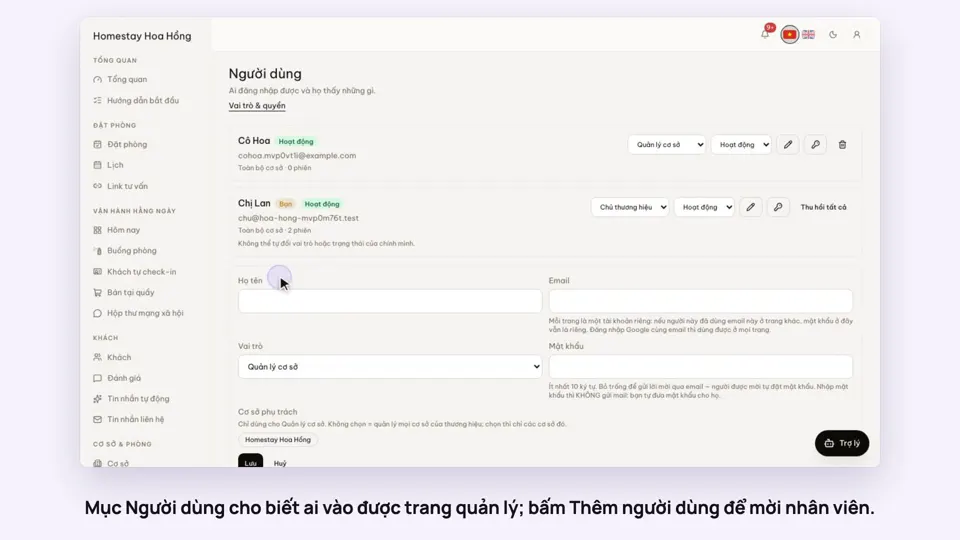 0:33Invite staff and choose what they can doНачало работыНастройки
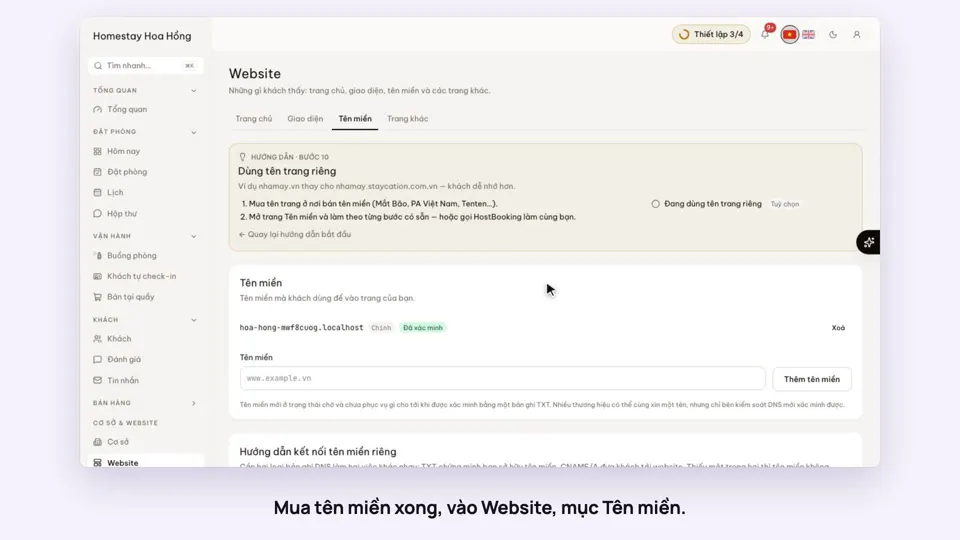 0:34Use your own domain nameПродажиНастройки
 0:38Put the admin on your phone’s home screenНастройки
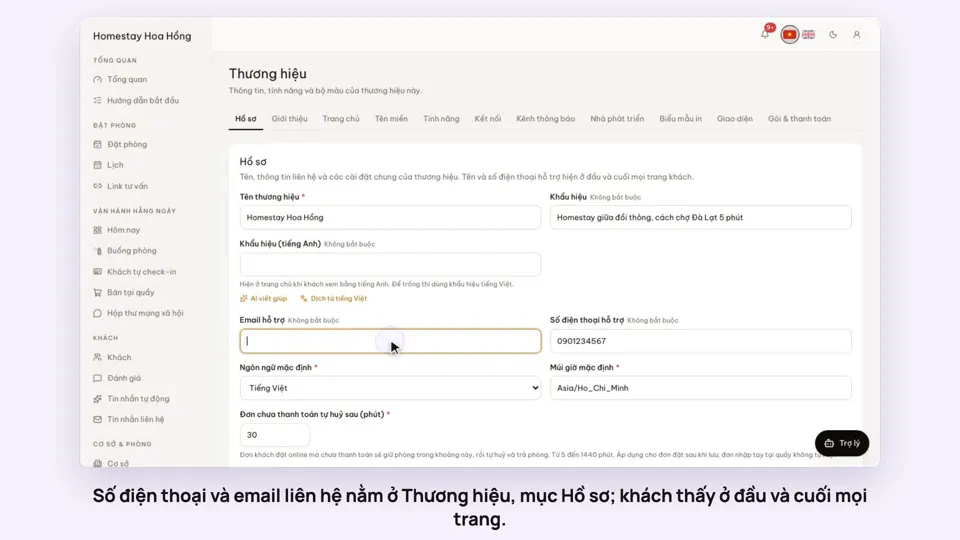 0:35Edit contact details and check-in timesНастройки
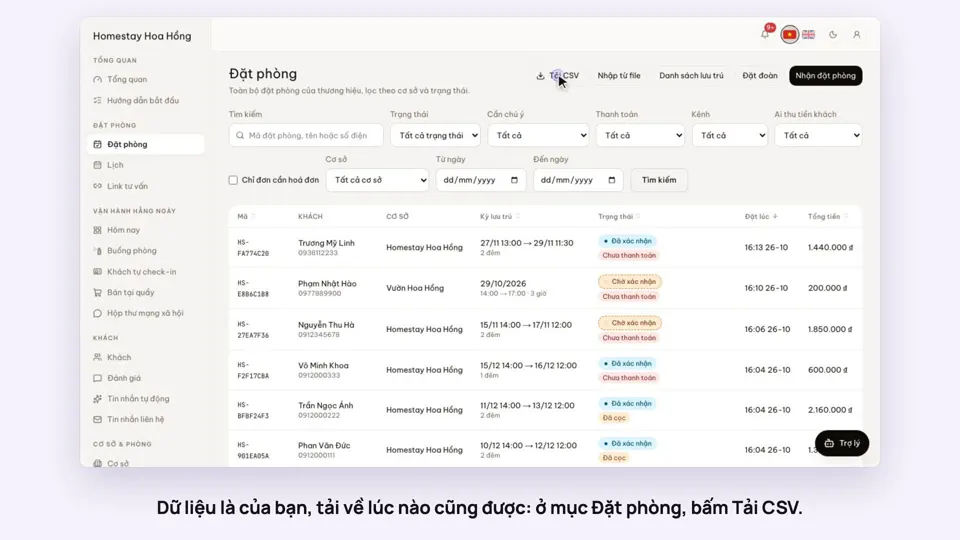 0:27Export bookings, guests and reports to ExcelНастройки
 0:27The activity log: who changed whatНастройки