


← Все видеоинструкции
Invite staff and choose what they can do
Invite staff by email, choose their role and the places they look after, then switch each permission of a property manager on or off.
Озвучено на вьетнамском, с вьетнамскими субтитрами.
В этом видео
- The Users section shows who can get into the admin; click Add user to invite a staff member.
- Enter the full name and email of the person you want to invite.
- Choose the role Property manager, and choose the property they look after.
- Leave the password empty and click Save: the system sends an invitation email, with a link you can also send on Zalo if needed.
- To change what managers can do, open Roles and permissions and turn each permission on or off.
- Click Save, and every property manager uses the new permissions straight away.
Ещё по этой теме
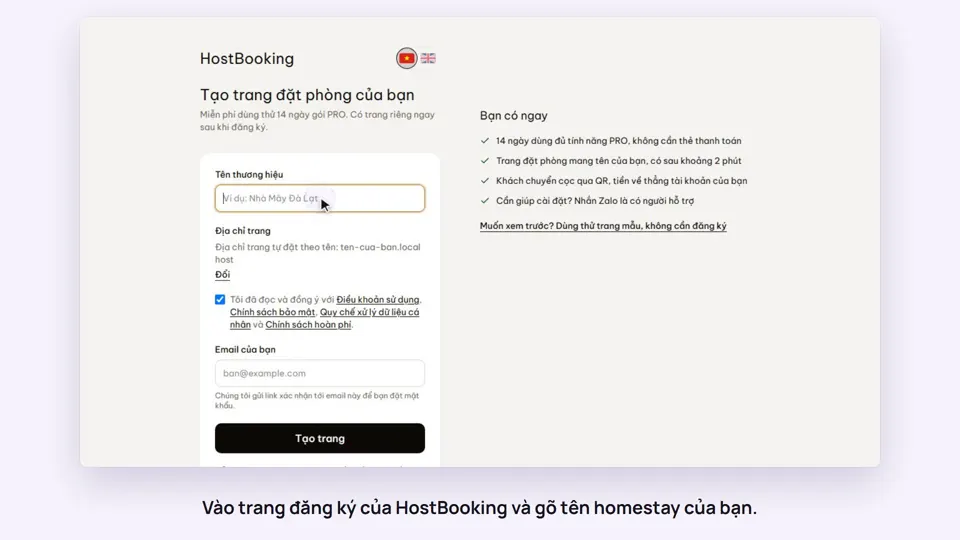 0:35Sign up and make your booking site in two minutesНачало работы
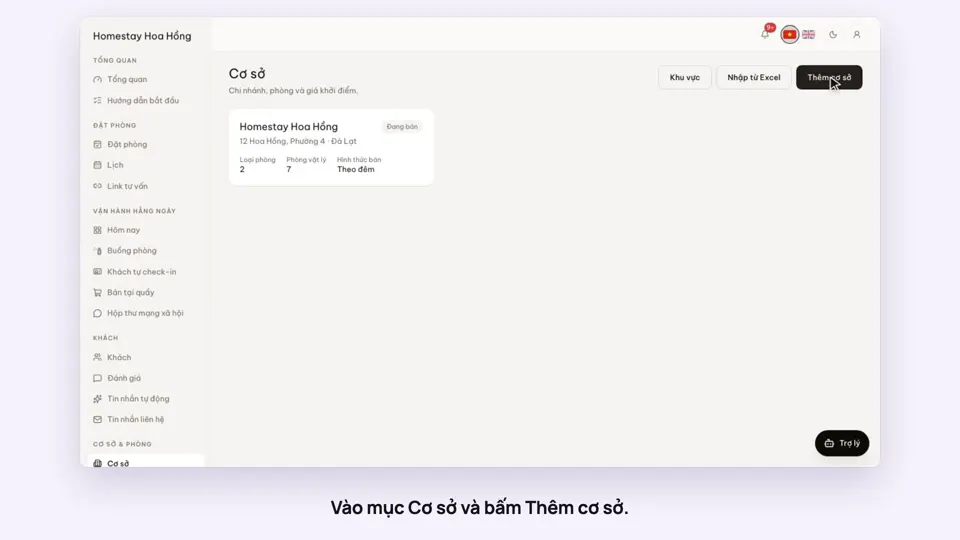 0:39Add a place, its room types and roomsНачало работы
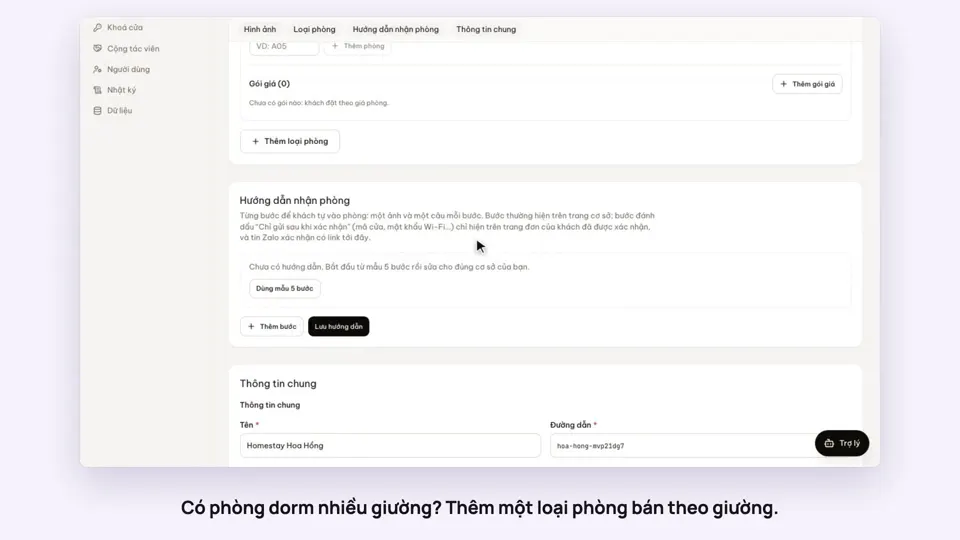 0:41Sell a dorm by the bedНачало работы
 0:37Set weekend and holiday pricesНачало работыБронирования
 0:34Upload photos and describe your roomsНачало работыПродажи
 0:42Pick amenities for each room typeНачало работыПродажи