


← Все видеоинструкции
Use your own domain name
Add your domain, create the DNS record as shown, and wait for it to be confirmed.
Озвучено на вьетнамском, с вьетнамскими субтитрами.
О возможности «Booking website» →В этом видео
- Once you have bought a domain name, go to Website, then Domain.
- Type your domain name and click Add domain.
- The new domain row has a verification code; go to where you bought the domain and add a TXT record as instructed.
- Add one more record to point the domain to your website.
- Then click Check now; the records can take from a few minutes up to two days to take effect.
- Once verified, click Make primary so that every link you send guests uses your own domain.
Ещё по этой теме
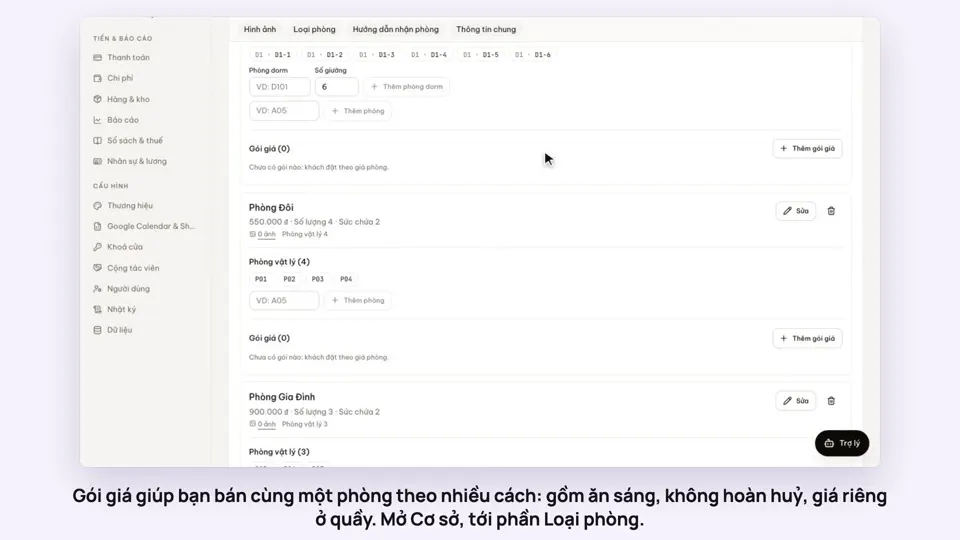 0:50Make rate plans: breakfast included, non-refundableПродажи
 0:34Upload photos and describe your roomsНачало работыПродажи
 0:42Pick amenities for each room typeНачало работыПродажи
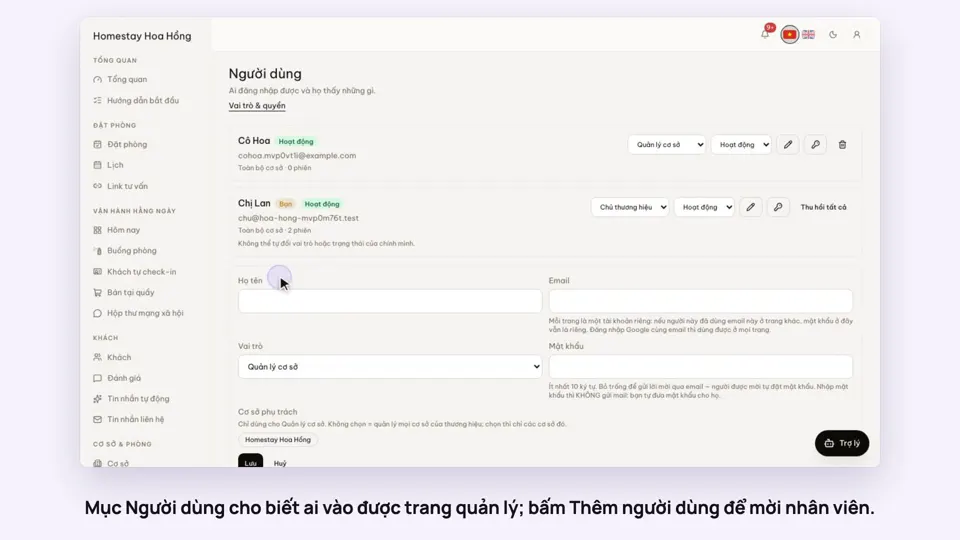 0:33Invite staff and choose what they can doНачало работыНастройки
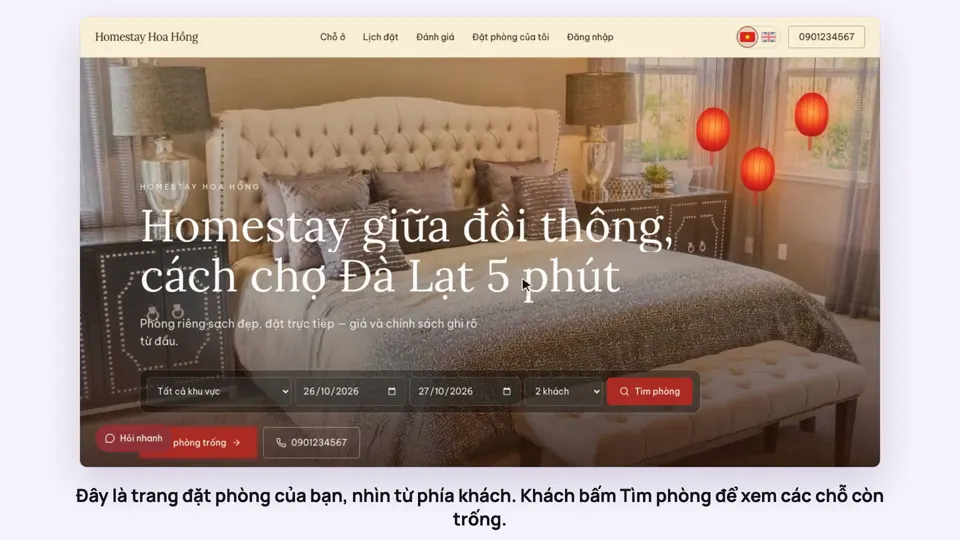 0:39A guest books on your websiteБронированияПродажи
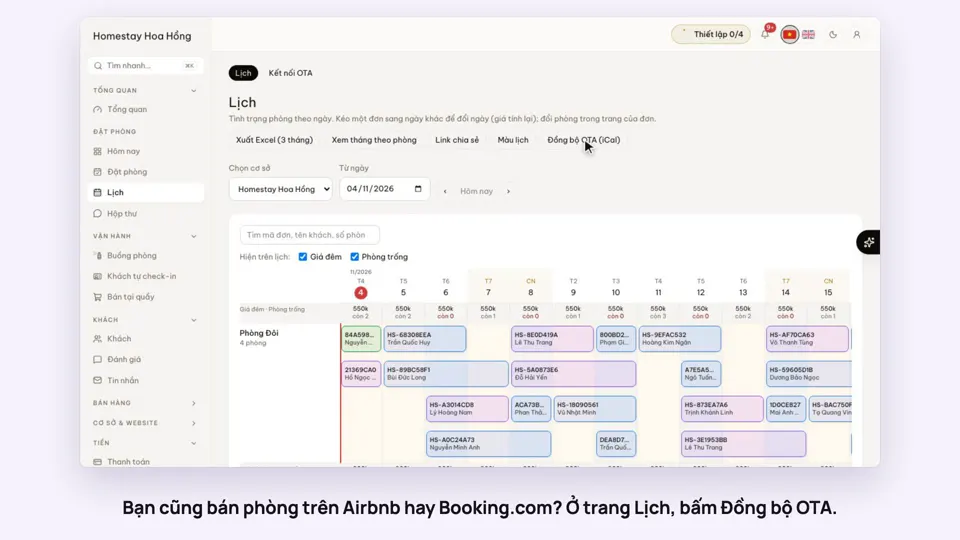 0:48Sync calendars with Airbnb, Booking.com and AgodaБронированияПродажи