


← Все видеоинструкции
Record guests by scanning their ID card’s QR
Scan the QR on a citizen ID to fill in name, birth date and number, then export the stay list for registration.
Озвучено на вьетнамском, с вьетнамскими субтитрами.
О возможности «Stay declaration» →В этом видео
- When a guest arrives to check in, open the booking and scroll down to Residence registration.
- You can click Scan ID card (CCCD) QR to use the camera, or use a handheld scanner: click this field and scan the QR code on the ID card.
- Full name, ID number, date of birth and gender fill in automatically. Check them and click Save.
- The guest is now on the stay list; the ID number is encrypted and only the last four digits are shown.
- When it is time to declare, go to the Stay list, choose a date range and download an Excel file with everyone who stayed on those days.
Ещё по этой теме
 0:36Share a view-only calendar, recolour it, see a room’s monthСегодня и уборка
 0:34Block a room for repairs or a friendБронированияСегодня и уборка
 0:35Check guests in and outБронированияСегодня и уборка
 0:38Sync iCal calendars room by roomСегодня и уборка
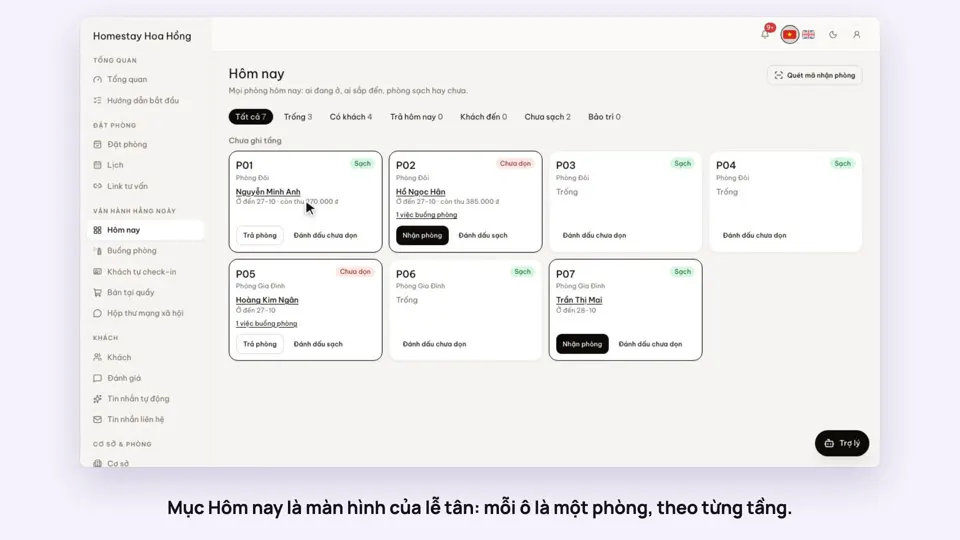 0:30Today’s board: arrivals, departures, rooms to cleanСегодня и уборка
 0:29Group rooms by areaСегодня и уборка