


← Все видеоинструкции
Record the OTA, its booking code and commission
Set the channel of a booking, its code there, the commission and who collects the money, and attach the channel’s confirmation.
Озвучено на вьетнамском, с вьетнамскими субтитрами.
О возможности «Revenue reports» →В этом видео
- The booking comes from Booking.com, Agoda or Airbnb? Open the booking, click More actions and go to Channel and commission.
- Click Edit, choose the channel and enter that channel’s booking code.
- Enter the commission as a percentage or an amount; choose who collects the guest’s payment: the property, or the channel, which then pays you back.
- Save. The commission is deducted in the reports and in profit and loss; the debt is recorded correctly as the channel owing you.
- Keep the channel’s confirmation too: attach a file or photo right on the booking, up to ten files.
- The bookings list can be filtered by channel and by who collects the payment, with a channel column for each booking.
Ещё по этой теме
 0:37Set weekend and holiday pricesНачало работыБронирования
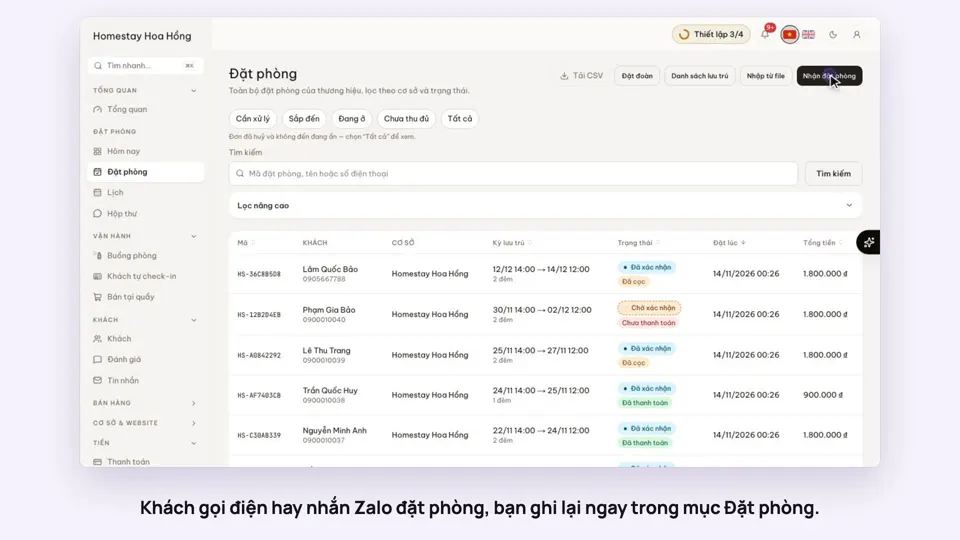 0:43Take a booking from a phone call or a Zalo messageБронирования
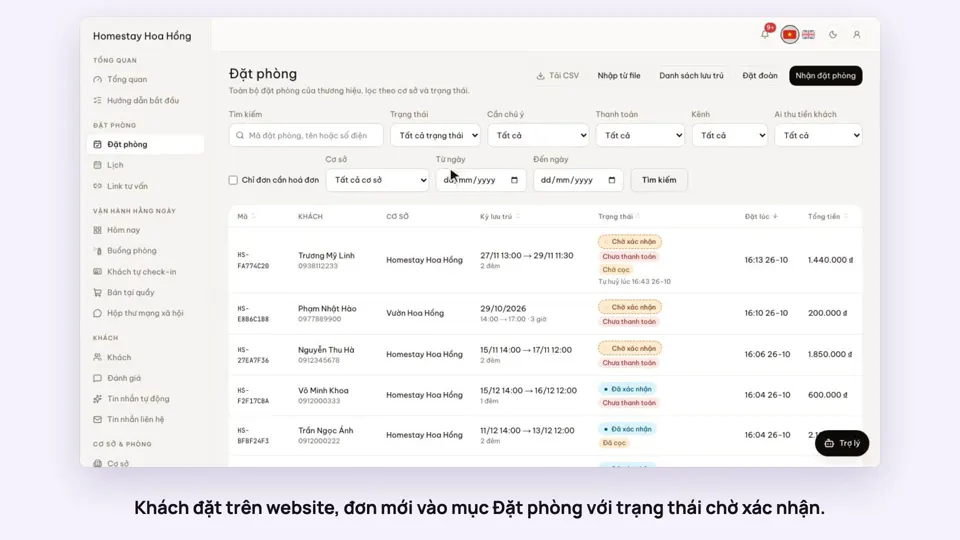 0:30Confirm a booking made onlineБронирования
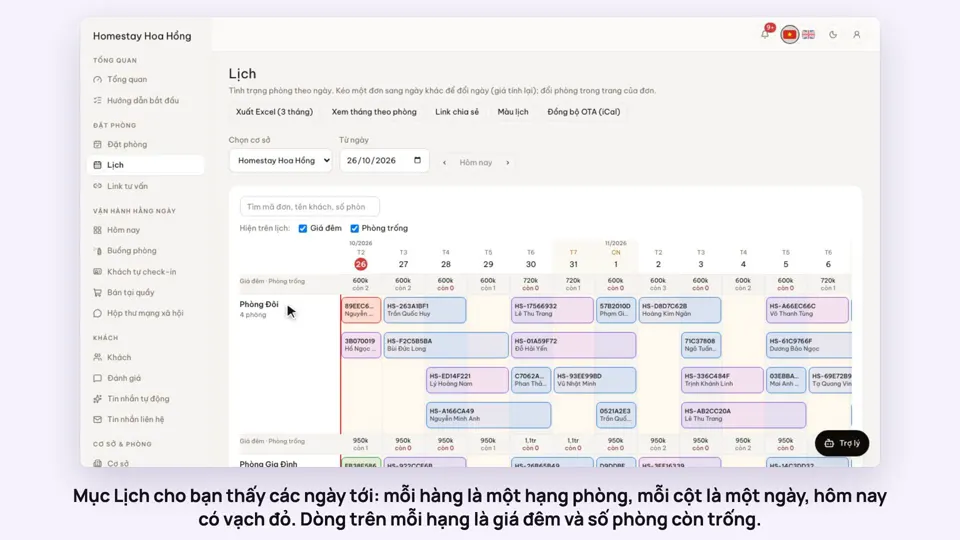 0:54Read the room calendar by day, week and rangeБронирования
 0:36Change a guest's room or datesБронирования
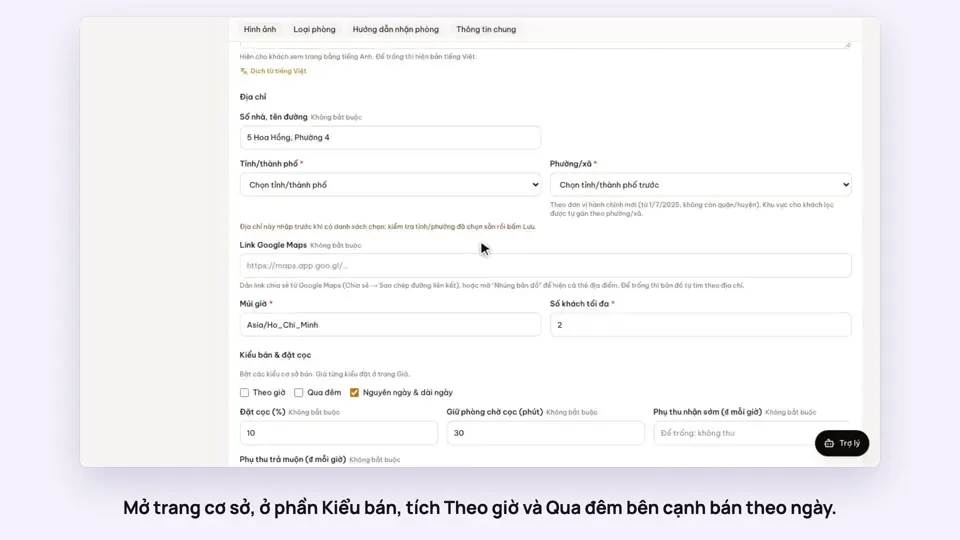 0:43Rent by the hour and overnightБронирования