


← Все видеоинструкции
Read the room calendar by day, week and range
Which rooms are taken, which are free, who arrives next; switch between one day and a range of days.
Озвучено на вьетнамском, с вьетнамскими субтитрами.
О возможности «Booking calendar» →В этом видео
- The Calendar section shows you the coming days: each row is a room type, each column is a day, and today has a red line. The line above each room type is the nightly price and the number of rooms still free.
- Each bar is a booking, showing the booking code and the guest’s name; the colour shows the status: awaiting confirmation, confirmed, deposit paid, staying. Click a bar to open the booking.
- The colour key at the bottom of the calendar explains each colour, including blocked nights and maintenance.
- To find a guest quickly: type the booking code, guest name, room number or the last four digits of the phone into the search box, and the calendar highlights that booking.
- To see next week, click the arrow; or pick a specific day in the From date box.
- Need to see just today, room by room, who is staying and who is arriving? Open the Today section.
- Each tile is a room: the guest’s name, the check-out date, and whether the room is clean yet.
Ещё по этой теме
 0:37Set weekend and holiday pricesНачало работыБронирования
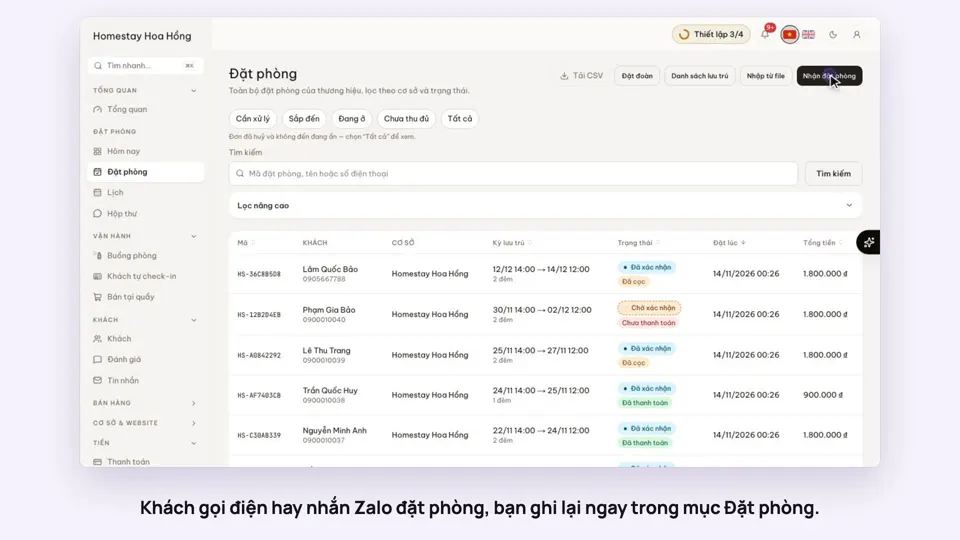 0:43Take a booking from a phone call or a Zalo messageБронирования
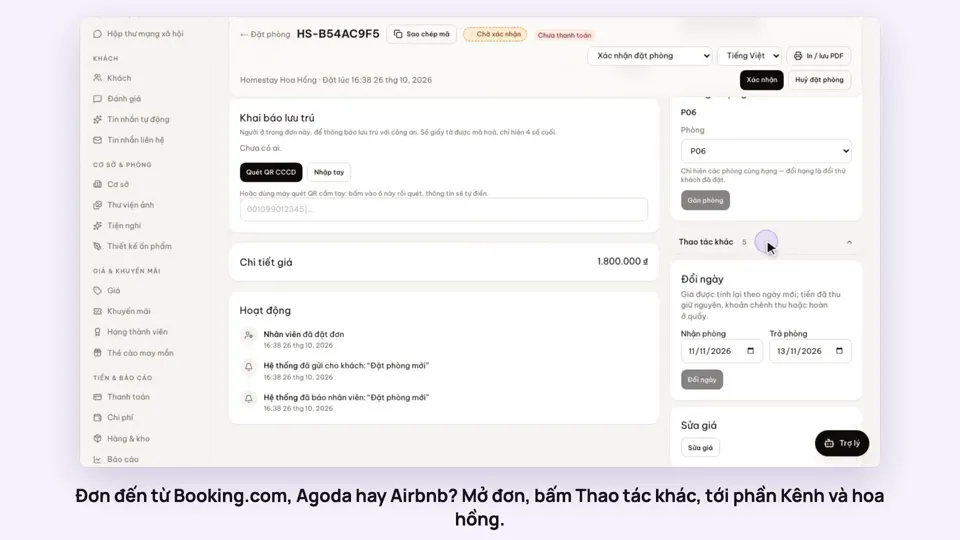 0:42Record the OTA, its booking code and commissionБронирования
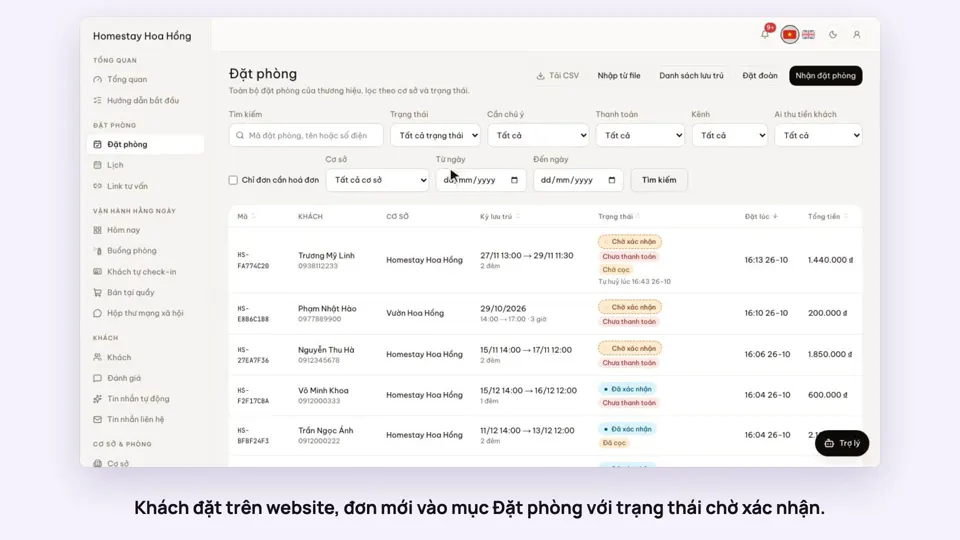 0:30Confirm a booking made onlineБронирования
 0:36Change a guest's room or datesБронирования
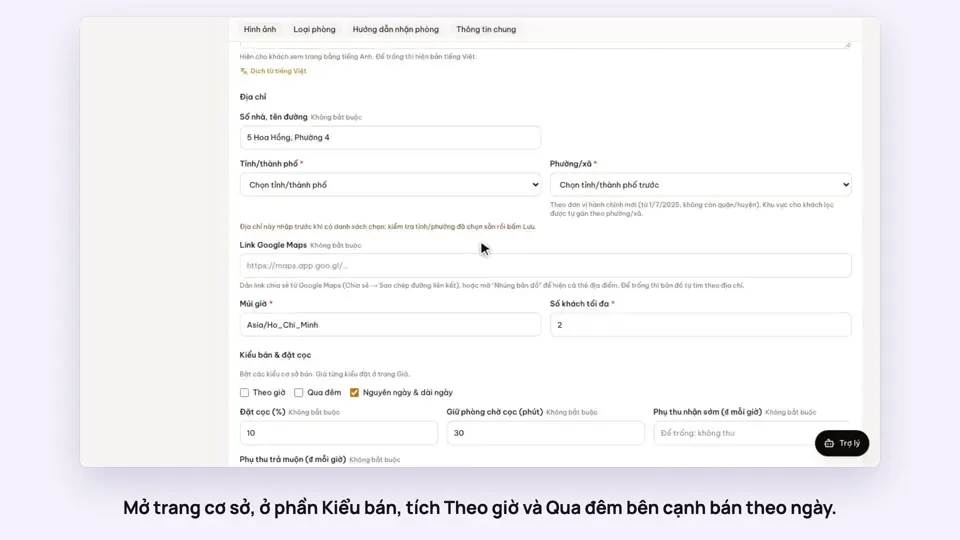 0:43Rent by the hour and overnightБронирования