


← Все видеоинструкции
Check housekeeping work: pass it or send it back
Choose which work is checked; finished work waits for a check, and the checker passes it or sends it back with a reason.
Озвучено на вьетнамском, с вьетнамскими субтитрами.
О возможности «Housekeeping» →В этом видео
- Want finished work to be checked by someone else? In Housekeeping, open the Settings tab, choose the task types that need checking, then save.
- Back on the Tasks tab, create a task of that type and assign it to the person doing it.
- The worker clicks Done: the task moves to Awaiting check, and does not count as done yet. They can tick the checklist and take photos as proof.
- The checker opens the Awaiting check tab. If something is missing, click Redo and give the reason: the task goes back to the worker, with the note.
- The worker sees the note, does the extra work and clicks Done again.
- If it passes this time, click Pass. For room cleaning, the room only turns clean once it is approved.
Ещё по этой теме
 0:36Share a view-only calendar, recolour it, see a room’s monthСегодня и уборка
 0:34Block a room for repairs or a friendБронированияСегодня и уборка
 0:35Check guests in and outБронированияСегодня и уборка
 0:38Sync iCal calendars room by roomСегодня и уборка
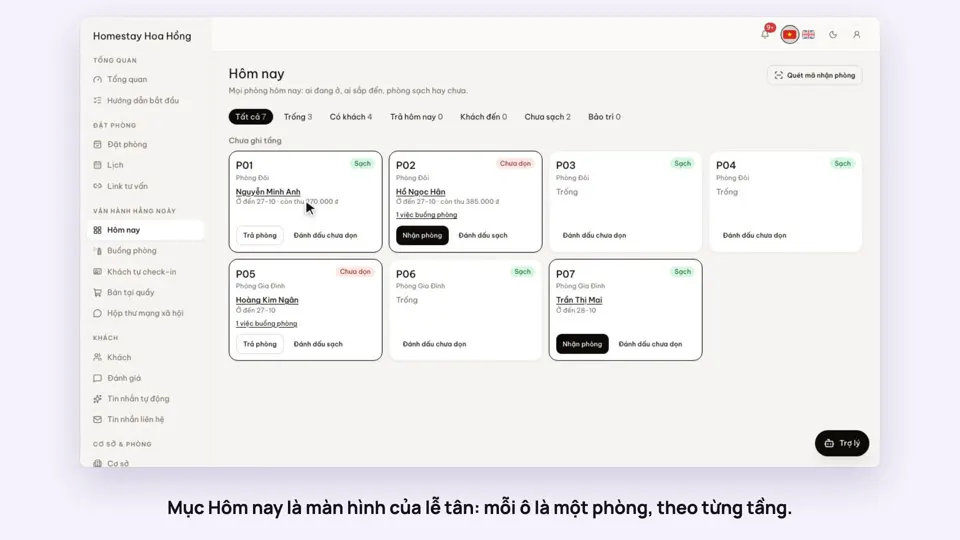 0:30Today’s board: arrivals, departures, rooms to cleanСегодня и уборка
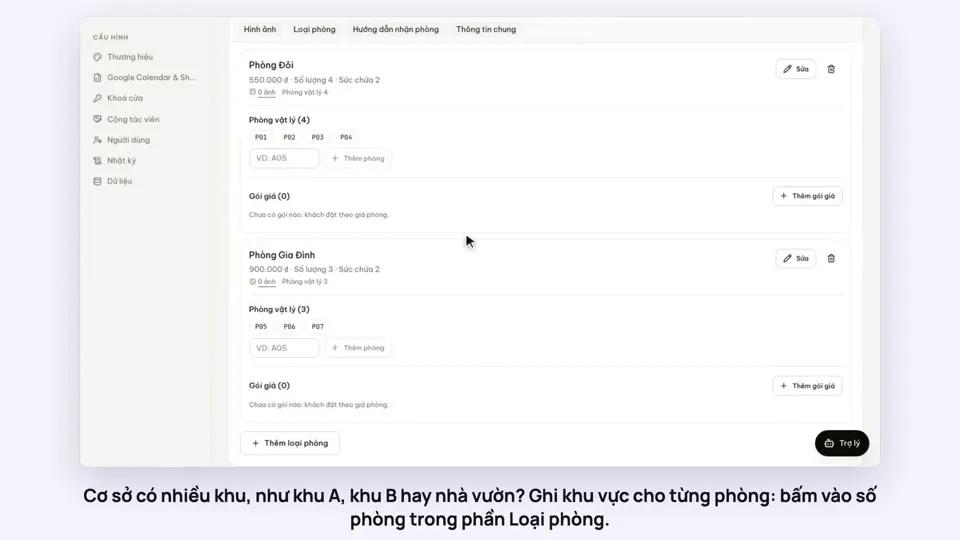 0:29Group rooms by areaСегодня и уборка