


← Все видеоинструкции
Get booking alerts on Zalo
Connect your Zalo so each new booking, deposit and cancellation reaches your phone.
Озвучено на вьетнамском, с вьетнамскими субтитрами.
О возможности «Zalo notifications» →В этом видео
- Want booking alerts on your phone? Go to Brand, the Notifications section, and find the Zalo box.
- Click Connect Zalo; the page shows a QR code with three steps of instructions.
- Open Zalo on your phone, scan this code and tap Log in; the page tells you automatically that it is connected.
- Once connected, every new booking, deposit or cancellation is sent to your Zalo.
- Click Send me a test to make sure the message reaches your phone.
- Have staff on duty? Tick their names so they also get booking alerts through this Zalo.
Ещё по этой теме
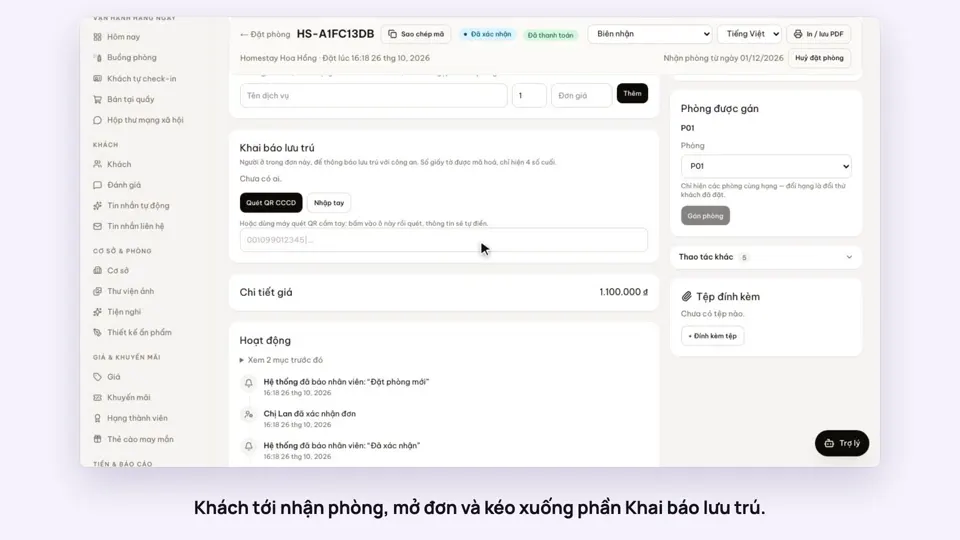 0:40Record guests by scanning their ID card’s QRСегодня и уборкаГости и уведомления
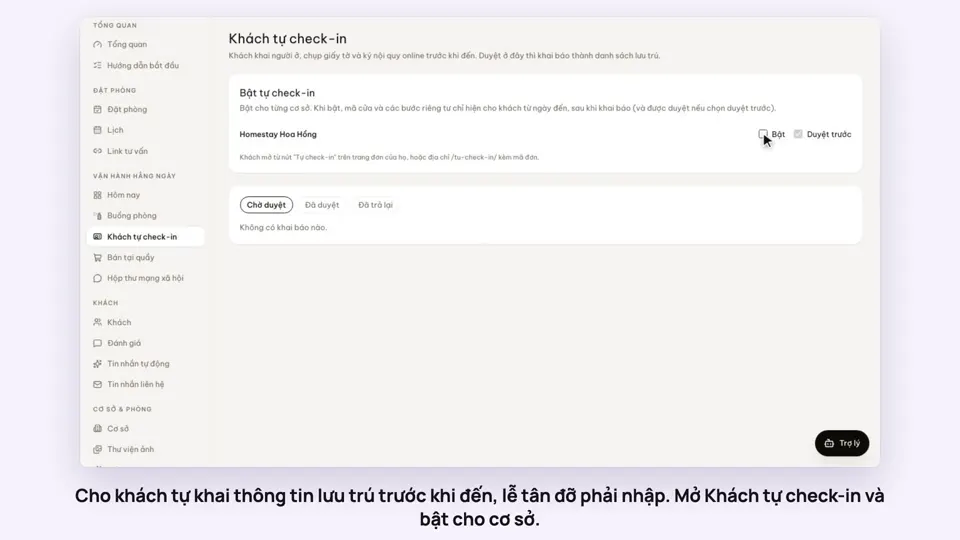 0:44Guests check in online before they arriveГости и уведомления
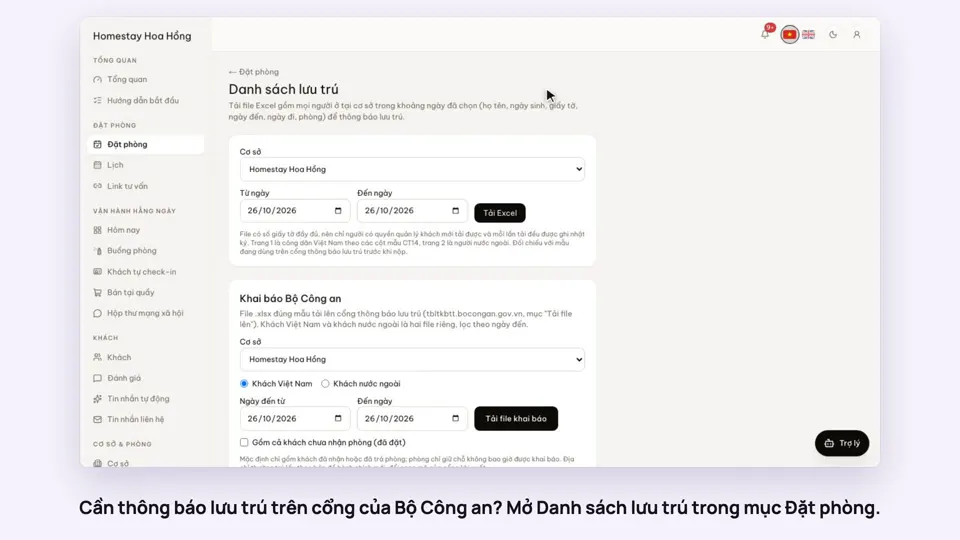 0:33Export the residence file in the police portal’s formatГости и уведомления
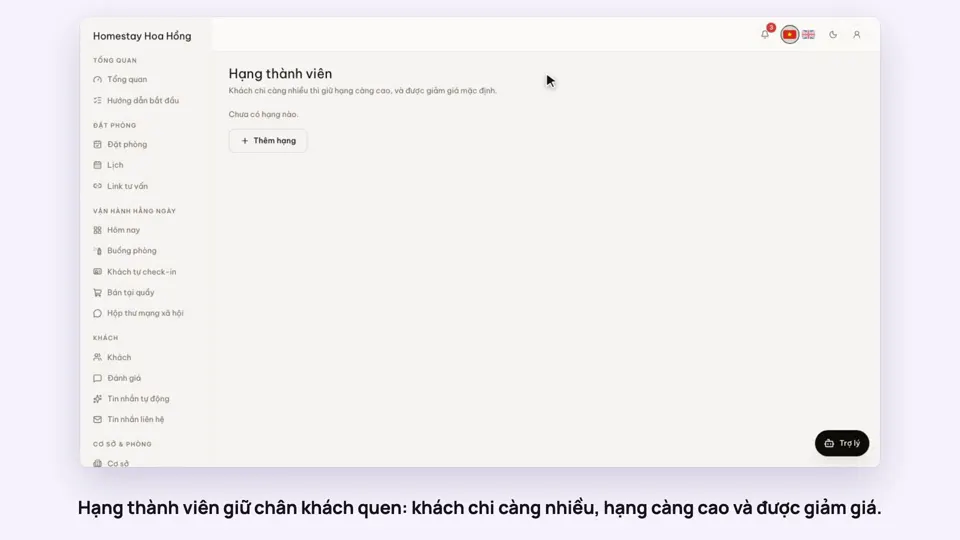 0:31Loyalty tiers for returning guestsПродажиГости и уведомления
 0:31Guest profiles: past stays and notesГости и уведомления
 0:47Automatic messages to guests by email and ZaloГости и уведомления