


← Все видеоинструкции
Loyalty tiers for returning guests
Tiers by how much a guest has spent, each with its own discount; guests move up by themselves.
Озвучено на вьетнамском, с вьетнамскими субтитрами.
О возможности «Discounts and loyalty» →В этом видео
- Loyalty tiers keep returning guests: the more a guest spends, the higher the tier and the bigger the discount.
- Click Add tier, then set the tier name, the spend needed to reach it and the discount percentage.
- Choose whether this tier stacks with promo codes or only the better deal applies, then click Save.
- Add a Gold tier for guests who spend more, with a deeper discount.
- Guests who reach the spend level move up automatically and get the discount on every booking; you can see how many guests are in each tier.
Ещё по этой теме
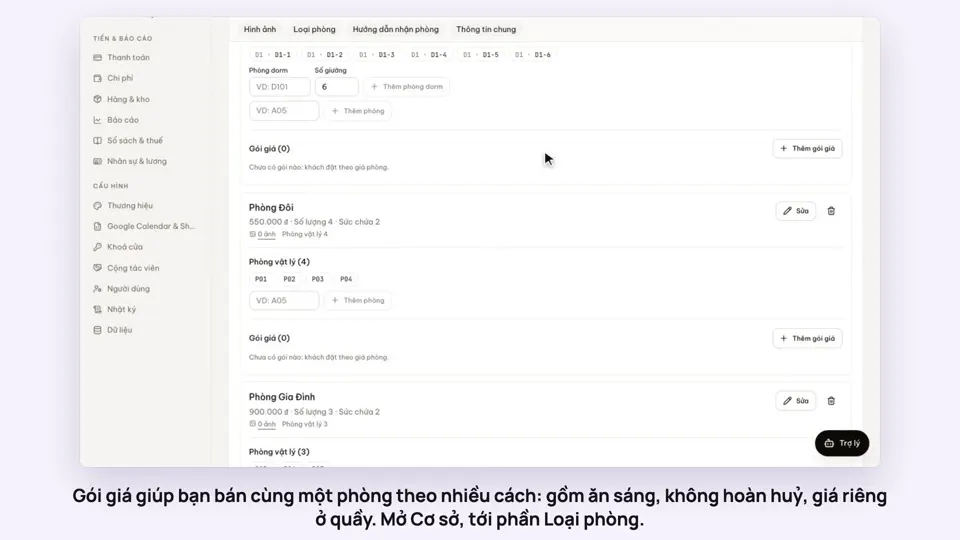 0:50Make rate plans: breakfast included, non-refundableПродажи
 0:34Upload photos and describe your roomsНачало работыПродажи
 0:42Pick amenities for each room typeНачало работыПродажи
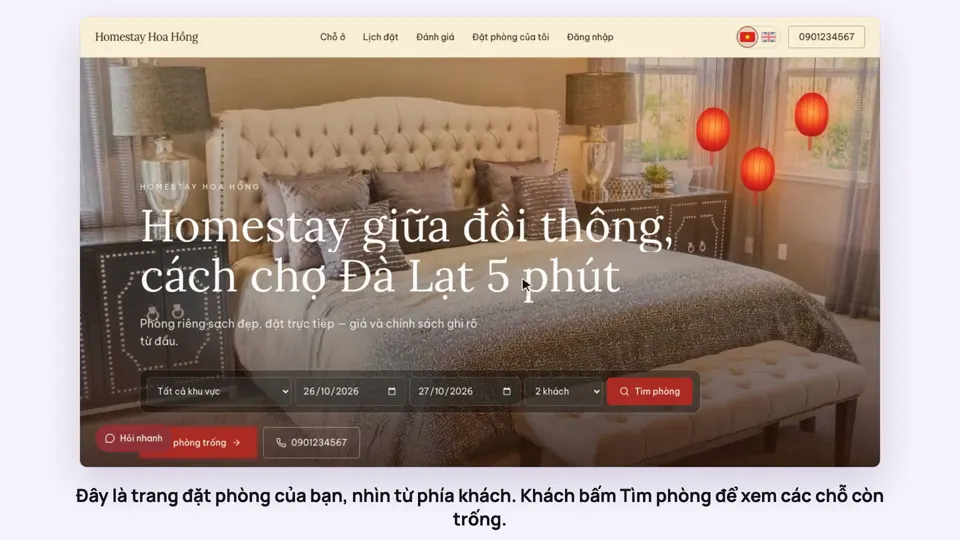 0:39A guest books on your websiteБронированияПродажи
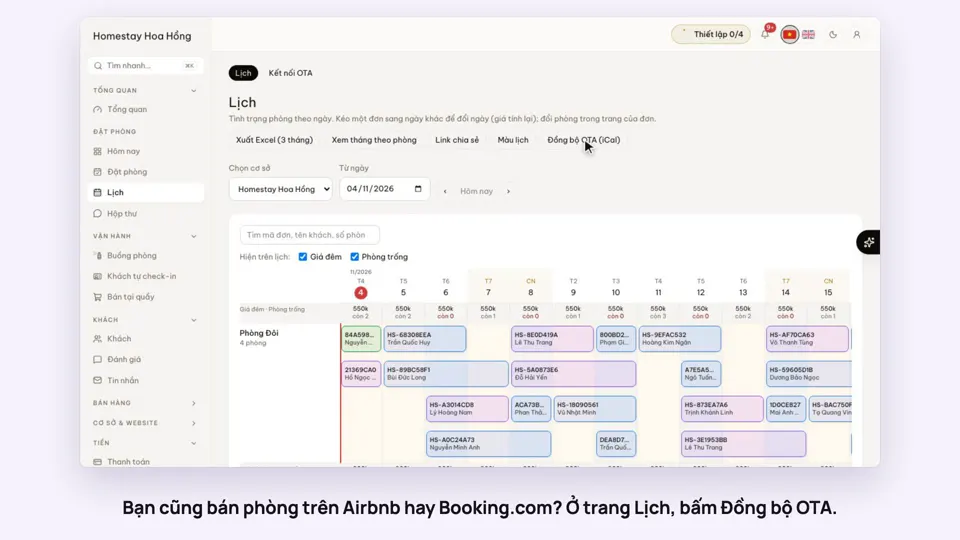 0:48Sync calendars with Airbnb, Booking.com and AgodaБронированияПродажи
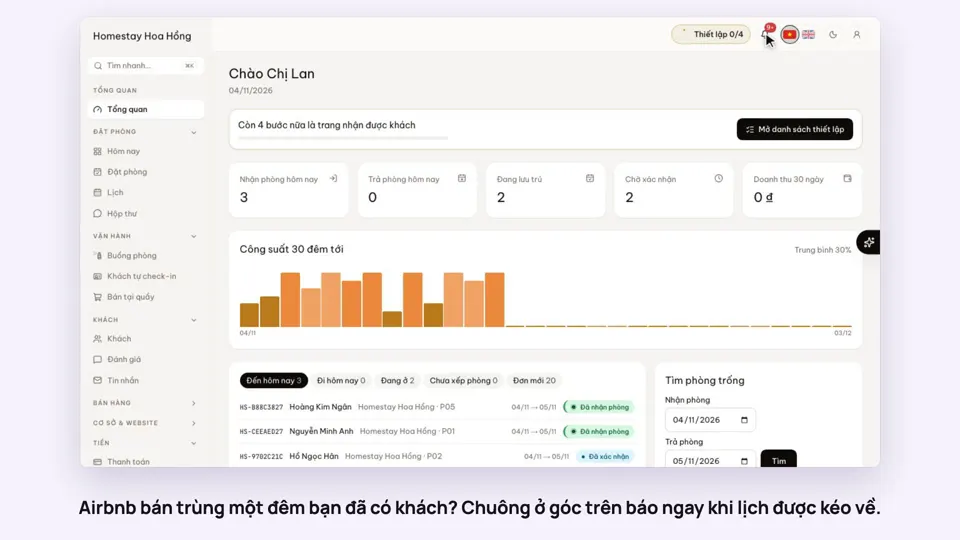 0:59Handle a double booking from Airbnb or BookingБронированияПродажи