


← Все видеоинструкции
Sell a dorm by the bed
Make a room type sold by the bed and add a dorm room with all its beds at once; guests choose how many beds and a party shares a room.
Озвучено на вьетнамском, с вьетнамскими субтитрами.
О возможности «Today room board» →В этом видео
- Have a dorm room with several beds? Add a room type that is sold by the bed.
- Enter a name, the price of one bed per night, and a capacity of one person.
- In the How to sell field, choose By bed, then save.
- Now add the dorm rooms: enter the room number and the number of beds. The system creates all the beds, each with its own number, and adds them to the quantity for sale.
- Guests choose the number of beds and the price is shown per bed per night; a group booking several beds is placed together in one room, and you never sell more beds than you have.
- On the Today board, the beds are grouped under the dorm room; when guests check out, the whole room is just one cleaning task.
Ещё по этой теме
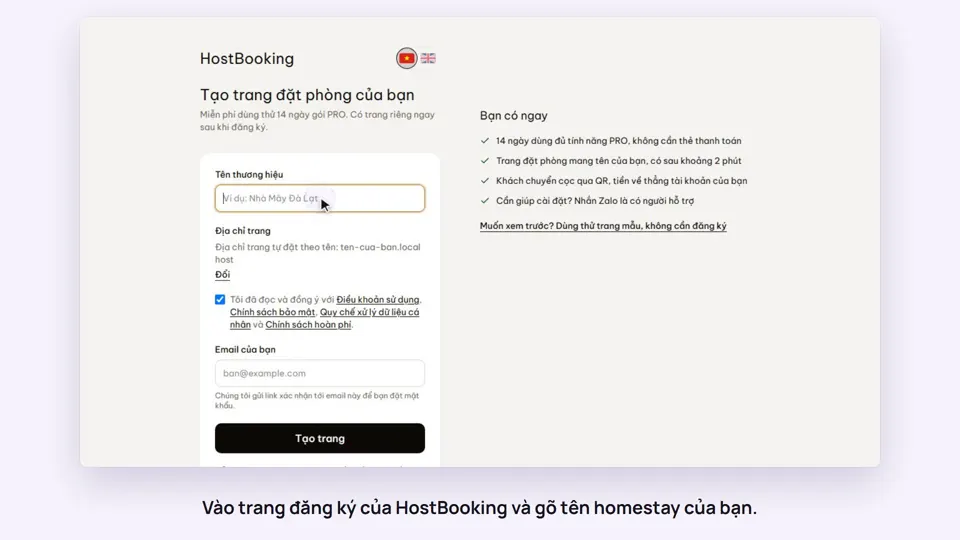 0:35Sign up and make your booking site in two minutesНачало работы
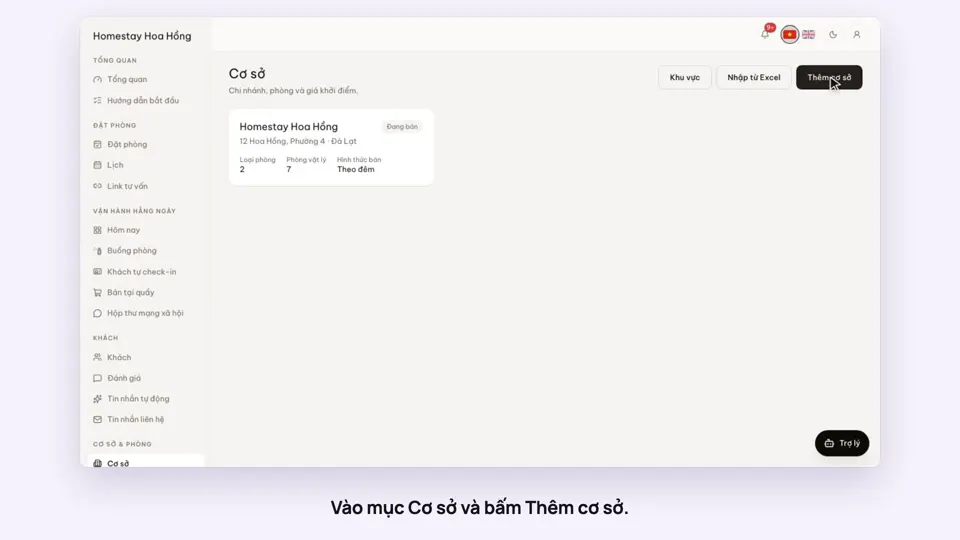 0:39Add a place, its room types and roomsНачало работы
 0:37Set weekend and holiday pricesНачало работыБронирования
 0:34Upload photos and describe your roomsНачало работыПродажи
 0:42Pick amenities for each room typeНачало работыПродажи
 0:31Add your bank account to take payments by QRНачало работыДеньги