


← Все видеоинструкции
Sign up and make your booking site in two minutes
Pick the site name, enter your brand and email, set a password from the confirmation link, and land straight on adding your first homestay, with a step-by-step guide bar.
Озвучено на вьетнамском, с вьетнамскими субтитрами.
В этом видео
- Go to the HostBooking sign-up page and type the name of your homestay.
- The site address is created from the name; to change it, click Change, and the system tells you straight away whether it is available.
- Enter your email and click Create site.
- Open the confirmation email in your inbox and click the link in it to set a password.
- Set a password, enter it again and click Create site.
- Done: you go straight to adding your first homestay; the guide bar at the bottom takes you through each step to start taking guests.
Ещё по этой теме
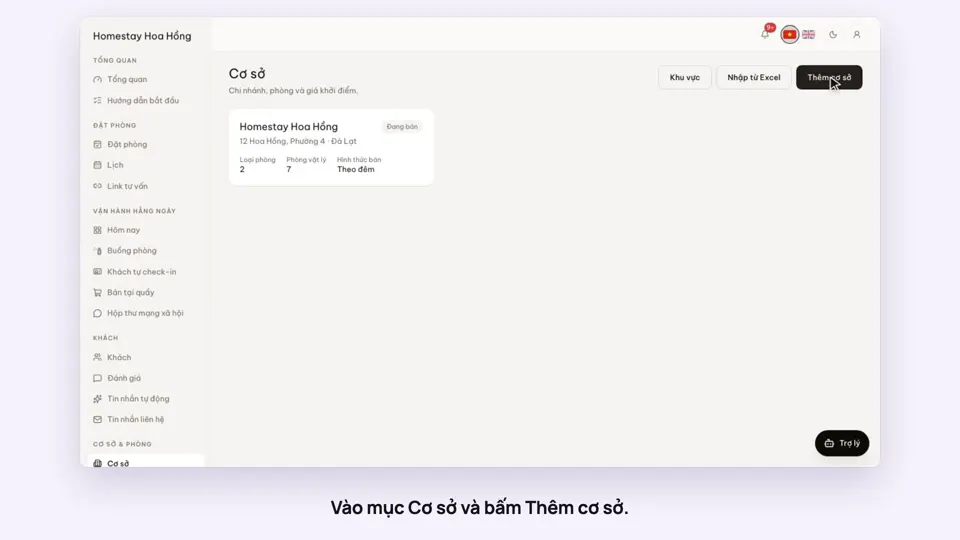 0:39Add a place, its room types and roomsНачало работы
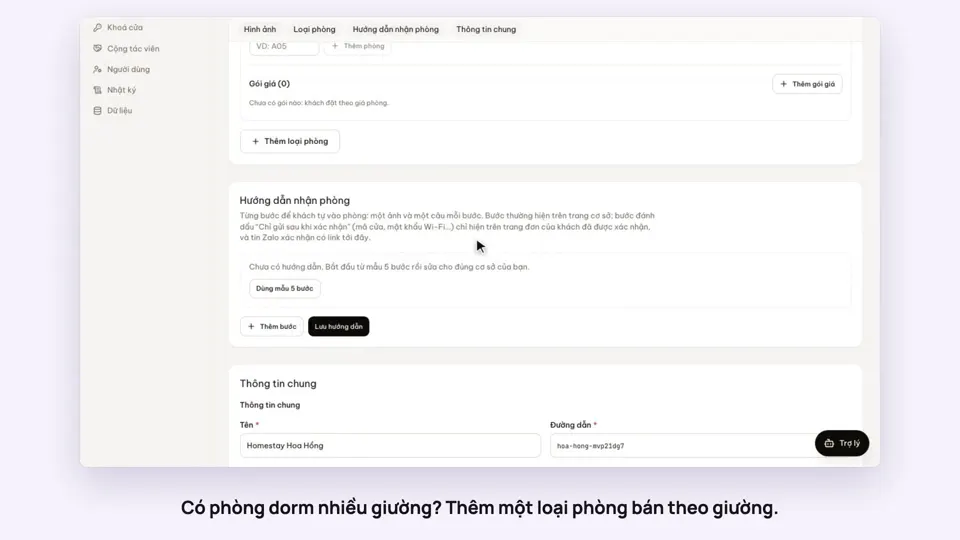 0:41Sell a dorm by the bedНачало работы
 0:37Set weekend and holiday pricesНачало работыБронирования
 0:34Upload photos and describe your roomsНачало работыПродажи
 0:42Pick amenities for each room typeНачало работыПродажи
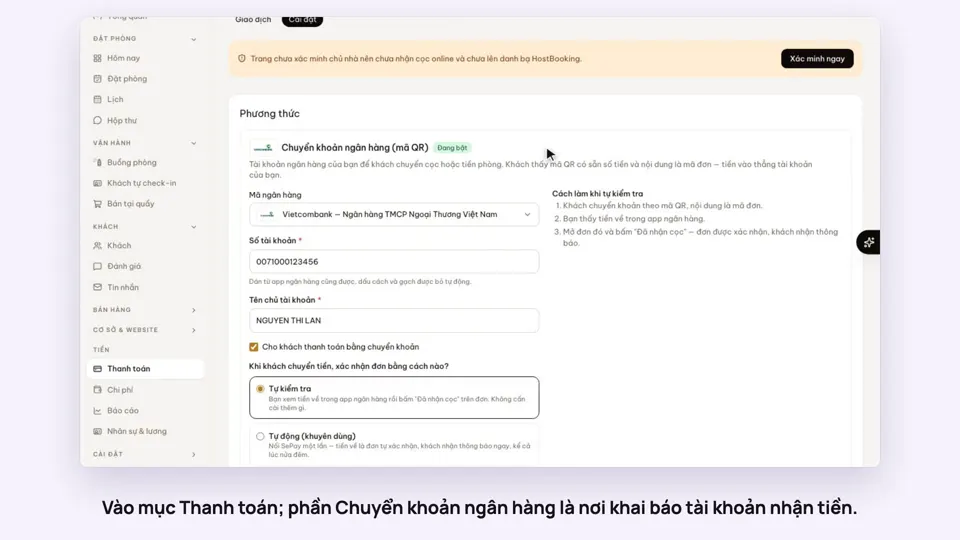 0:31Add your bank account to take payments by QRНачало работыДеньги