


← Все видеоинструкции
Upload photos and describe your rooms
Upload to the media library, choose a room type’s cover, add amenities and a description guests read on the site.
Озвучено на вьетнамском, с вьетнамскими субтитрами.
В этом видео
- Go to the Photo library, click Choose files and pick a few real photos of your rooms.
- Open your property, click the photo count on a room type, then click Choose from library.
- Select the photos and click Add; the first photo is the cover photo, and you can drag to change the order.
- Click Edit and write a room description for guests to read on your website.
- Tick the amenities the room has, then click Save.
- The photos, description and amenities are saved, and guests will see them on the room page once the property is published.
Ещё по этой теме
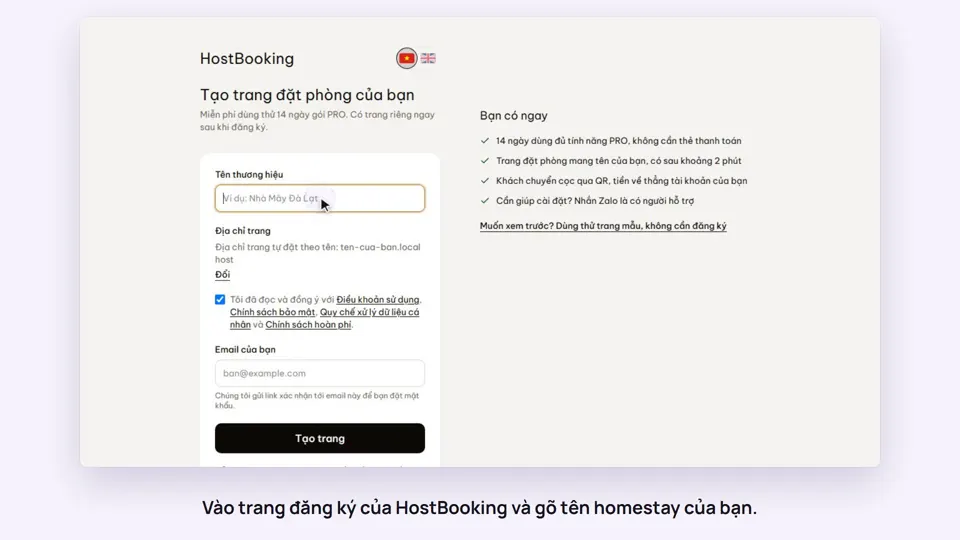 0:35Sign up and make your booking site in two minutesНачало работы
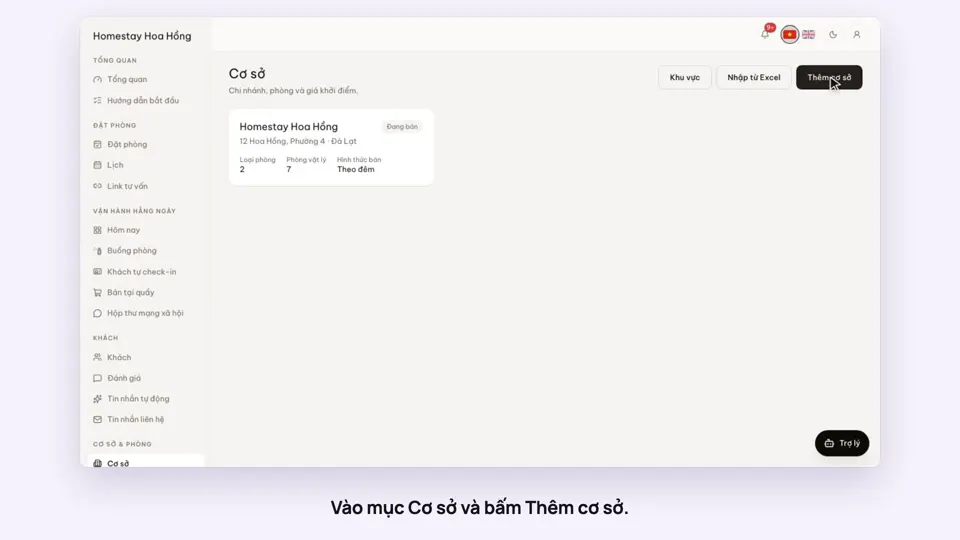 0:39Add a place, its room types and roomsНачало работы
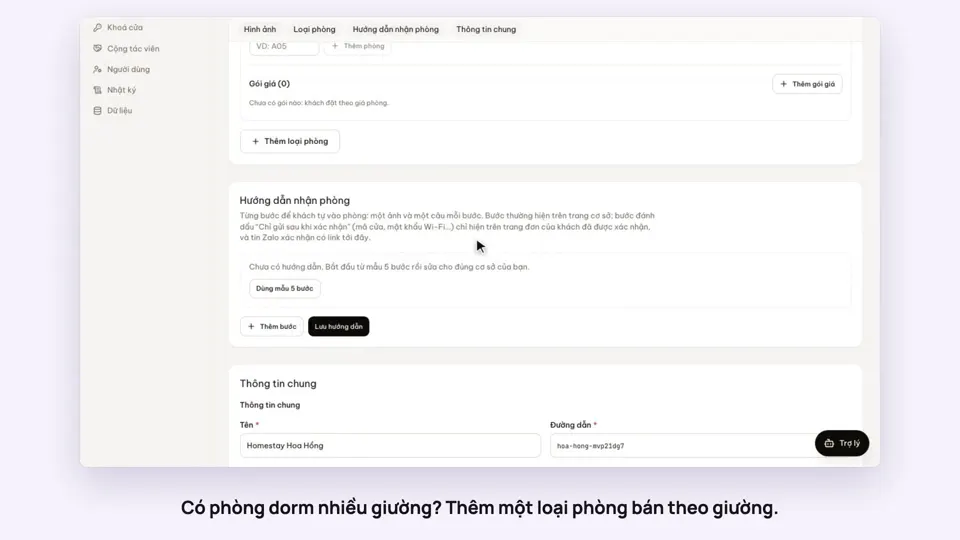 0:41Sell a dorm by the bedНачало работы
 0:37Set weekend and holiday pricesНачало работыБронирования
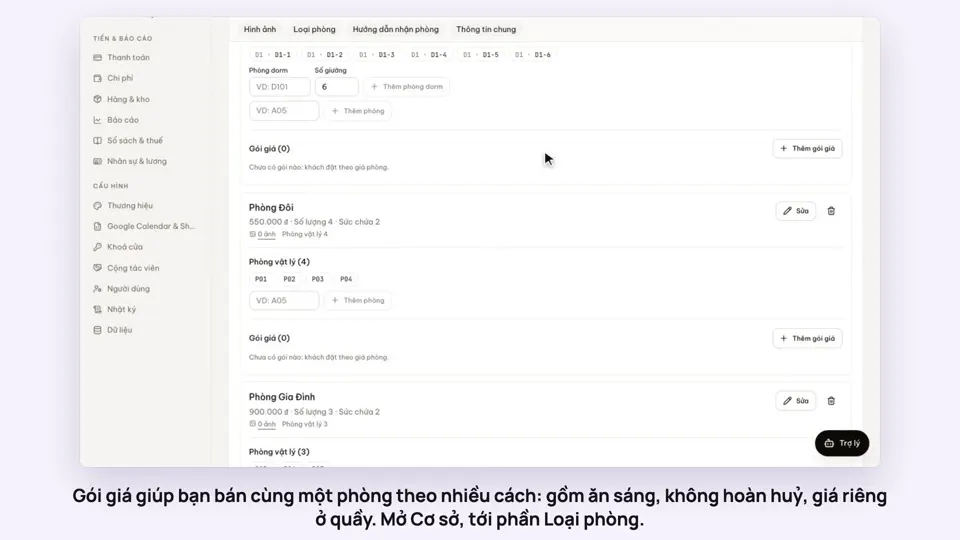 0:50Make rate plans: breakfast included, non-refundableПродажи
 0:42Pick amenities for each room typeНачало работыПродажи