


← Все видеоинструкции
Pick amenities for each room type
Tick wifi, air conditioning, kitchen, parking… for each room type so guests see them on the room page, and add your own photo for each amenity.
Озвучено на вьетнамском, с вьетнамскими субтитрами.
В этом видео
- Amenities are chosen per room type: open the property, and click Edit on the room type.
- Scroll down to Room amenities and tick wifi, air conditioning, parking.
- Add a kitchen, fridge, balcony, choosing only what this room really has.
- Click Save, and the amenities appear on the room page for guests to see.
- To let guests see a real photo of each amenity, go to Properties, the Amenities tab: the list is right at the top, click Pick photo on that amenity.
- Does the room have something that is not on the list? Click Add amenity, type its name and click Add: it is in the list straight away, ready for your room types.
Ещё по этой теме
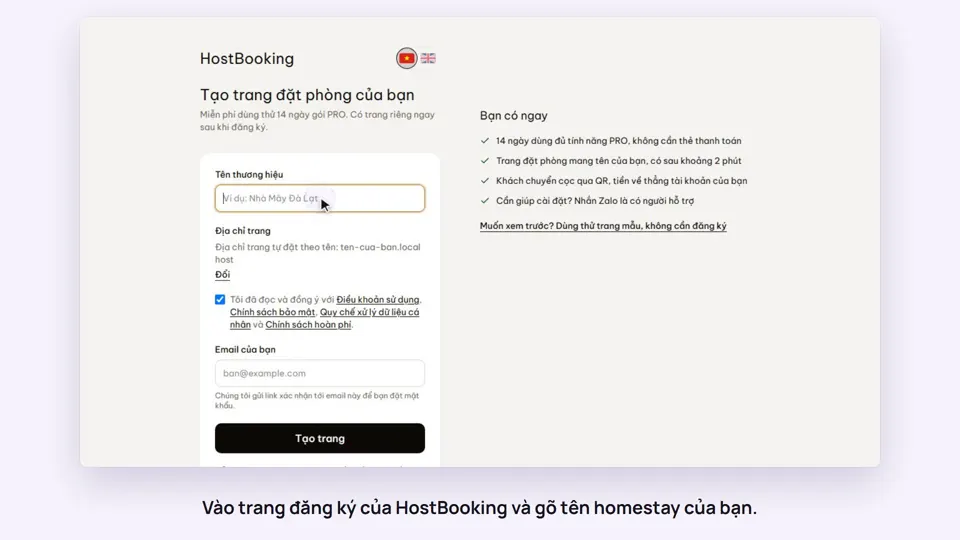 0:35Sign up and make your booking site in two minutesНачало работы
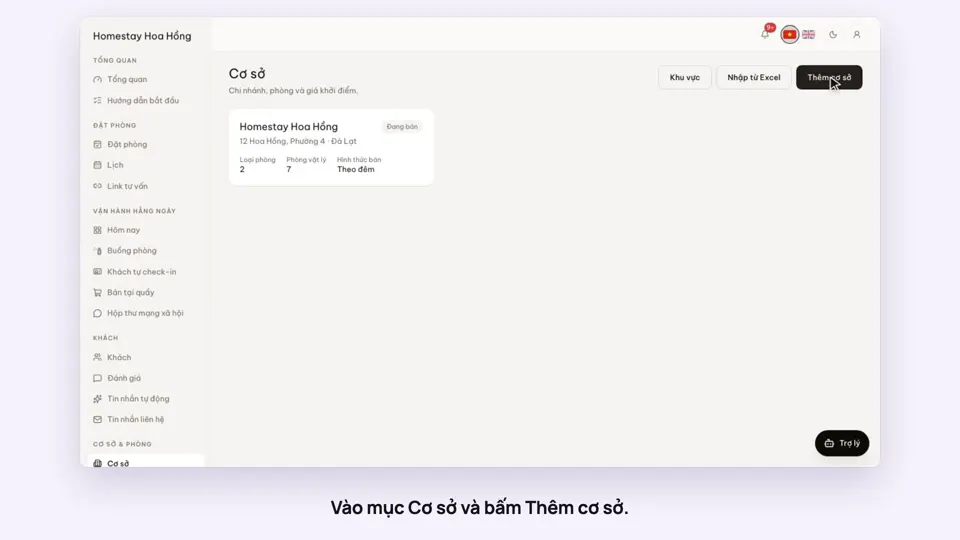 0:39Add a place, its room types and roomsНачало работы
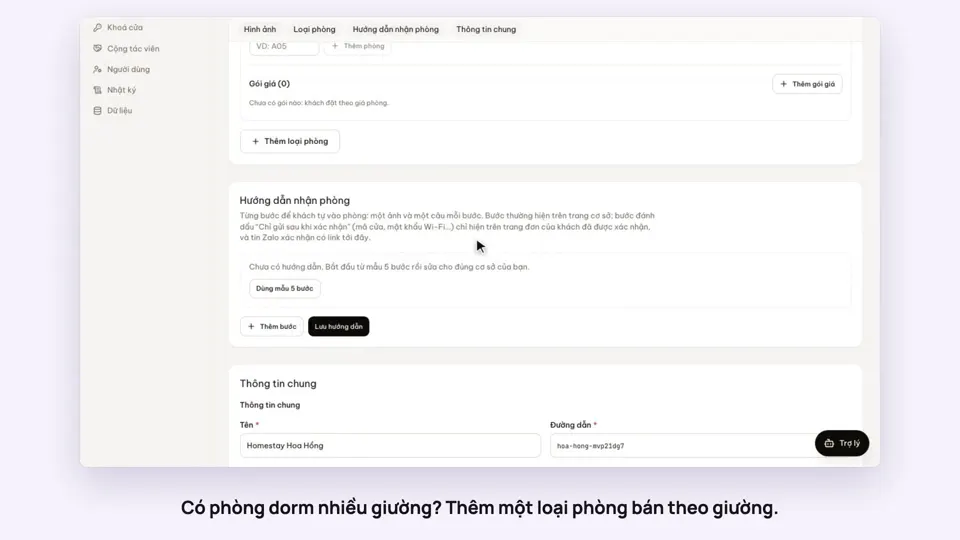 0:41Sell a dorm by the bedНачало работы
 0:37Set weekend and holiday pricesНачало работыБронирования
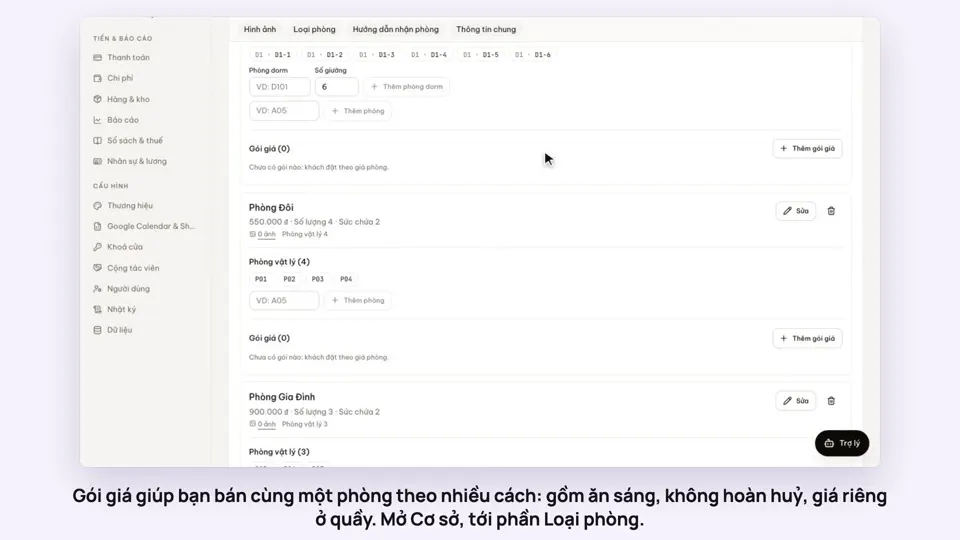 0:50Make rate plans: breakfast included, non-refundableПродажи
 0:34Upload photos and describe your roomsНачало работыПродажи