


← Все видеоинструкции
The bell: new bookings, payments, cancellations
Everything new shows in the bell at the top; click one to open that booking.
Озвучено на вьетнамском, с вьетнамскими субтитрами.
В этом видео
- The bell in the top corner shows everything new: new bookings, payments received, cancellations; the red number is how many you have not seen.
- Click the bell to see the list; unseen items have a coloured dot at the start of the line.
- Click Turn on sound so the bell rings and shows a notification when something new comes in, even when you are on another page.
- Click a line to open that exact booking and deal with it.
- Once you have seen everything, click Mark all as read to keep the bell tidy.
Ещё по этой теме
 0:36Share a view-only calendar, recolour it, see a room’s monthСегодня и уборка
 0:34Block a room for repairs or a friendБронированияСегодня и уборка
 0:35Check guests in and outБронированияСегодня и уборка
 0:38Sync iCal calendars room by roomСегодня и уборка
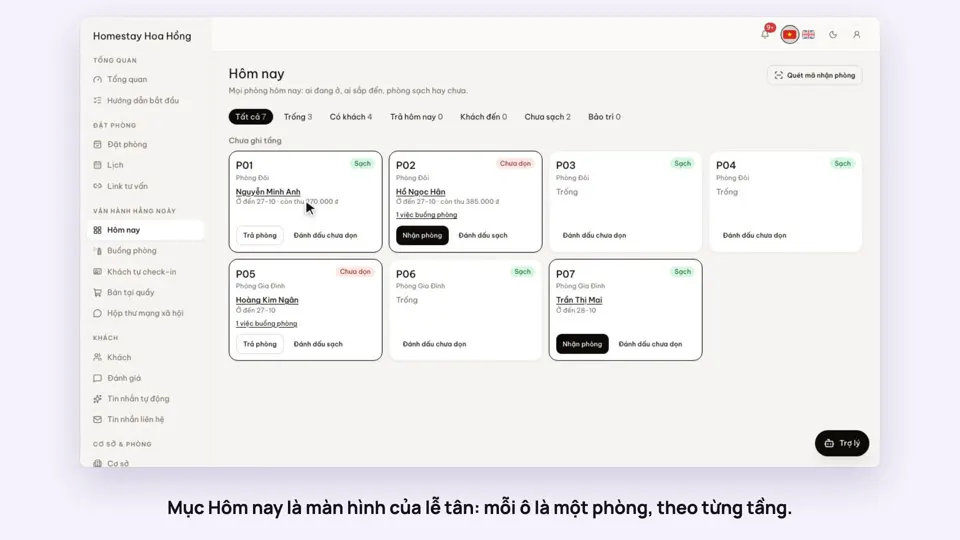 0:30Today’s board: arrivals, departures, rooms to cleanСегодня и уборка
 0:29Group rooms by areaСегодня и уборка