← 全部操作视频
The bell: new bookings, payments, cancellations
Everything new shows in the bell at the top; click one to open that booking.
越南语配音,配越南语字幕。
本视频内容
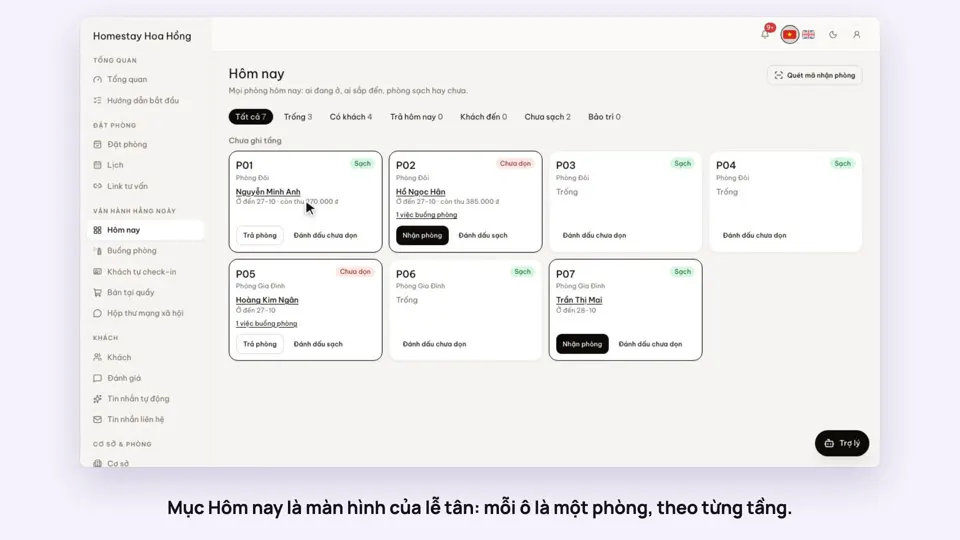
- The bell in the top corner shows everything new: new bookings, payments received, cancellations; the red number is how many you have not seen.
- Click the bell to see the list; unseen items have a coloured dot at the start of the line.
- Click Turn on sound so the bell rings and shows a notification when something new comes in, even when you are on another page.
- Click a line to open that exact booking and deal with it.
- Once you have seen everything, click Mark all as read to keep the bell tidy.