


← Все видеоинструкции
Get your website on Google
Your tagline and Google preview, the image shown when a link is shared, and your Google verification code.
Озвучено на вьетнамском, с вьетнамскими субтитрами.
О возможности «Booking website» →В этом видео
- Google shows your name and a short description, so write a clear tagline in Profile and click Save.
- The share image is the picture shown when you send the link via Zalo or Facebook; click Upload to choose your best photo.
- The Google preview section shows how your page appears when guests search.
- To let Google verify that the website is yours, open Connections.
- Paste the verification tag from Google Search Console into this field and click Save.
- Go back to Search Console, click Verify, then submit the sitemap.xml and you are done.
Ещё по этой теме
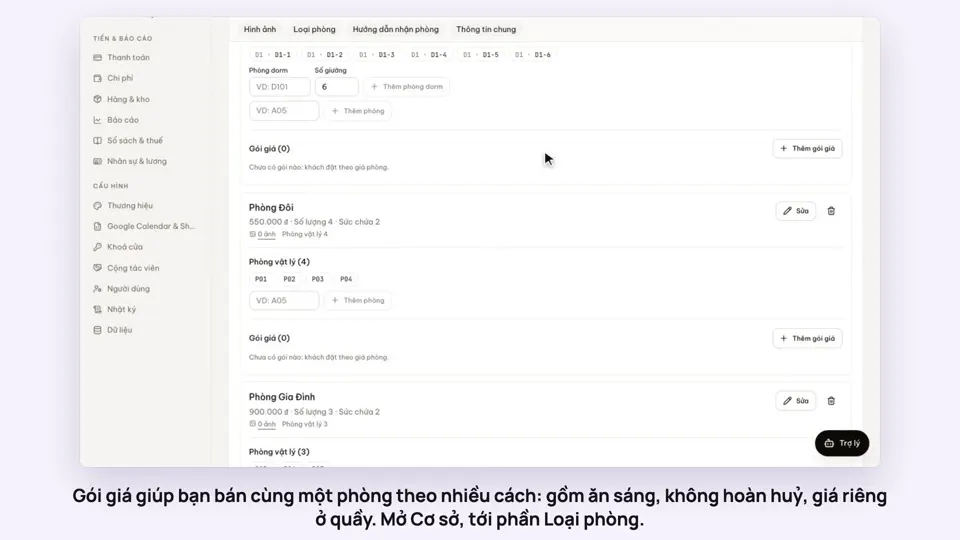 0:50Make rate plans: breakfast included, non-refundableПродажи
 0:34Upload photos and describe your roomsНачало работыПродажи
 0:42Pick amenities for each room typeНачало работыПродажи
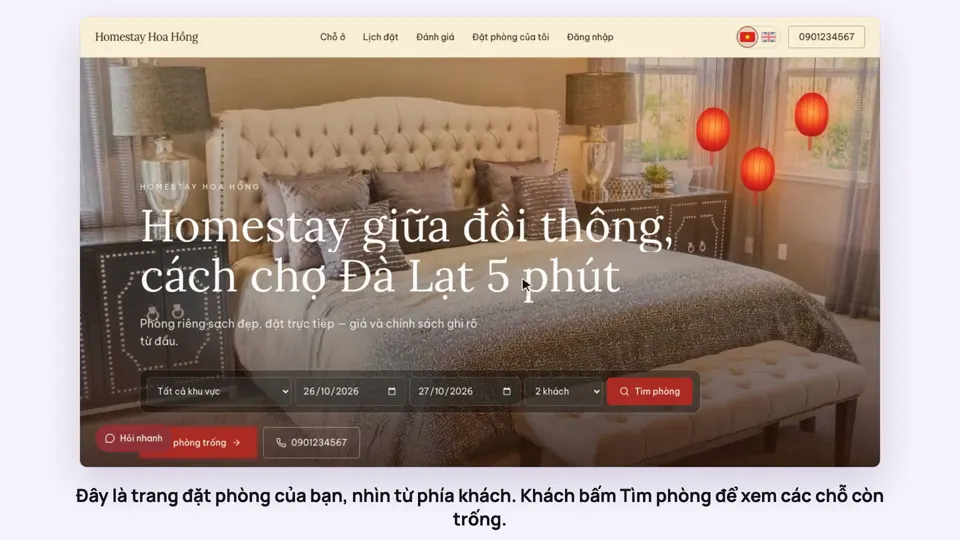 0:39A guest books on your websiteБронированияПродажи
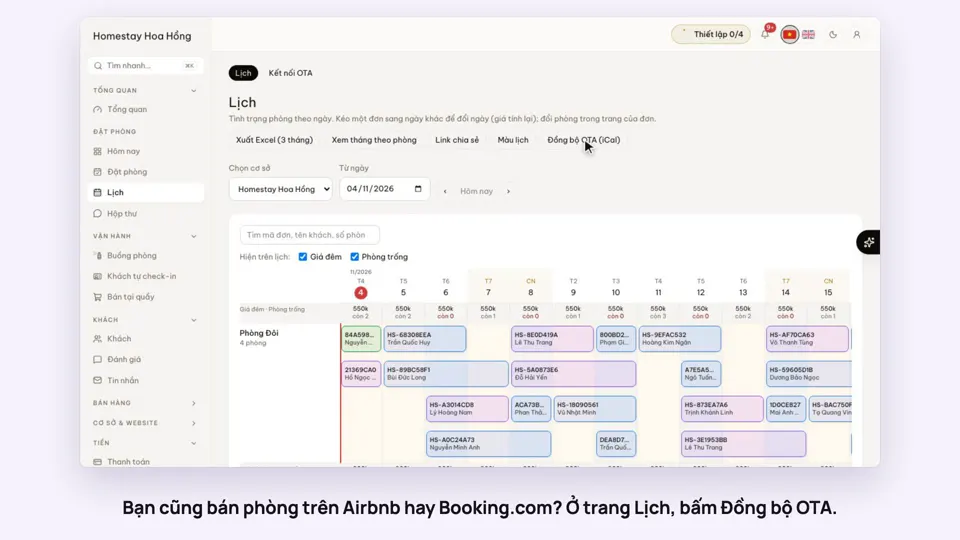 0:48Sync calendars with Airbnb, Booking.com and AgodaБронированияПродажи
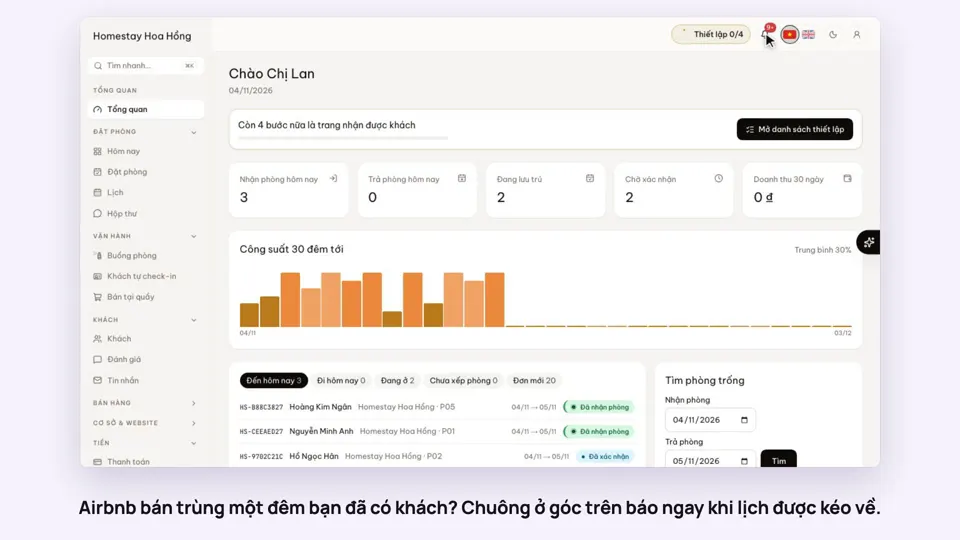 0:59Handle a double booking from Airbnb or BookingБронированияПродажи