


← Все видеоинструкции
A guest books on your website
From the guest’s side: pick dates and a room, fill in their details, and get a booking code and a deposit QR.
Озвучено на вьетнамском, с вьетнамскими субтитрами.
О возможности «Booking website» →В этом видео
- This is your booking page as the guest sees it. The guest clicks Find rooms to see what is available.
- The guest opens a property, looks at the photos and the price of each room type, and picks the room they like.
- They choose the check-in and check-out dates; the total is already worked out by the number of nights. The guest clicks Book.
- Then they fill in their full name, email and phone number, and choose a deposit.
- They click book, and the guest gets their booking code right away.
- Below is a QR code with the deposit amount and the transfer message already filled in; the guest just scans it with their banking app.
Ещё по этой теме
 0:37Set weekend and holiday pricesНачало работыБронирования
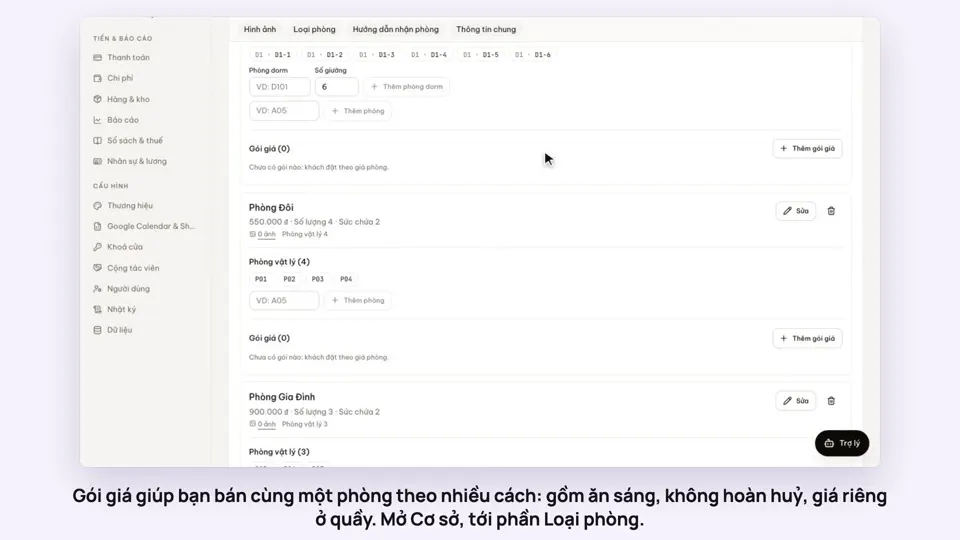 0:50Make rate plans: breakfast included, non-refundableПродажи
 0:34Upload photos and describe your roomsНачало работыПродажи
 0:42Pick amenities for each room typeНачало работыПродажи
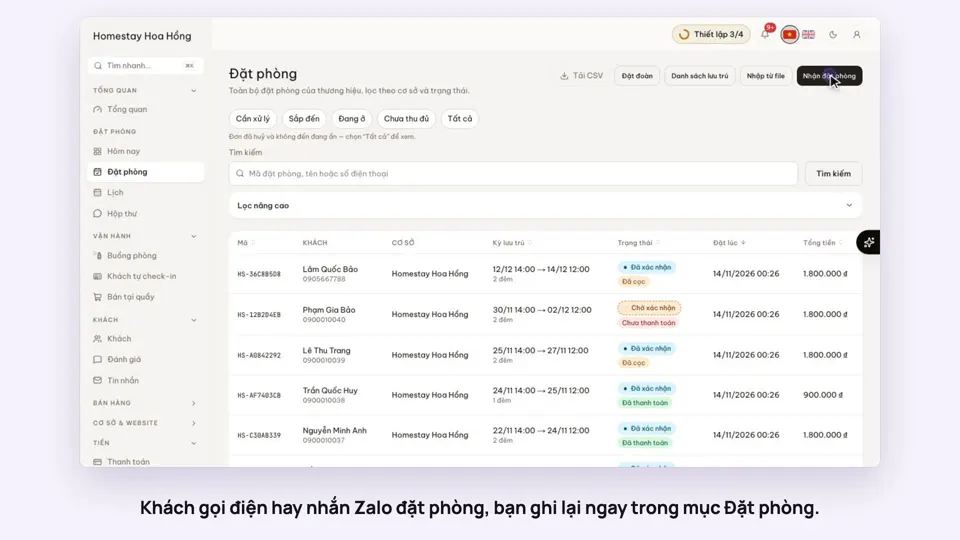 0:43Take a booking from a phone call or a Zalo messageБронирования
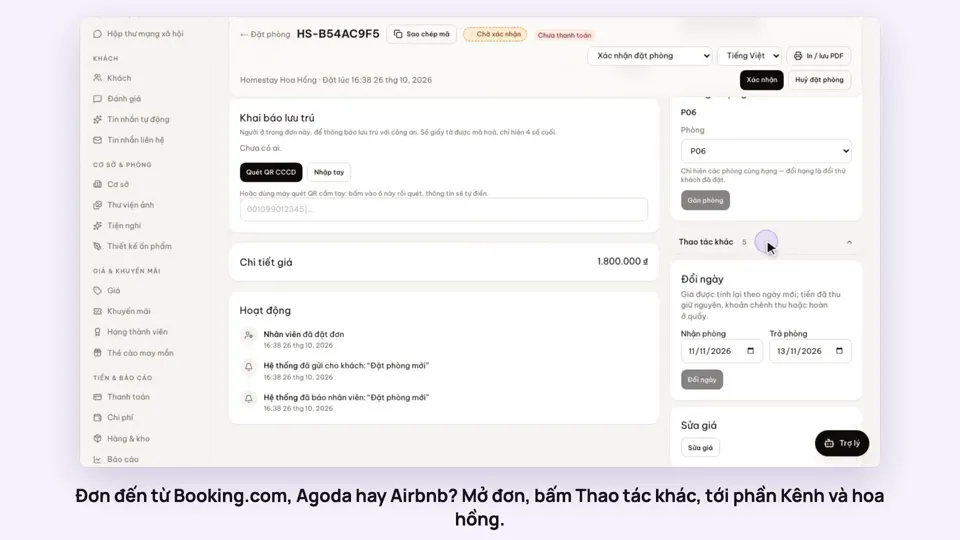 0:42Record the OTA, its booking code and commissionБронирования