


← Все видеоинструкции
Put one guest’s bookings together as a group
Merge separate bookings of the same guest, then confirm, check in, check out and take payment for the whole group.
Озвучено на вьетнамском, с вьетнамскими субтитрами.
О возможности «Group bookings» →В этом видео
- One guest booked two rooms in two separate bookings? Merge them into a group: open one booking, click More actions and go to Add to group.
- Enter the code of the other booking from the same guest, with the same phone number or email, then click Merge.
- The group page lists each booking, the total and the balance for the whole group. Payments are still counted for each booking separately.
- Confirm, check in or check out the whole group with one button, or handle each booking as usual.
- Does the guest pay everything at once? Record it right away under Collect payment for the group at the bottom of the page.
Ещё по этой теме
 0:37Set weekend and holiday pricesНачало работыБронирования
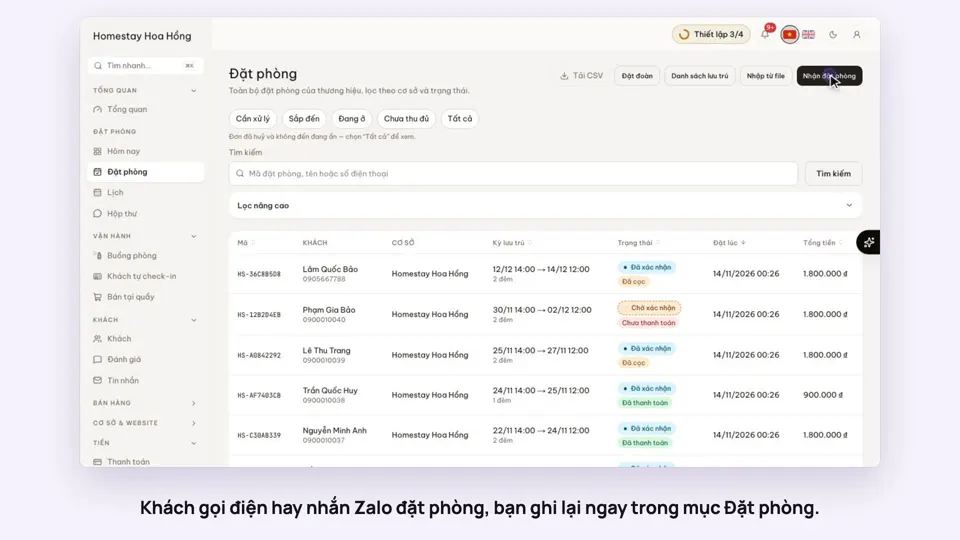 0:43Take a booking from a phone call or a Zalo messageБронирования
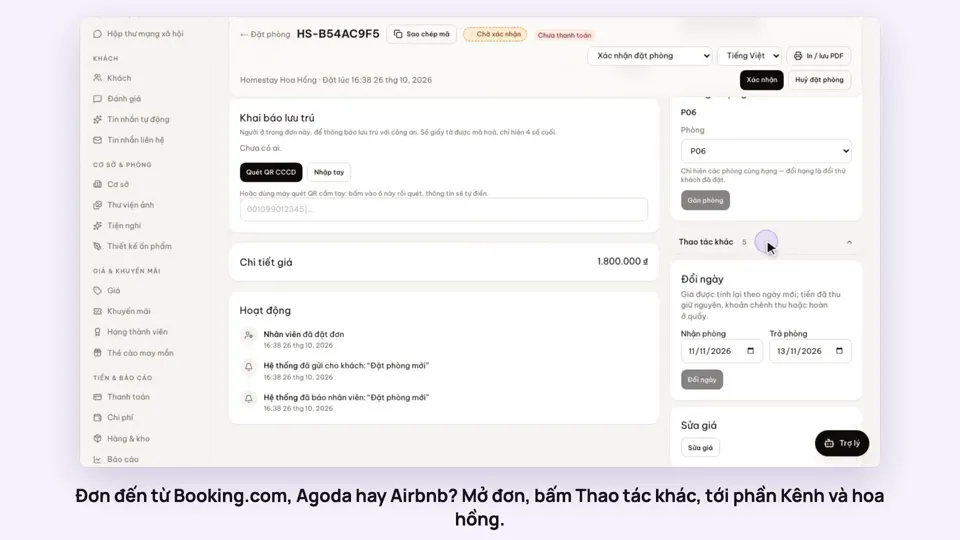 0:42Record the OTA, its booking code and commissionБронирования
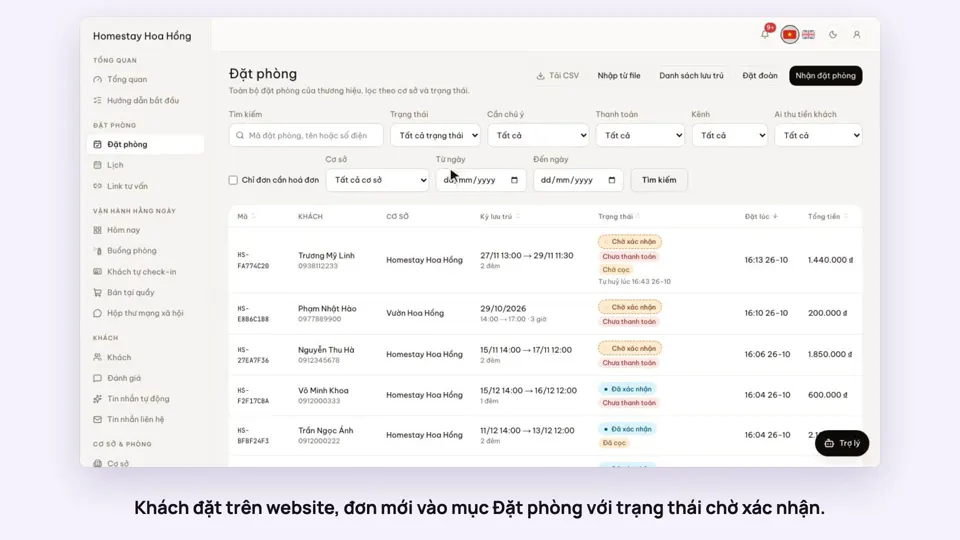 0:30Confirm a booking made onlineБронирования
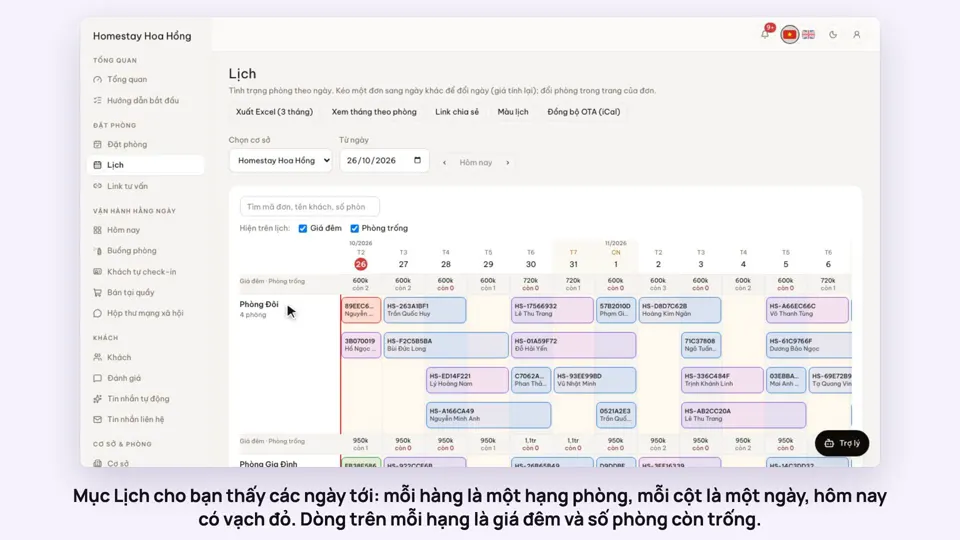 0:54Read the room calendar by day, week and rangeБронирования
 0:36Change a guest's room or datesБронирования