


← Все видеоинструкции
Change a guest's room or dates
Move the guest to another room of the same type or change the check-in and check-out dates; the system checks the room is free and reprices the stay.
Озвучено на вьетнамском, с вьетнамскими субтитрами.
О возможности «Booking calendar» →В этом видео
- A guest wants to move to another room? Find their booking under Bookings.
- Open the booking and check which dates the guest is staying and which room type they booked.
- The Assigned room section shows which room the guest is currently in.
- Choose another room of the same type. The list only shows rooms of the same type, so the guest still gets the room type they booked.
- Click Assign room. The system checks that the room is free for all the nights the guest is staying before it saves.
- Done: the guest is now in the new room, and the front desk and housekeeping both see the new room number.
Ещё по этой теме
 0:37Set weekend and holiday pricesНачало работыБронирования
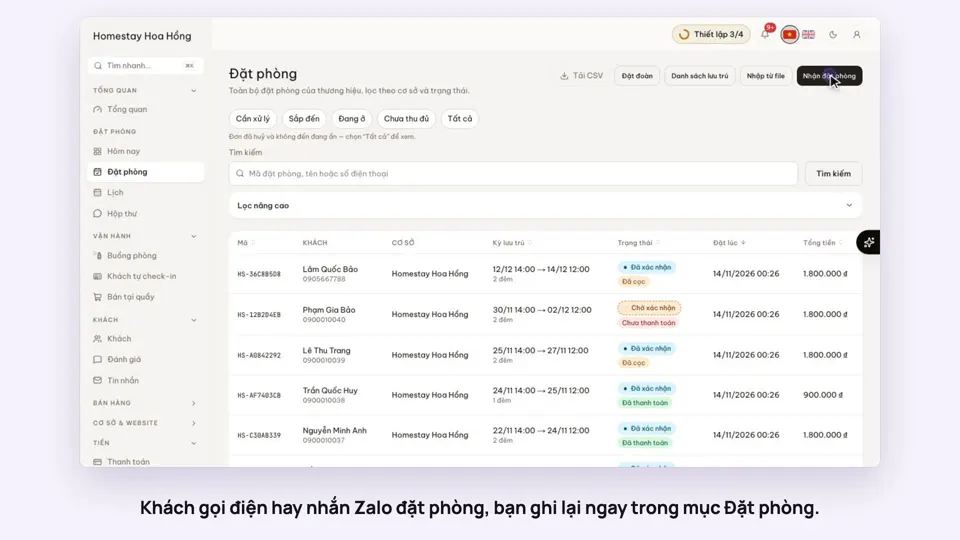 0:43Take a booking from a phone call or a Zalo messageБронирования
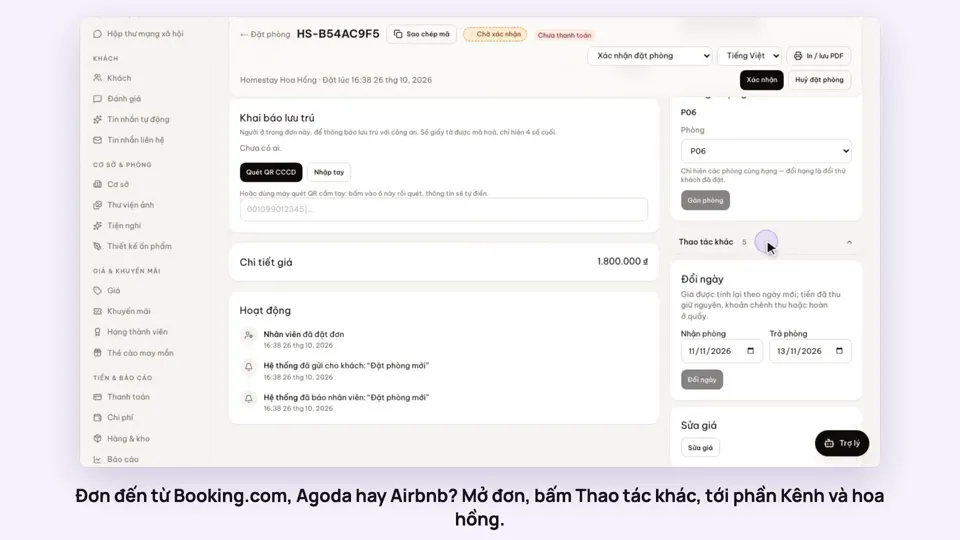 0:42Record the OTA, its booking code and commissionБронирования
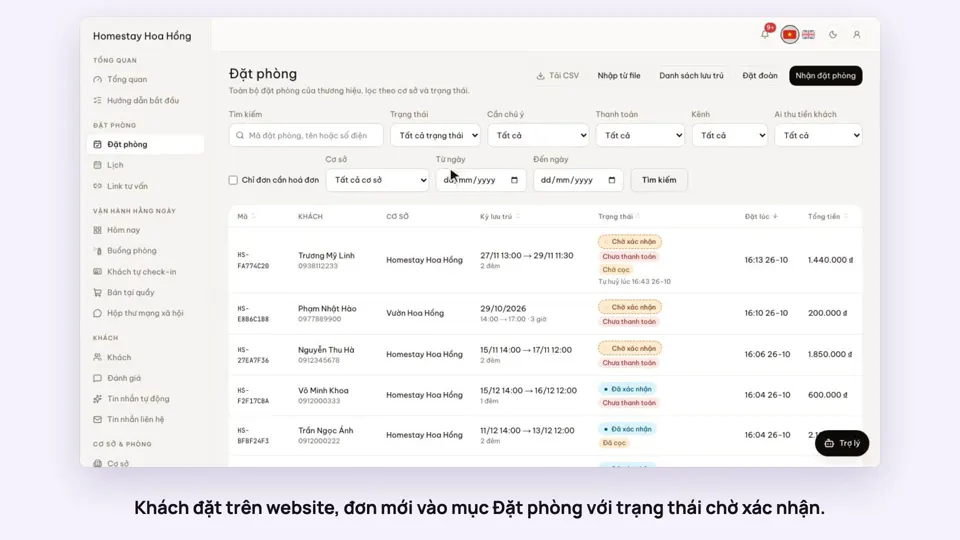 0:30Confirm a booking made onlineБронирования
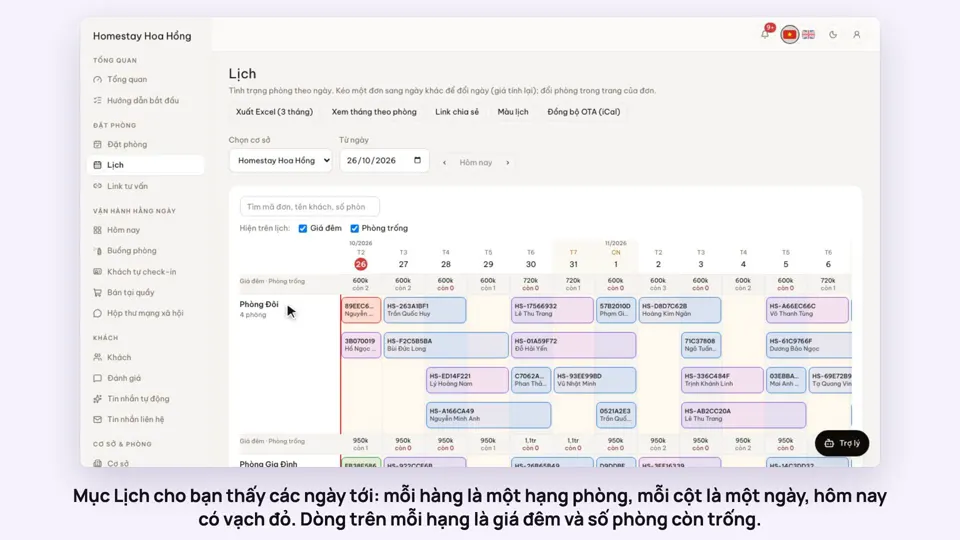 0:54Read the room calendar by day, week and rangeБронирования
 0:43Rent by the hour and overnightБронирования