


← Все видеоинструкции
Undo a check-in or check-out pressed by mistake
For 15 minutes after a check-in, check-out or no-show, press Undo to put the booking back as it was.
Озвучено на вьетнамском, с вьетнамскими субтитрами.
О возможности «Front desk» →В этом видео
- Did the receptionist press Check in by mistake for a guest? No problem.
- Within fifteen minutes, an Undo button appears right on the booking, showing until what time you can undo.
- Click Undo: the booking goes back to Confirmed, and the room is still held for the guest.
- Undo works for check-in, check-out and no-show, and each is recorded in the log. Cancelling a booking cannot be undone, so the system always asks again before cancelling.
Ещё по этой теме
 0:37Set weekend and holiday pricesНачало работыБронирования
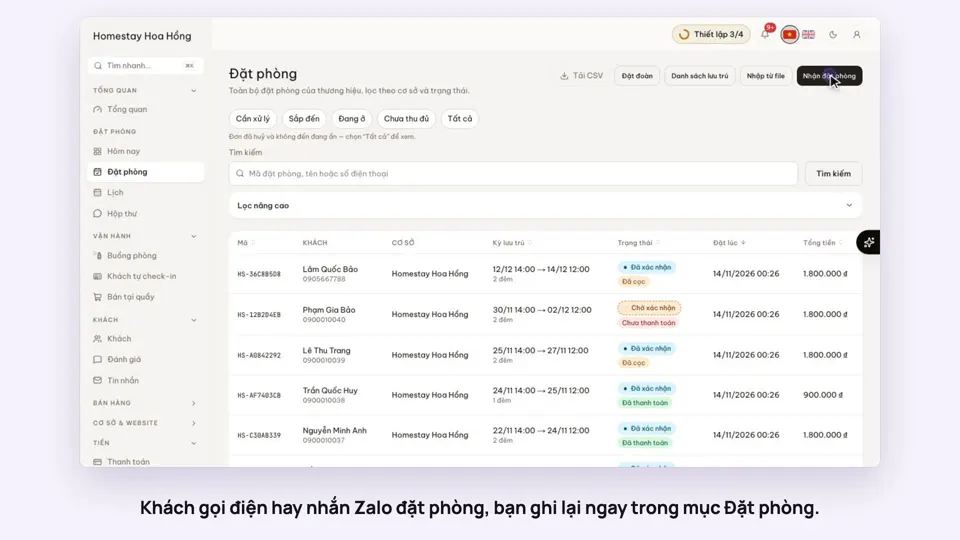 0:43Take a booking from a phone call or a Zalo messageБронирования
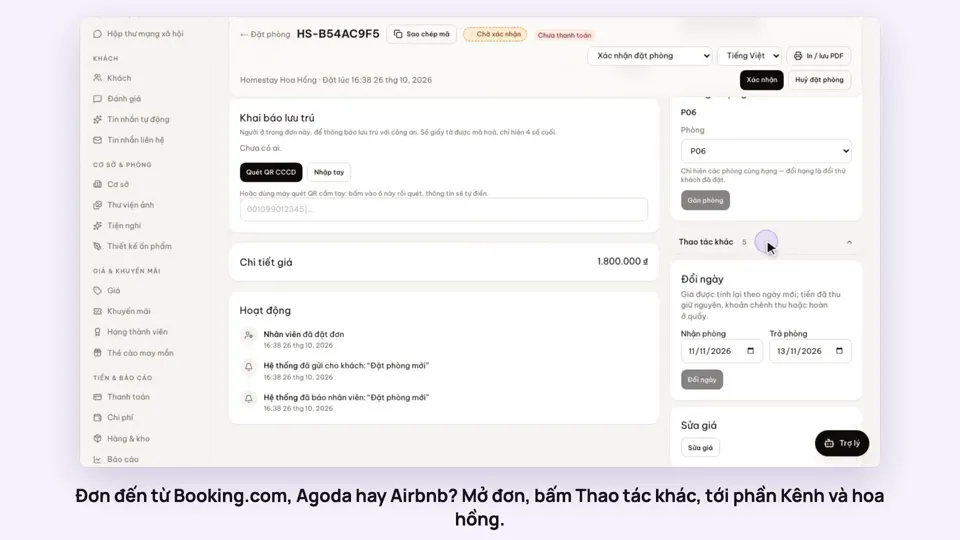 0:42Record the OTA, its booking code and commissionБронирования
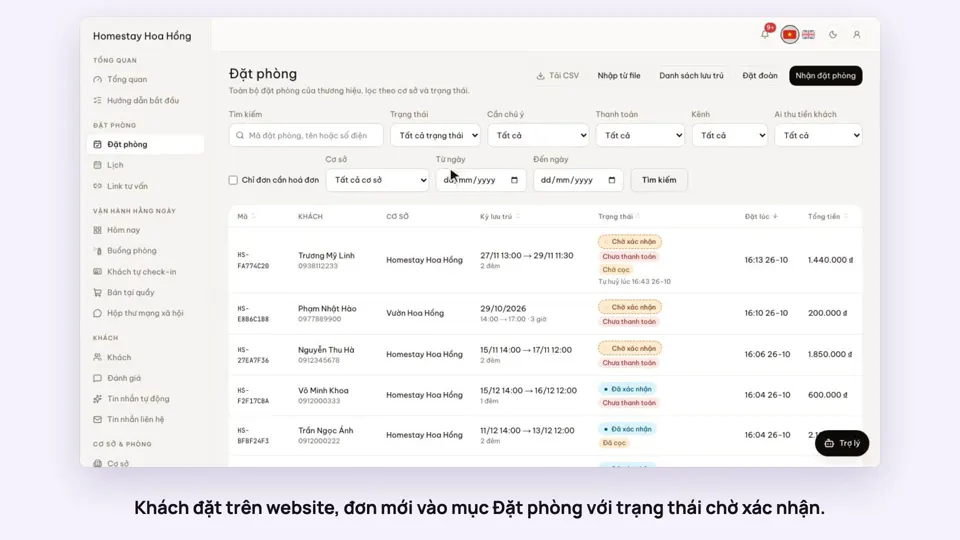 0:30Confirm a booking made onlineБронирования
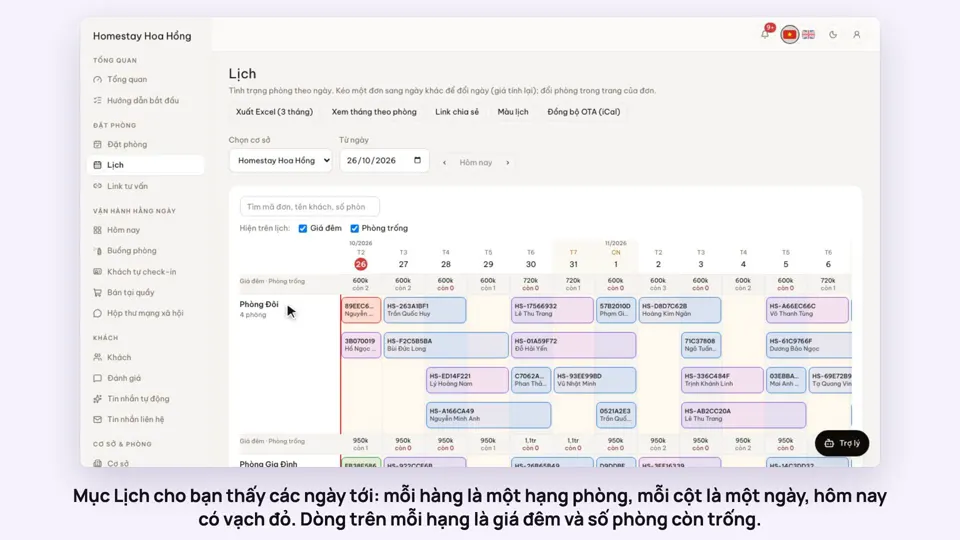 0:54Read the room calendar by day, week and rangeБронирования
 0:36Change a guest's room or datesБронирования