


← Все видеоинструкции
Make a discount code
A percentage or amount off, with a use limit and dates; guests enter it when booking.
Озвучено на вьетнамском, с вьетнамскими субтитрами.
О возможности «Discounts and loyalty» →В этом видео
- The Promotions section is where you create discount codes for guests booking on your website.
- Choose the type Promo code, then set a name and the code guests will enter.
- Choose a percentage or a fixed amount discount, then enter the discount.
- Set how long the code is valid and, if needed, a limit on total uses.
- Click Save. Guests enter the code at the booking step and the price drops right away.
Ещё по этой теме
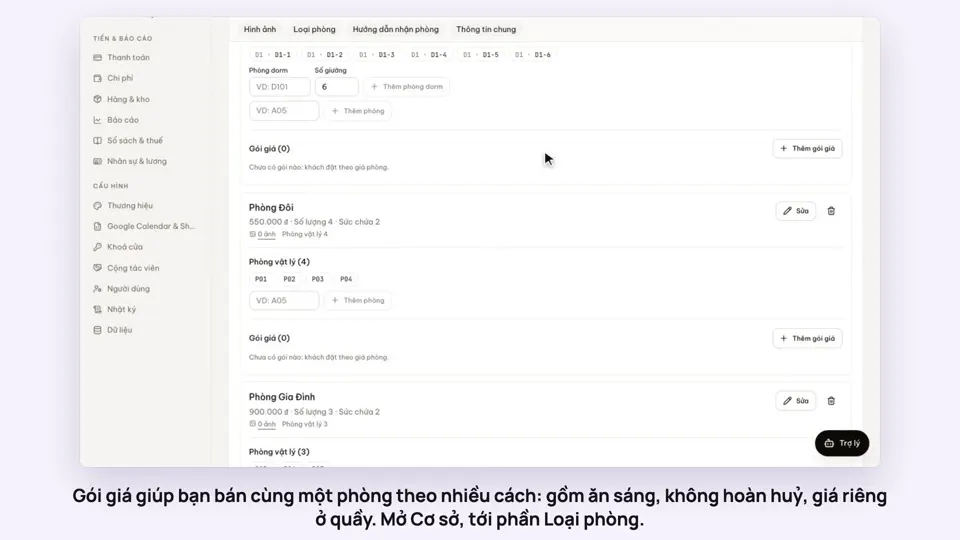 0:50Make rate plans: breakfast included, non-refundableПродажи
 0:34Upload photos and describe your roomsНачало работыПродажи
 0:42Pick amenities for each room typeНачало работыПродажи
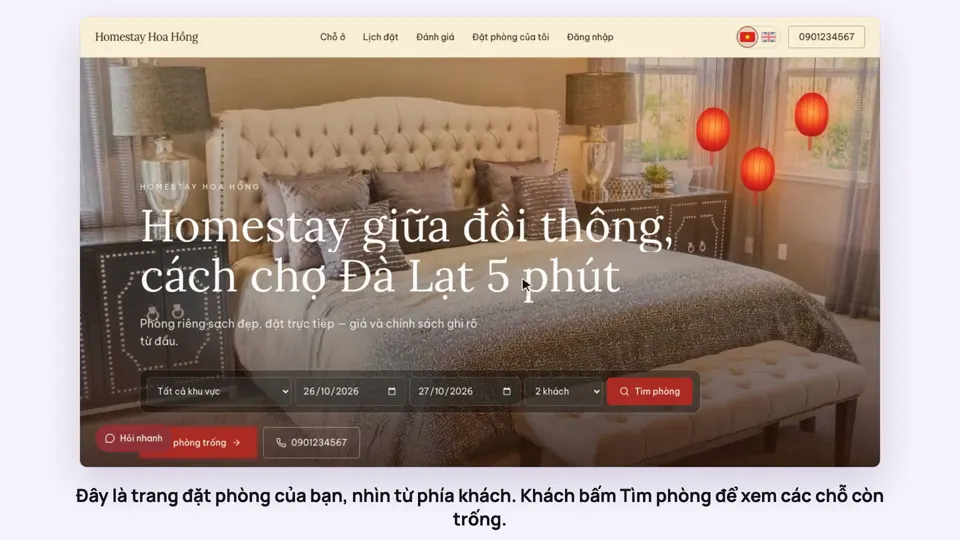 0:39A guest books on your websiteБронированияПродажи
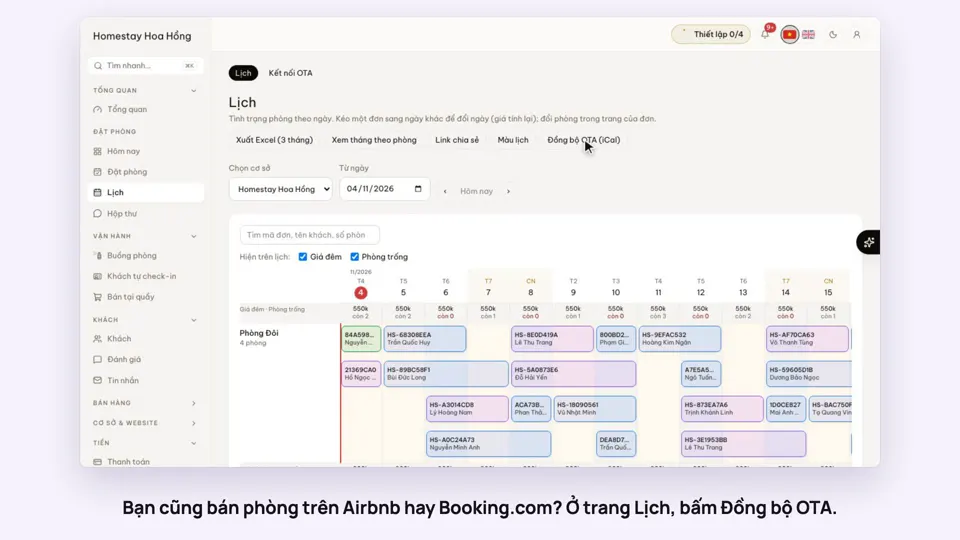 0:48Sync calendars with Airbnb, Booking.com and AgodaБронированияПродажи
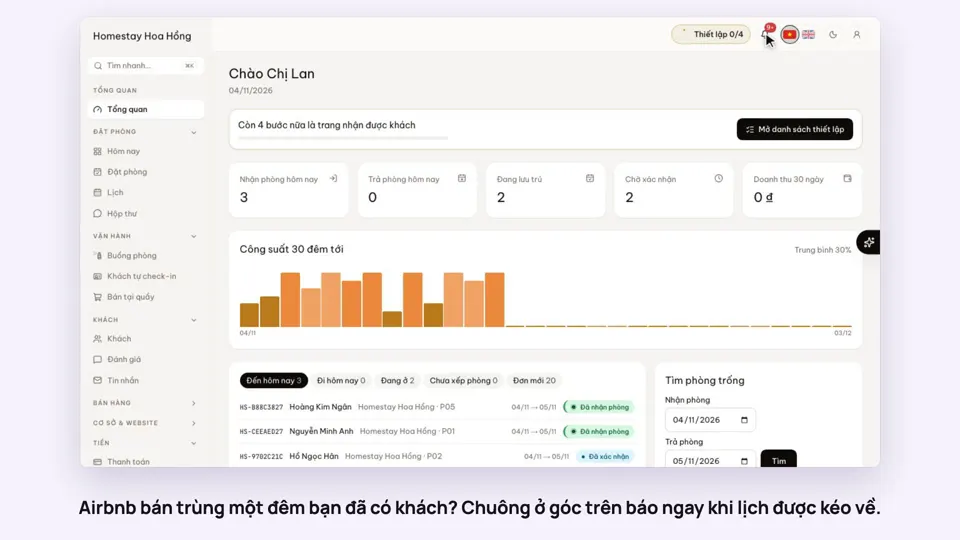 0:59Handle a double booking from Airbnb or BookingБронированияПродажи