


← Все видеоинструкции
Rent by the hour and overnight
Turn on hourly sales, set the first hour, each extra hour and overnight prices, then take an hourly booking.
Озвучено на вьетнамском, с вьетнамскими субтитрами.
О возможности «Hourly and overnight» →В этом видео
- Open the property page, and in the Sales type section, tick Hourly and Overnight next to selling by the day.
- Click Save. The price for each sales type is set on the Prices page.
- On the Prices page, each room type has an extra first-hours price, a price for each additional hour and an overnight price.
- For example: 150,000 VND for the first two hours, 50,000 VND for each additional hour, 350,000 VND overnight, then save the prices.
- Now create an hourly booking: in Take a booking, choose the booking type Hourly, the date, the start time in minutes and the duration.
- Enter the guest’s name and phone number, click Create booking: the amount is worked out from the hourly prices you just set.
Ещё по этой теме
 0:37Set weekend and holiday pricesНачало работыБронирования
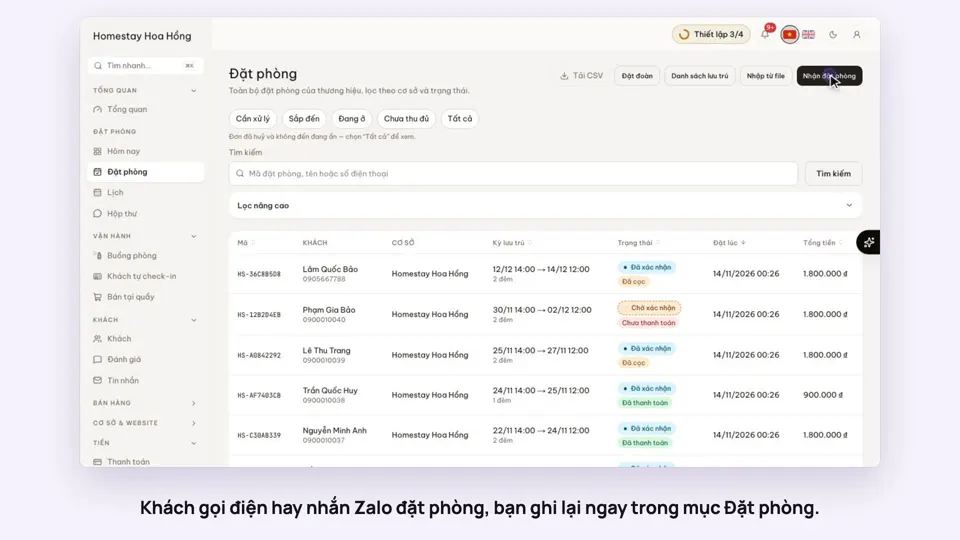 0:43Take a booking from a phone call or a Zalo messageБронирования
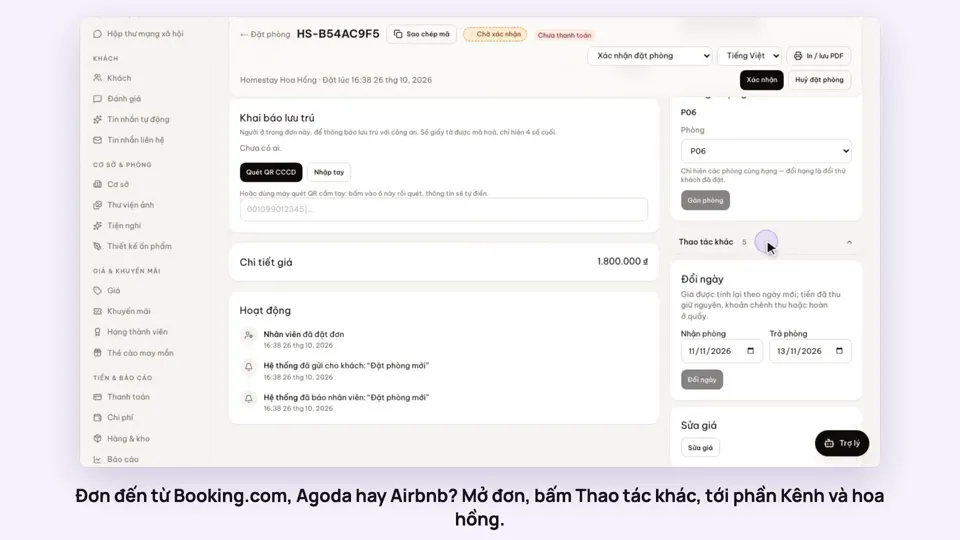 0:42Record the OTA, its booking code and commissionБронирования
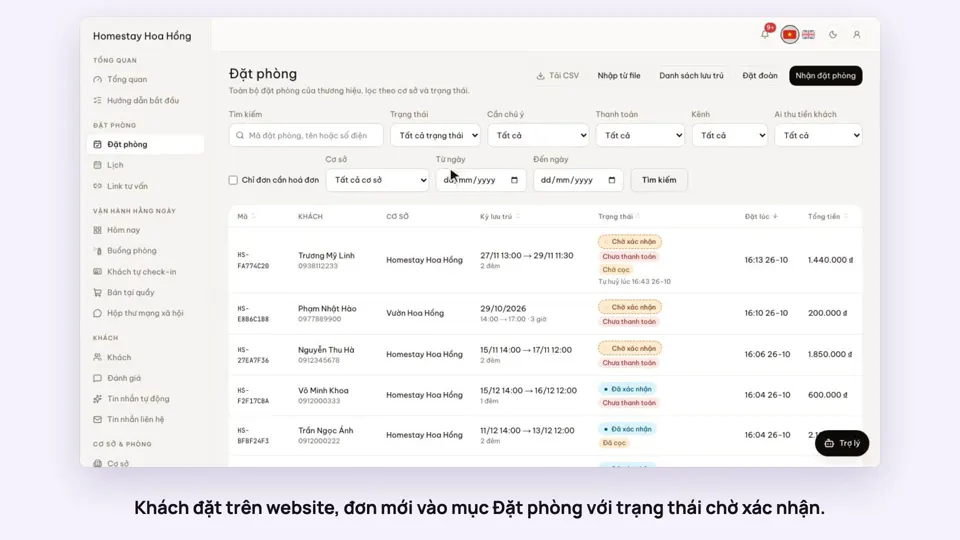 0:30Confirm a booking made onlineБронирования
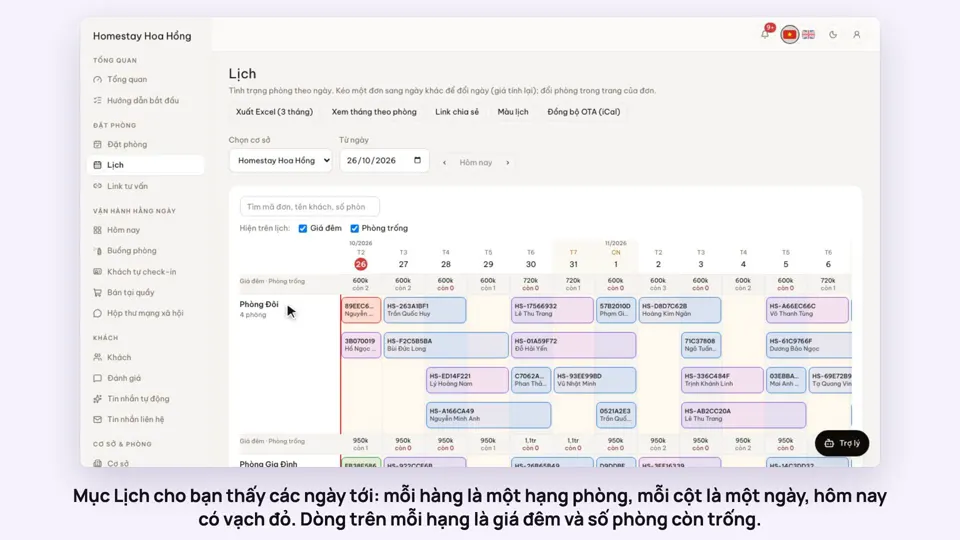 0:54Read the room calendar by day, week and rangeБронирования
 0:36Change a guest's room or datesБронирования