


← Все видеоинструкции
Find a booking by name, phone or code
The bookings list: filter upcoming guests and find a booking by phone number, booking code or guest name.
Озвучено на вьетнамском, с вьетнамскими субтитрами.
В этом видео
- The Bookings section lists every booking, newest on top, with its status and the amount paid.
- A guest calls: type the guest’s name in the search box and click Search.
- You can also type a phone number or booking code and find it right away.
- To view them by group, filter by status, by payment or by date range.
- Click a row to open the booking details.
- Need to send it to your accountant? Go back to the list and click Download CSV to get a file you can open in Excel.
Ещё по этой теме
 0:37Set weekend and holiday pricesНачало работыБронирования
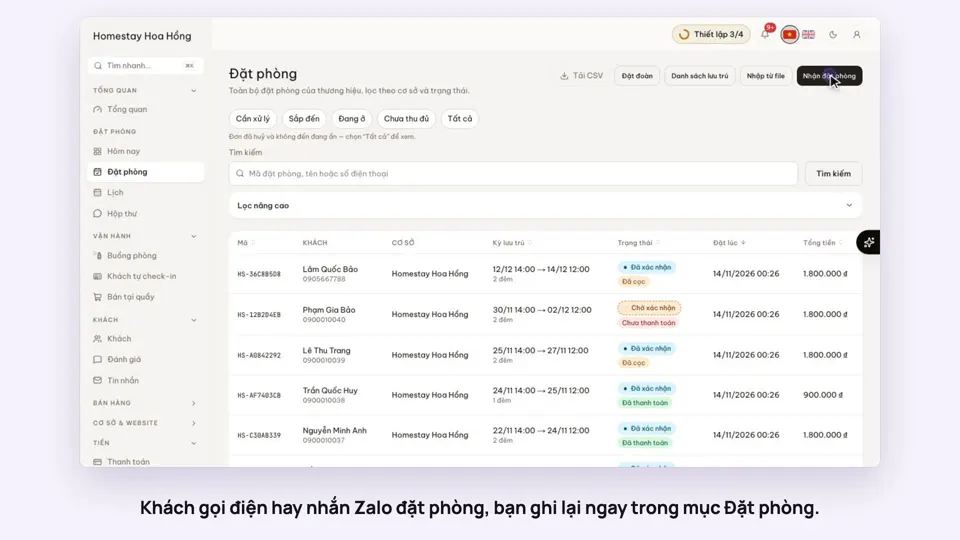 0:43Take a booking from a phone call or a Zalo messageБронирования
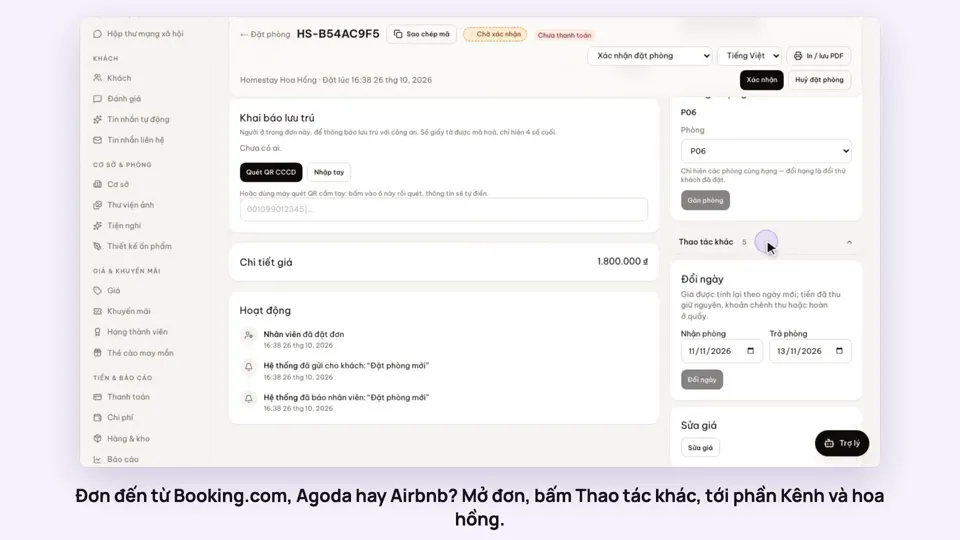 0:42Record the OTA, its booking code and commissionБронирования
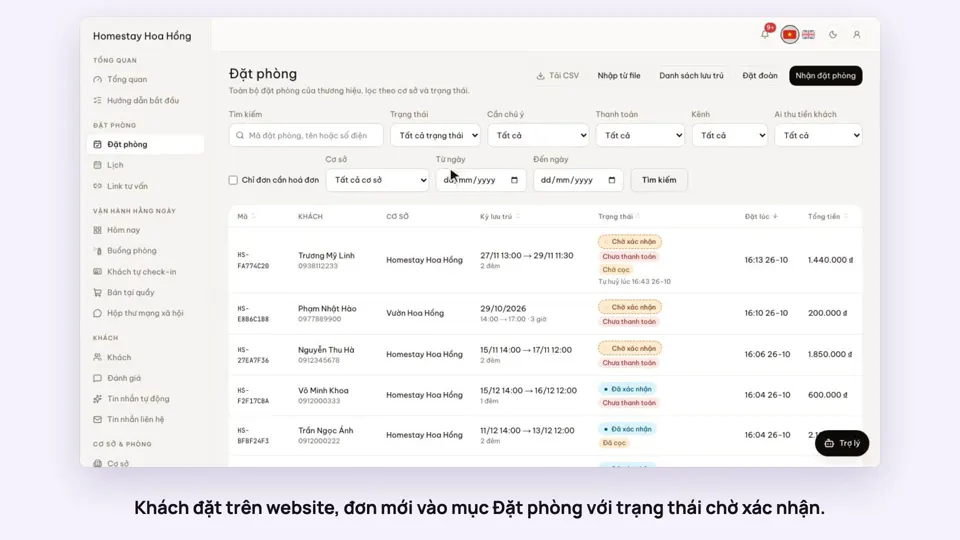 0:30Confirm a booking made onlineБронирования
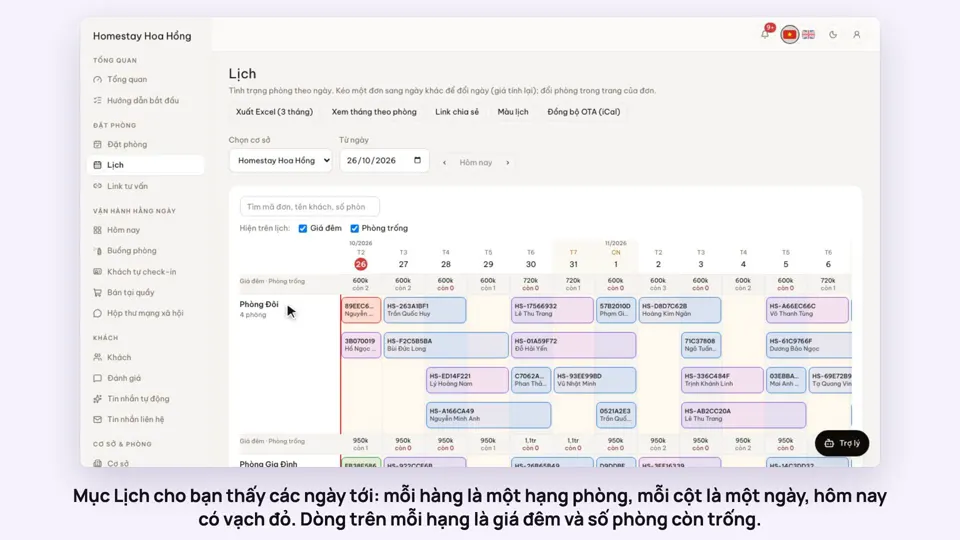 0:54Read the room calendar by day, week and rangeБронирования
 0:36Change a guest's room or datesБронирования