


← Все видеоинструкции
Working hours and auto-replies for Messenger and Instagram
In the inbox settings: set working hours, add an automatic reply by keyword (accents ignored) and save it.
Озвучено на вьетнамском, с вьетнамскими субтитрами.
О возможности «Messenger & Instagram inbox» →В этом видео
- In Inbox settings, you connect your Facebook page and Instagram so guests’ messages arrive in one place.
- Set your working hours. Outside these hours, the out-of-hours replies are sent automatically.
- Add an auto-reply: type the keywords guests often ask about, accents not needed.
- Write the reply, with a booking link if you like.
- Click Save. Each guest gets the auto-reply at most once in ten minutes.
Ещё по этой теме
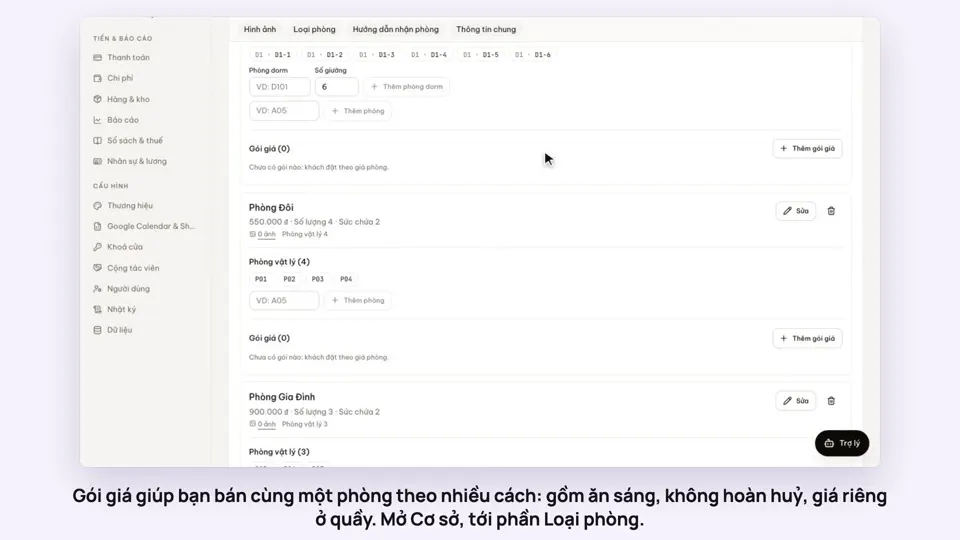 0:50Make rate plans: breakfast included, non-refundableПродажи
 0:34Upload photos and describe your roomsНачало работыПродажи
 0:42Pick amenities for each room typeНачало работыПродажи
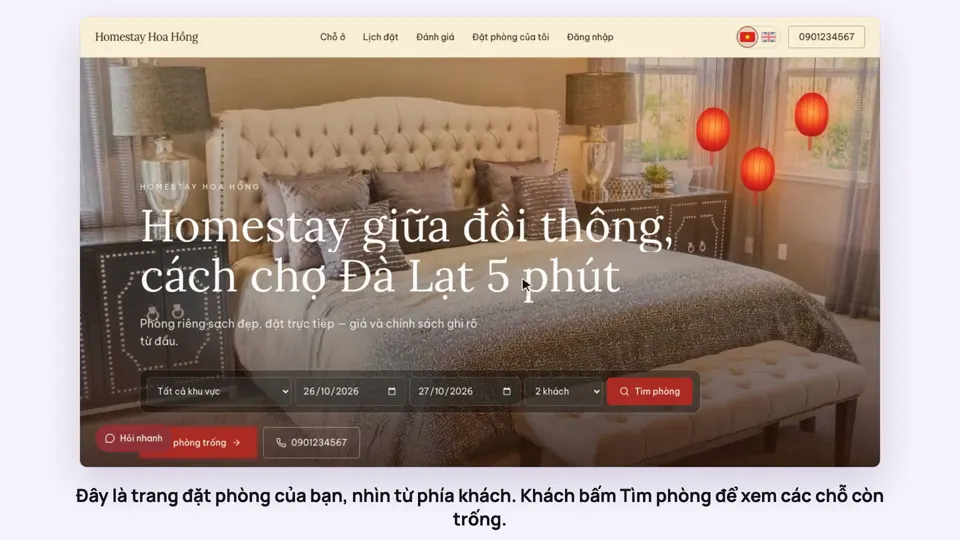 0:39A guest books on your websiteБронированияПродажи
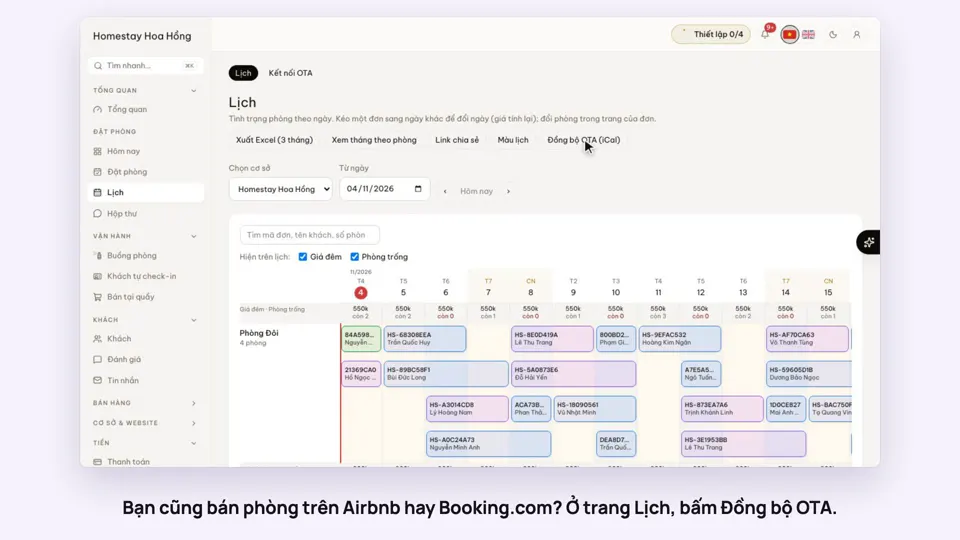 0:48Sync calendars with Airbnb, Booking.com and AgodaБронированияПродажи
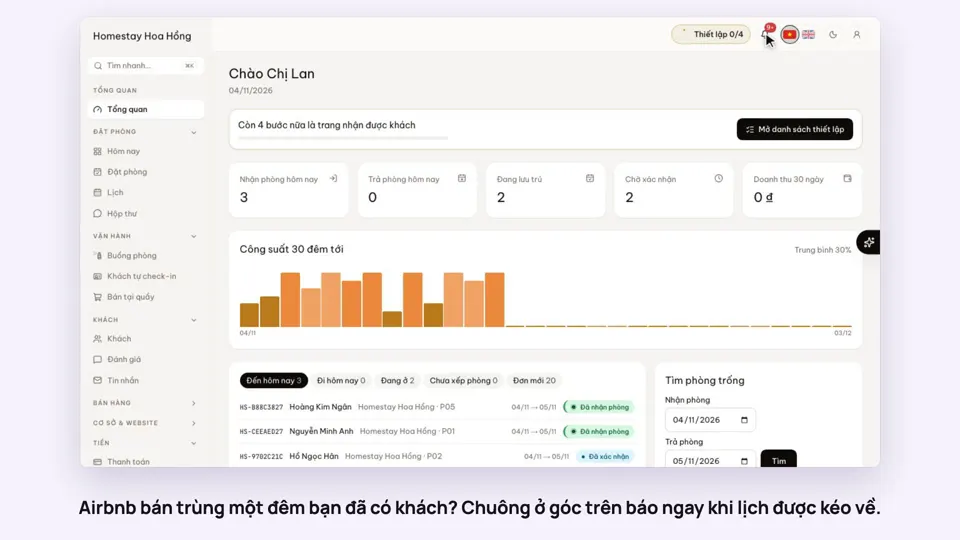 0:59Handle a double booking from Airbnb or BookingБронированияПродажи