← 全部操作视频
Upload photos and describe your rooms
Upload to the media library, choose a room type’s cover, add amenities and a description guests read on the site.
越南语配音,配越南语字幕。
本视频内容
- Go to the Photo library, click Choose files and pick a few real photos of your rooms.
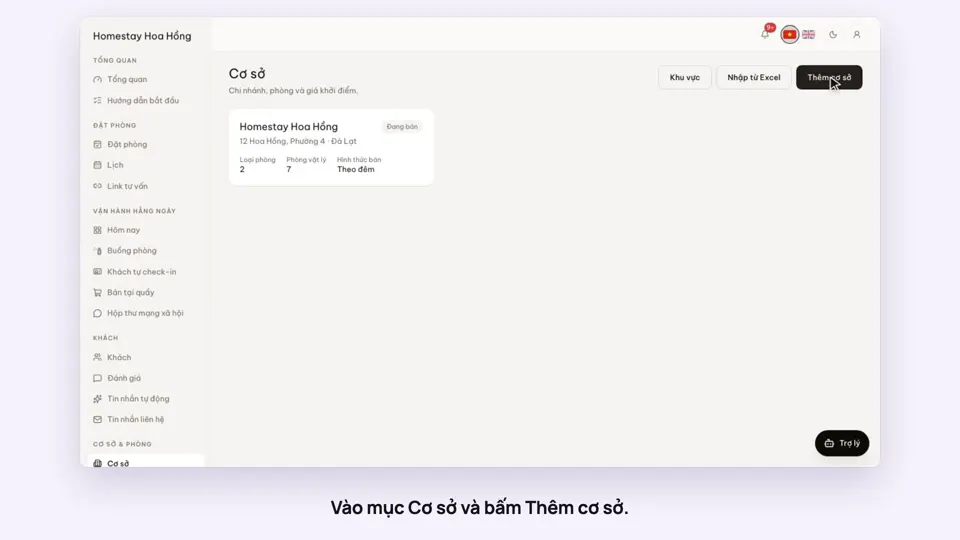
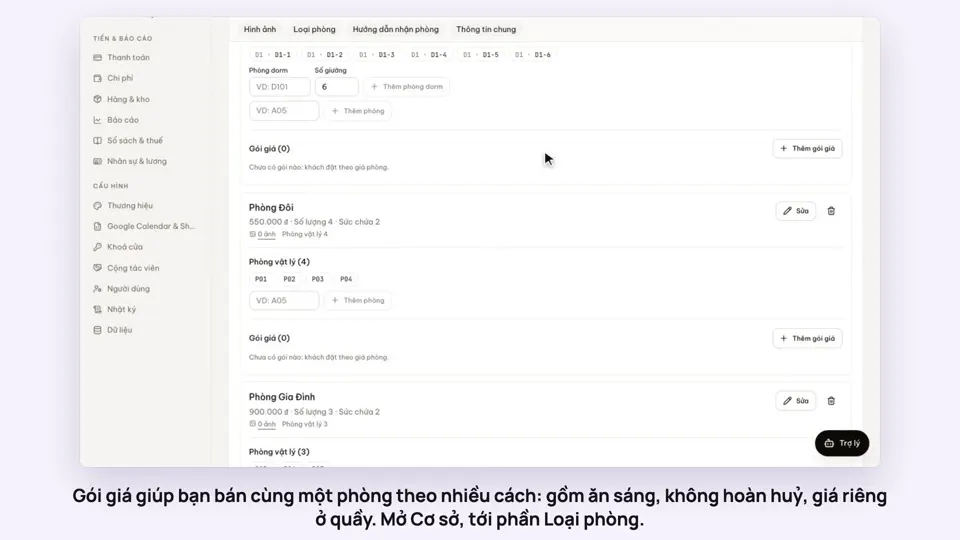
- Open your property, click the photo count on a room type, then click Choose from library.
- Select the photos and click Add; the first photo is the cover photo, and you can drag to change the order.
- Click Edit and write a room description for guests to read on your website.
- Tick the amenities the room has, then click Save.
- The photos, description and amenities are saved, and guests will see them on the room page once the property is published.