← 全部操作视频
Change a guest's room or dates
Move the guest to another room of the same type or change the check-in and check-out dates; the system checks the room is free and reprices the stay.
越南语配音,配越南语字幕。
了解Booking calendar →本视频内容
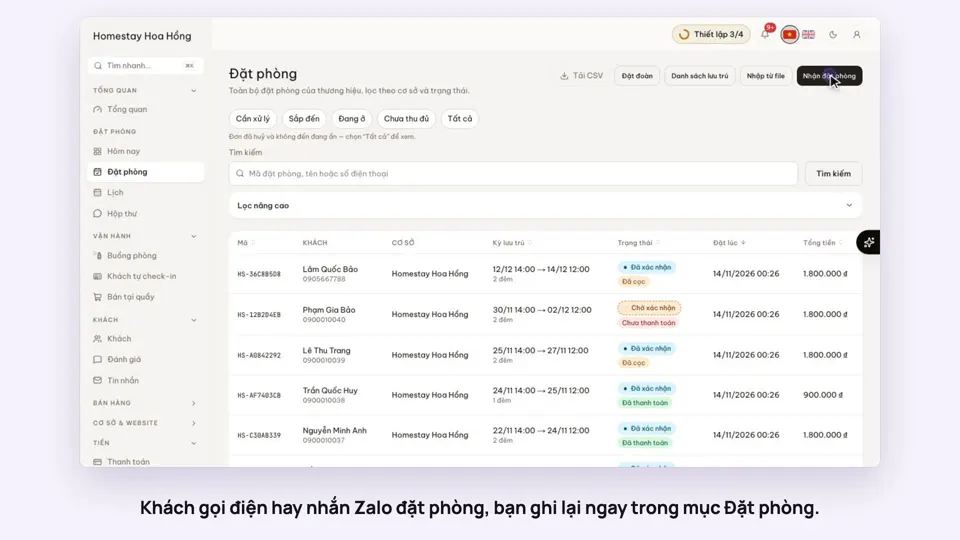
- A guest wants to move to another room? Find their booking under Bookings.
- Open the booking and check which dates the guest is staying and which room type they booked.
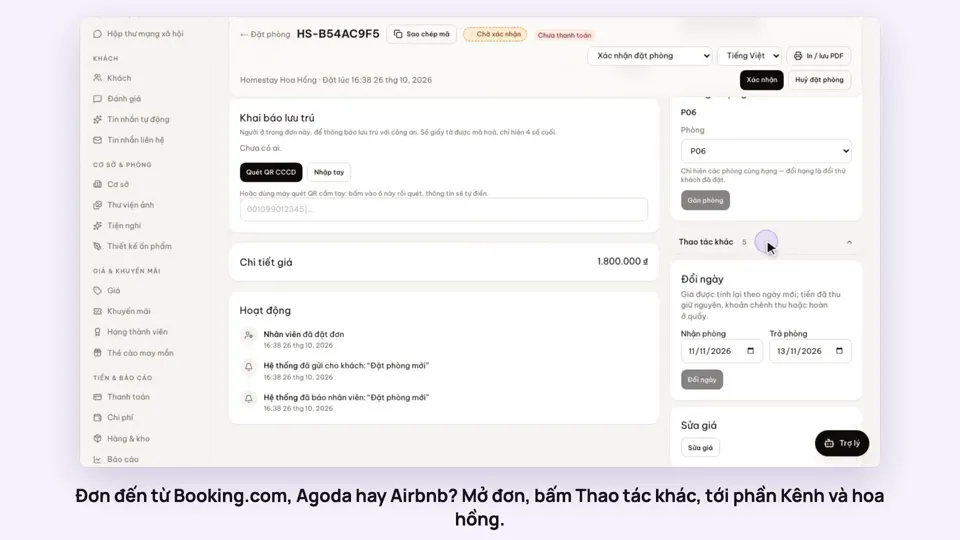
- The Assigned room section shows which room the guest is currently in.
- Choose another room of the same type. The list only shows rooms of the same type, so the guest still gets the room type they booked.
- Click Assign room. The system checks that the room is free for all the nights the guest is staying before it saves.
- Done: the guest is now in the new room, and the front desk and housekeeping both see the new room number.