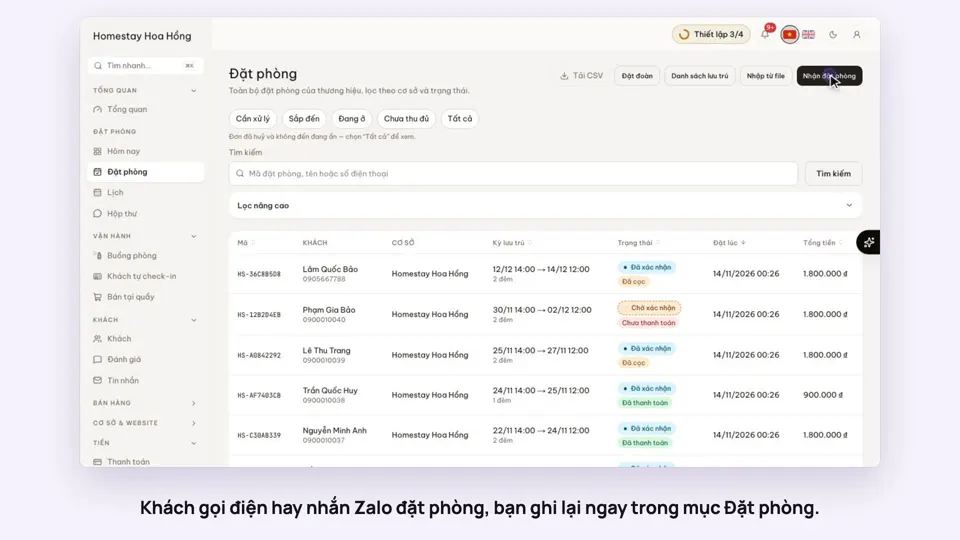
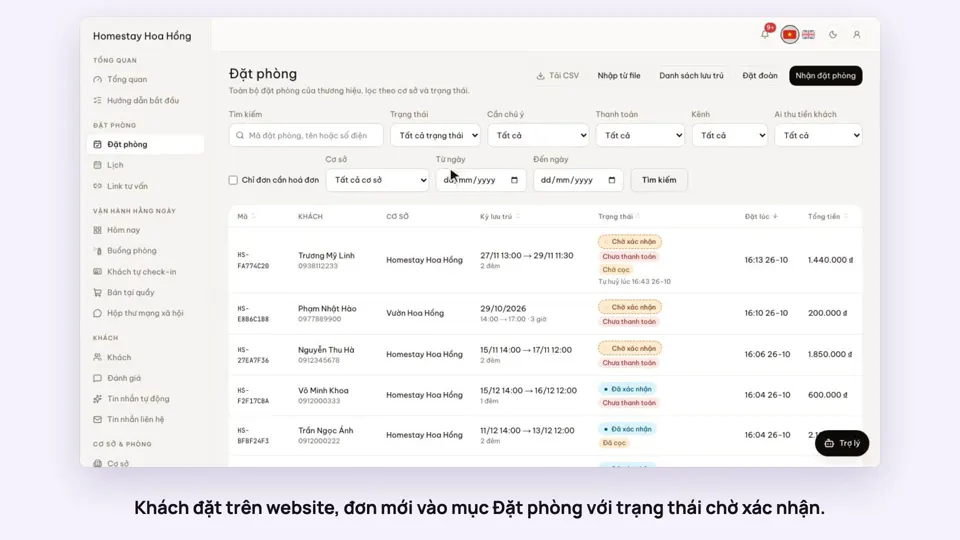
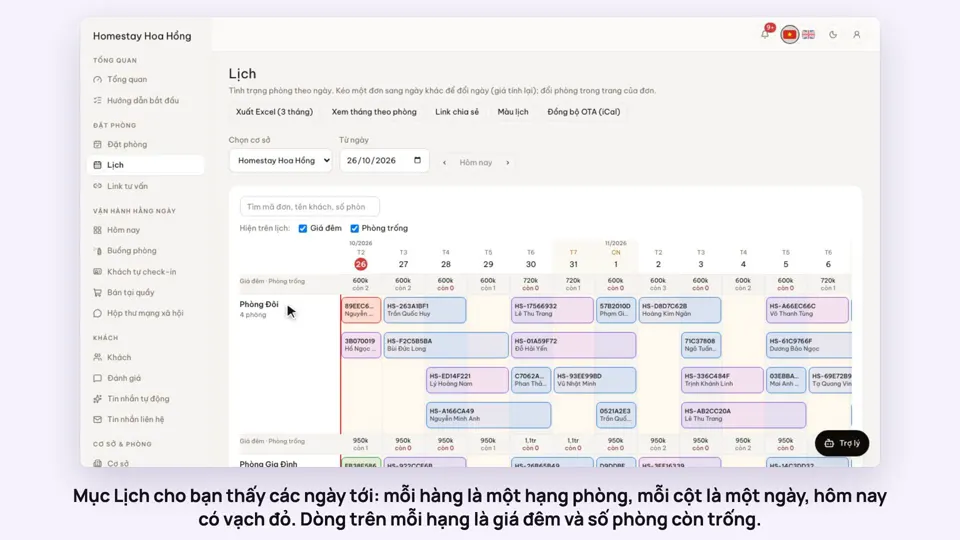
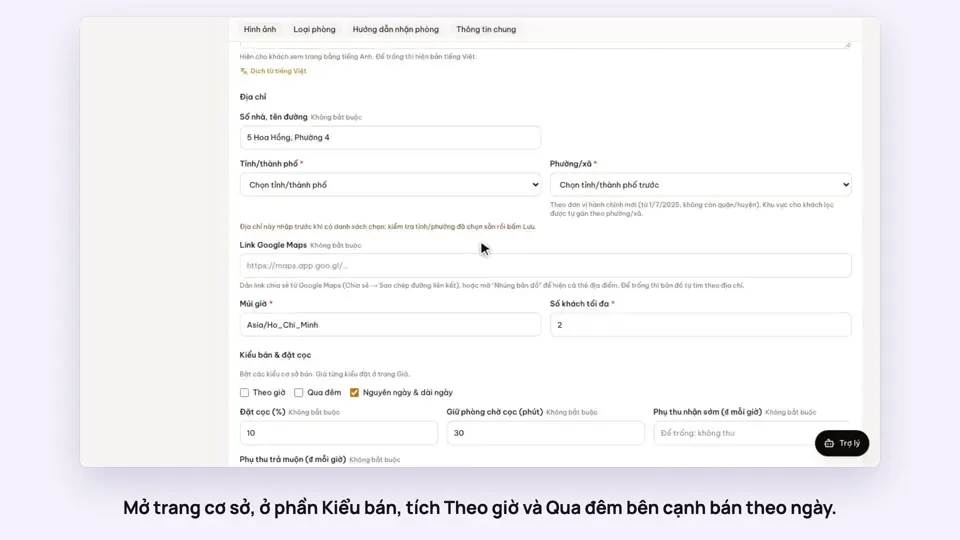
← 全部操作视频
Record the OTA, its booking code and commission
Set the channel of a booking, its code there, the commission and who collects the money, and attach the channel’s confirmation.
越南语配音,配越南语字幕。
了解Revenue reports →本视频内容
- The booking comes from Booking.com, Agoda or Airbnb? Open the booking, click More actions and go to Channel and commission.
- Click Edit, choose the channel and enter that channel’s booking code.
- Enter the commission as a percentage or an amount; choose who collects the guest’s payment: the property, or the channel, which then pays you back.
- Save. The commission is deducted in the reports and in profit and loss; the debt is recorded correctly as the channel owing you.
- Keep the channel’s confirmation too: attach a file or photo right on the booking, up to ten files.
- The bookings list can be filtered by channel and by who collects the payment, with a channel column for each booking.