


← Все видеоинструкции
Import your bookings from Excel
Pick your existing Excel or CSV file (name, phone, check-in and check-out columns are enough), preview each row, then import them onto the calendar at once.
Озвучено на вьетнамском, с вьетнамскими субтитрами.
О возможности «Import from files» →В этом видео
- Do you keep your bookings in Excel? In Bookings, click Import from file.
- You do not need a template file: you only need the columns Full name, phone number, check-in date and check-out date, plus room type and deposit if you have them.
- Choose the file saved from Excel or Google Sheets, then click Preview.
- Each row is shown so you can check it: which rows will be imported, which are skipped and why.
- Click Import once: the bookings are created, confirmed and hold the room on the calendar.
- If you imported the wrong file, click Undo this import, and every booking just imported is cancelled.
Ещё по этой теме
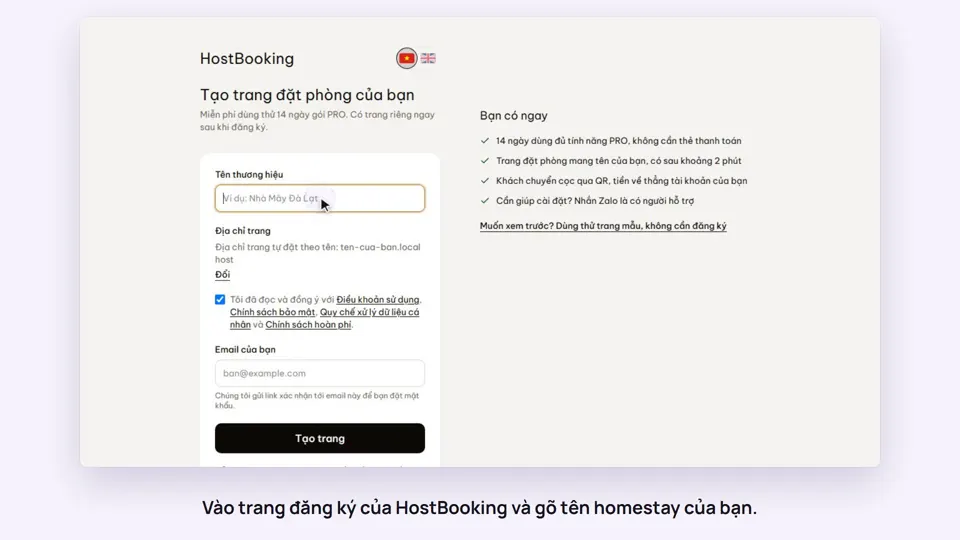 0:35Sign up and make your booking site in two minutesНачало работы
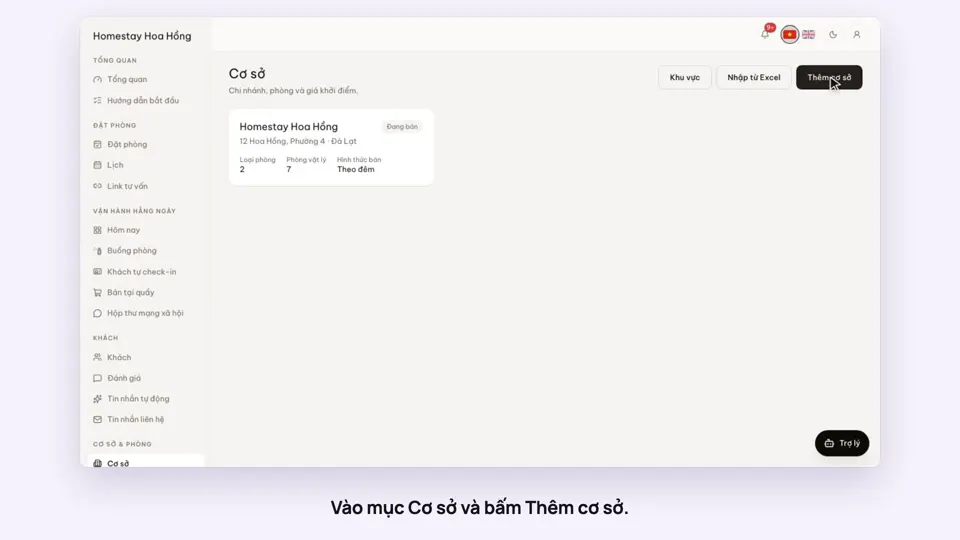 0:39Add a place, its room types and roomsНачало работы
 0:41Sell a dorm by the bedНачало работы
 0:37Set weekend and holiday pricesНачало работыБронирования
 0:34Upload photos and describe your roomsНачало работыПродажи
 0:42Pick amenities for each room typeНачало работыПродажи