


功能介绍
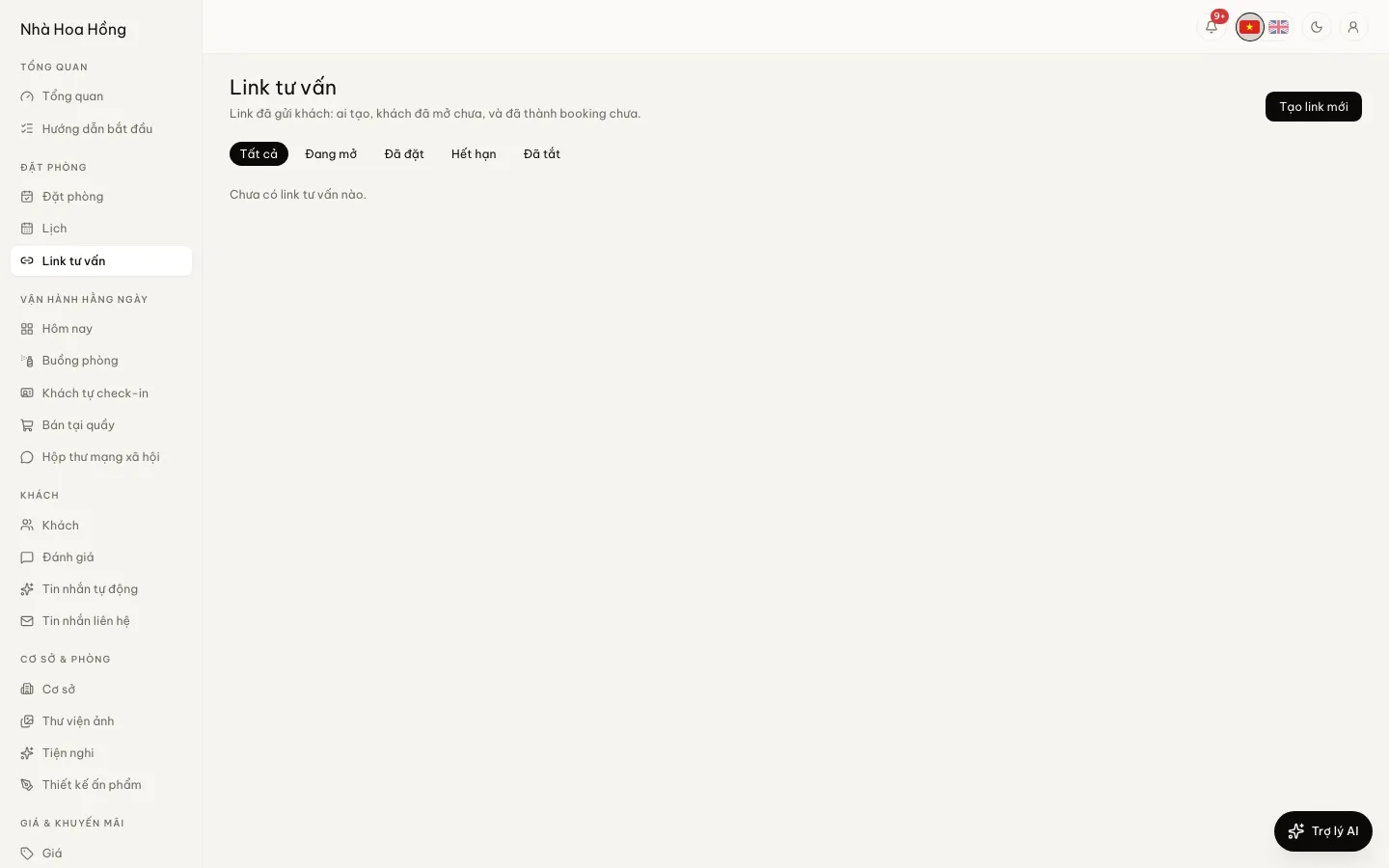
Consult links
Filled in for the guest
Pick the room type, number of rooms, check-in and check-out, adults and children. Add the guest’s name, phone and a note if you like.
The guest can still change it
On the consult page the guest sees photos and the worked-out price, and can change dates and guests before booking.
Book and pay as usual
The guest books and pays the deposit on the page, through the website’s normal booking flow.
Share on Zalo in one tap
Copy the link, or copy a ready message with the guest’s name, room, dates and link, and paste it into Zalo.
Know if they opened it
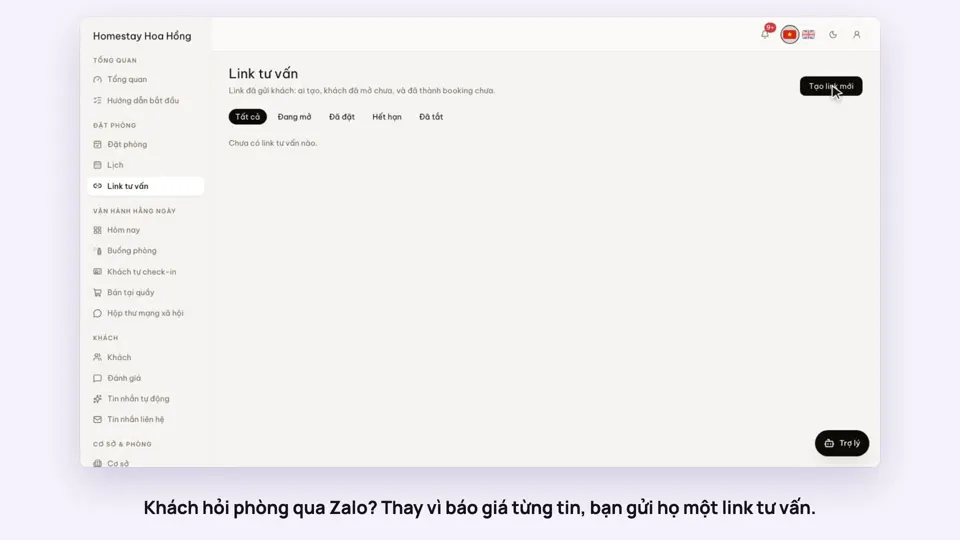
The Consult links page shows who made each link, how often it was opened, when last, and whether it became a booking. Turn a link off at any time.
运作方式
几步即可上手
- 1
On the new booking page, open Send the guest a consult link.
- 2
Choose the room, dates and guests, then click Make the link.
- 3
Copy the message and send it to the guest on Zalo.
- 4
Track opens and bookings on the Consult links page.
Consult links work for nightly stays only for now. A link expires at the end of the check-in day.
操作视频
常见问题
常见问题
Does the guest need to log in?
No. The guest taps the link and can view and book.
Does a used link still show the guest’s details?
No. A link that is off, expired or already booked no longer shows the name, phone, email or note.
Can I tell which staff member’s link brought a booking?
Yes. The booking is tied to the link, and its internal note names who made the link.