


功能介绍
Extras
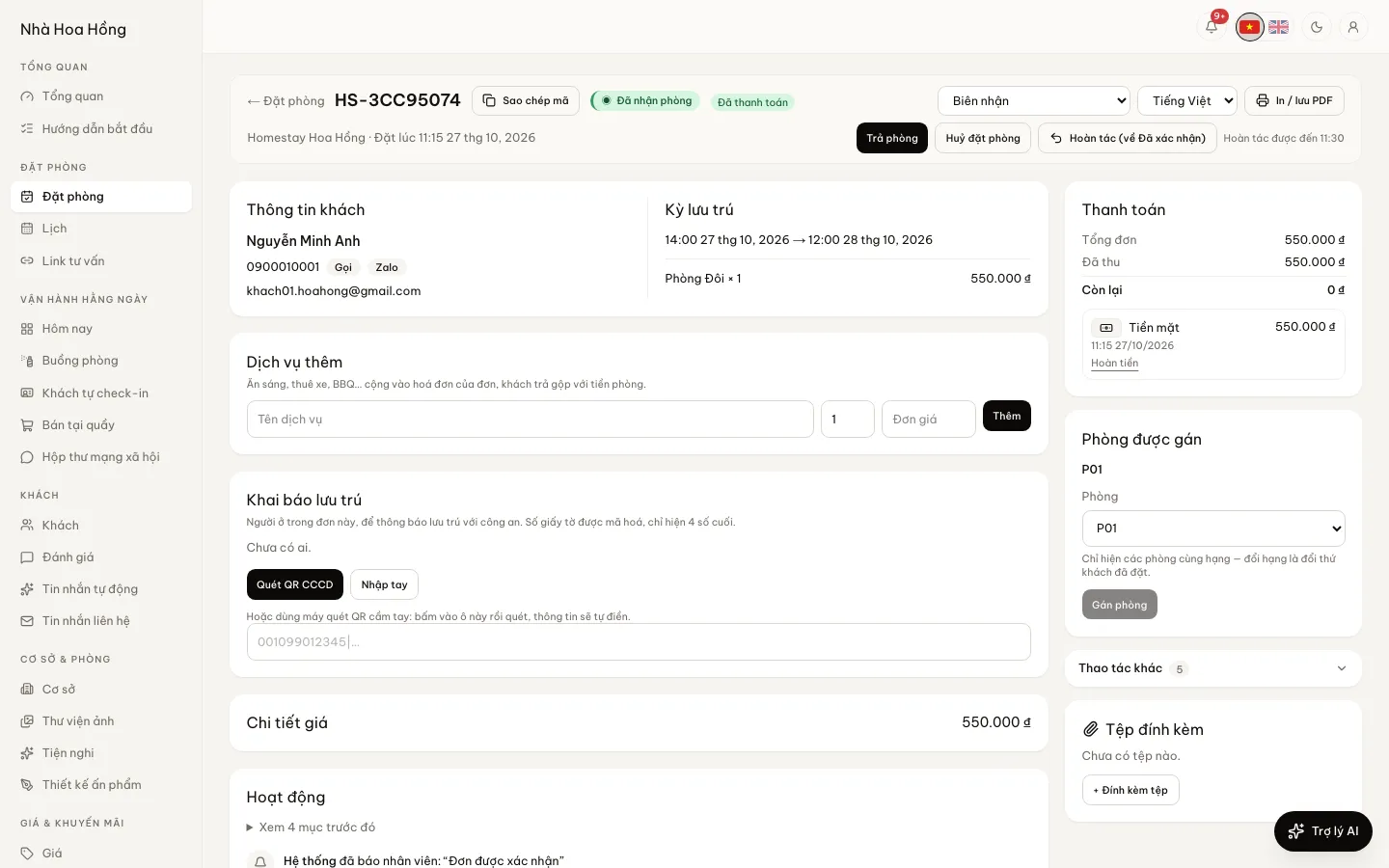
Your own list of extras
List what you usually sell with rooms, with prices. Changing a price in the list does not change existing bookings.
Add to a booking in seconds
Pick the extra, enter the quantity. The booking’s balance goes up by that amount.
Paid together at check-out
Room and extras share one balance, collected once. A booking switched from hourly to overnight keeps its extras.
On the receipt and in P&L
The printed receipt lists each extra. Profit and loss has its own extras column.
Breakfast by room type
Set a breakfast price per guest per night on a room type and guests add it when booking online, or mark the rate as breakfast included. The Today page lists tomorrow’s breakfasts to print for the kitchen.
Tick breakfasts as served
The breakfast list has a Served box per booking that records how many were served. Untick it to clear it. Bookings on a rate plan that includes breakfast appear on the list by themselves.
运作方式
几步即可上手
- 1
On the Pricing page, build your Extras list with names and prices.
- 2
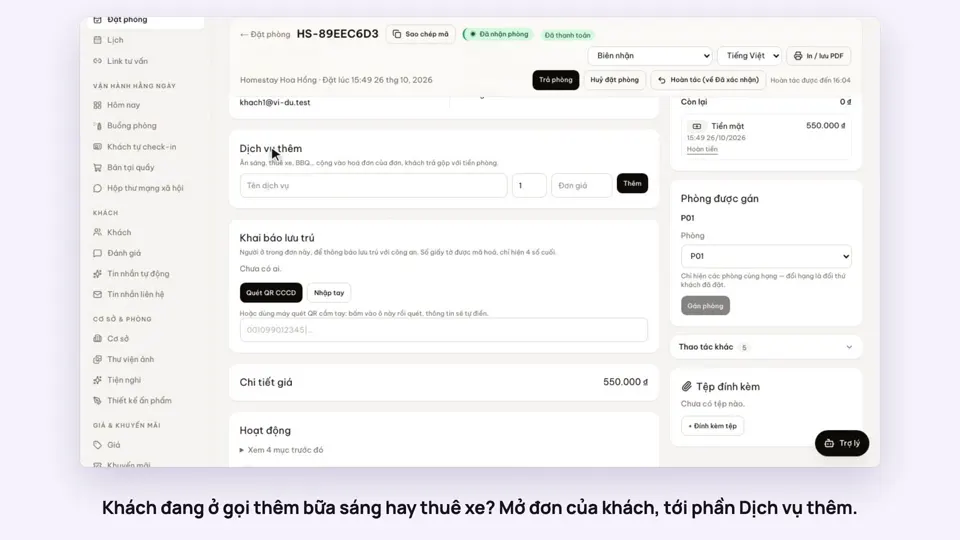
Open the guest’s booking, go to Extras, choose an item and quantity.
- 3
At check-out, collect the balance, which already includes the extras.
Extras belong to one booking. To sell to anyone, with shifts, a till and stock, use the point of sale.
操作视频
常见问题
常见问题
The guest has paid for an extra and wants to cancel it.
An extra the guest has paid for cannot be removed. Refund that amount instead.
Can I sell extras to people who are not staying?
No. Extras always belong to a booking.
Can guests choose extras when booking online?
Not yet. Staff add extras to the booking in the admin.