


功能介绍
Smart locks
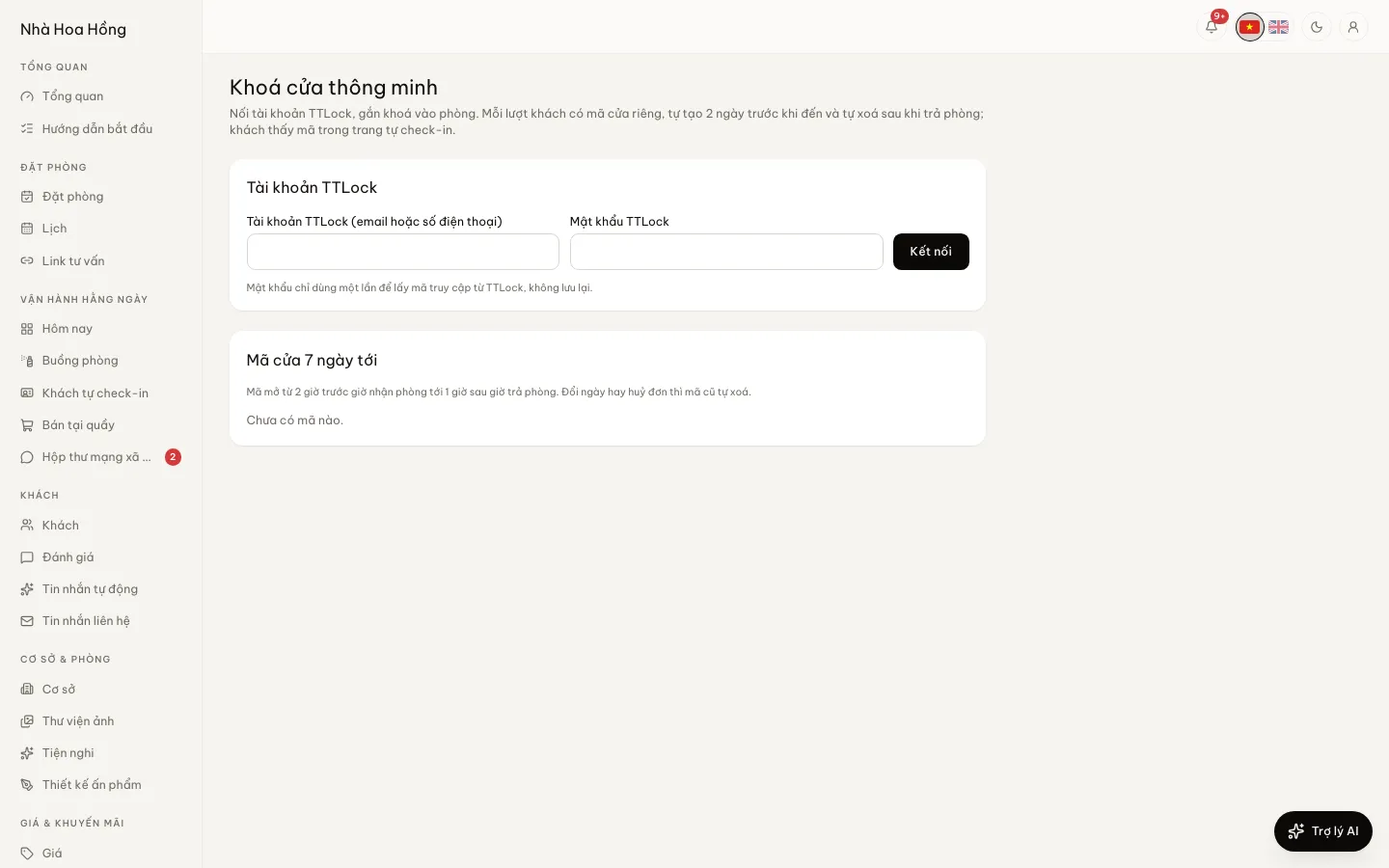
Connect TTLock
Sign in to your TTLock account once and your locks appear, ready to assign to rooms.
A code for the stay only
Each stay gets a 6-digit code valid from just before check-in to just after check-out, created two days ahead.
Removed when the booking changes
A cancellation, new dates, a room move or check-out removes the old code from the lock; if the lock cannot be reached it is kept and retried.
Shown only to the right guest
The code appears on the guest’s self check-in page from the arrival day, after approval, for the booking’s own room.
运作方式
几步即可上手
- 1
Open Smart locks and sign in to TTLock.
- 2
Assign each lock to its room.
- 3
Switch on Guest self check-in for the property so guests receive their code.
- 4
From then on every booking with a room gets a door code; the desk sees live codes under Smart locks.
Needs TTLock keypad locks with a gateway, so codes can be set remotely. Pro and above include any number of locks; on a lower plan, buy the Smart locks add-on, billed per lock.
常见问题
常见问题
What happens to live codes if TTLock is disconnected?
Every live code is removed from the locks first; if that is not possible the disconnect is refused, so no stray code is left on a door.
Can staff see door codes?
Staff who may check guests in see the live codes of their own branches to help; others do not.
What about a booking without a room yet?
Codes are only made once the booking has a specific room with a lock.