


功能介绍
Guest self check-in
Every guest registered
Guests enter name, date of birth, ID and nationality for each person in the party — the fields of the guest register.
ID photos kept private
ID or passport photos are encrypted at rest, visible only to staff allowed to see them, and deleted 30 days after check-out.
House rules accepted
Guests read the property’s rules and accept them; the time and the version accepted are kept.
One approval at the desk
The Self check-in page lists submissions waiting. Approving turns one into the guest register and can check the stay in; a wrong one goes back with a reason.
Private details after approval
The door code, Wi‑Fi and private steps show only from the arrival day, after approval.
运作方式
几步即可上手
- 1
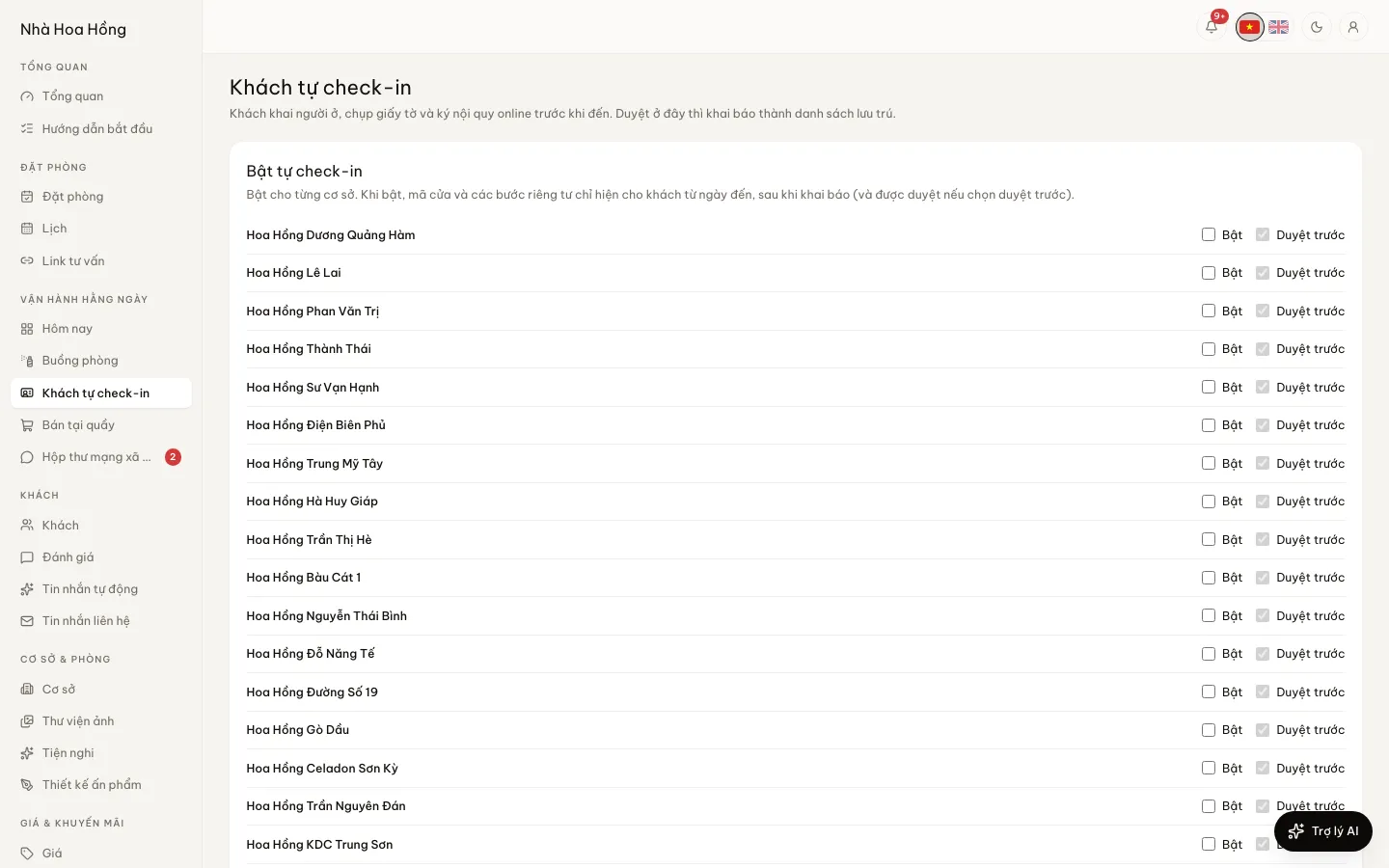
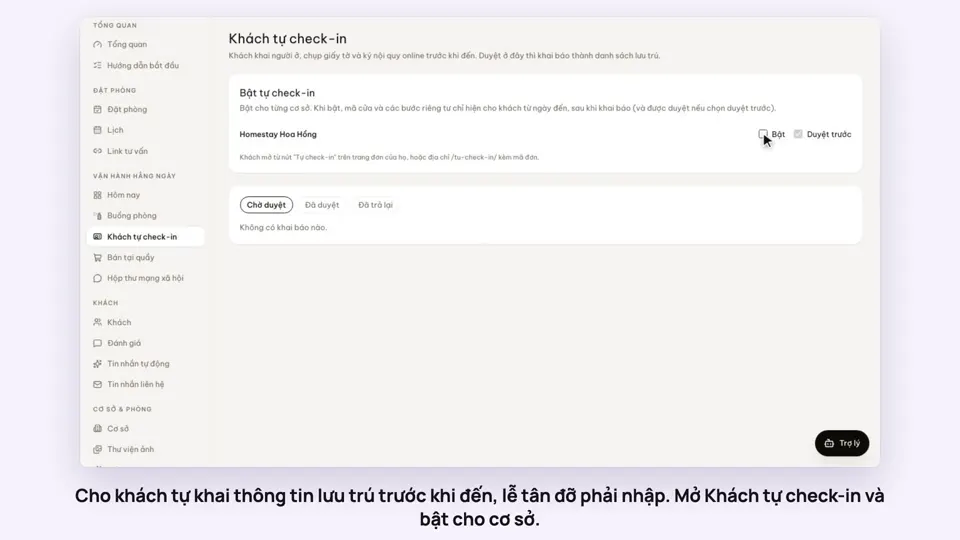
Open Self check-in, switch it on for a property and choose whether the desk approves first.
- 2
Guests open the self check-in link on their booking page (or in the reminder before arrival).
- 3
They register everyone staying, photograph their IDs and accept the rules.
- 4
The desk opens the submission, checks the photos and clicks Approve.
Included from the Basic plan; on Free, buy the Self check-in add-on.
操作视频
常见问题
常见问题
How long are ID photos kept?
They are deleted 30 days after check-out, or 7 days after a cancellation. Every view of a photo is logged.
Does an approved submission become the guest register?
Yes. It becomes the booking’s guest register, used for the residence declaration like one typed at the desk.
Can approval be skipped?
Yes. Switch off Approve first and submissions go straight into the register, with private details from the arrival day.