← 全部操作视频
Edit contact details and check-in times
Change the phone, email, address and the check-in and check-out times guests see on your booking site and in their messages.
越南语配音,配越南语字幕。
本视频内容
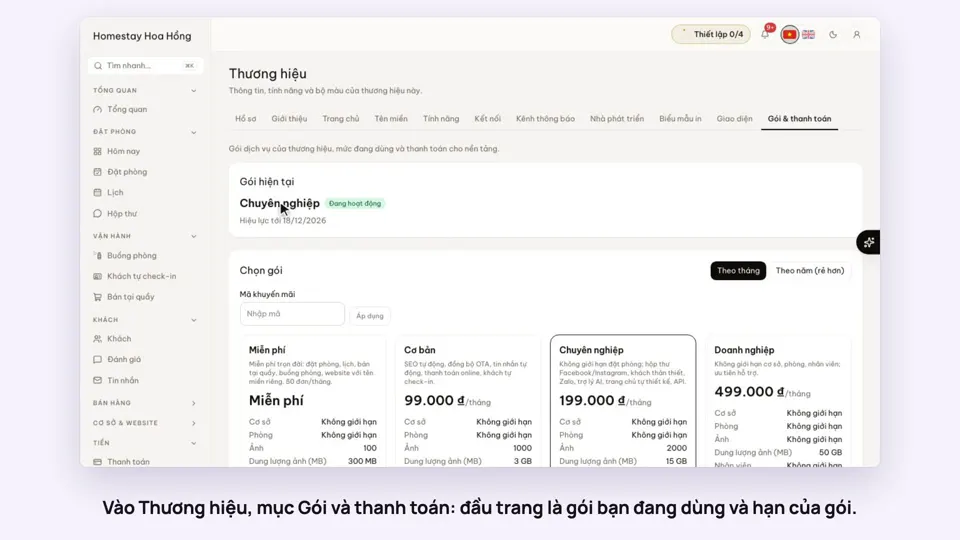
- The contact phone number and email are in Brand, under Profile; guests see them at the top and bottom of every page.
- Click Save when you have edited them.
- The address and check-in and check-out times are set separately for each property: go to Properties and open your property.
- In General information, check the street number, province and ward.
- Set the check-in time and check-out time that guests will see when booking.
- Click Save, the new address appears right under the property name, and guests see the new information when they book.