


← 全部操作视频
Guest profiles: past stays and notes
Find a guest, see every stay and what they spent, and keep a note for next time.
越南语配音,配越南语字幕。
了解Guest profiles →本视频内容
- The Guests section gathers every guest who has booked, with the number of stays, the latest stay and total spending.
- Type a name or phone number to find a guest.
- Click the name to open the profile: every stay, the dates, status and amount.
- Add a birthday and tags such as regular or VIP to filter quickly later.
- Write a private note for next time, visible to staff only, then click Save profile.
本主题的更多内容
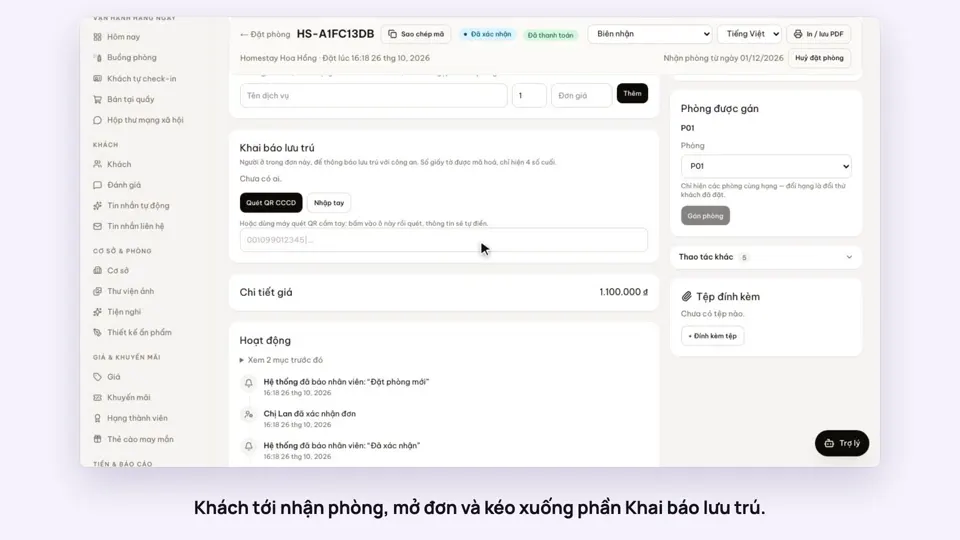 0:40Record guests by scanning their ID card’s QR今日与客房清洁客人与提醒
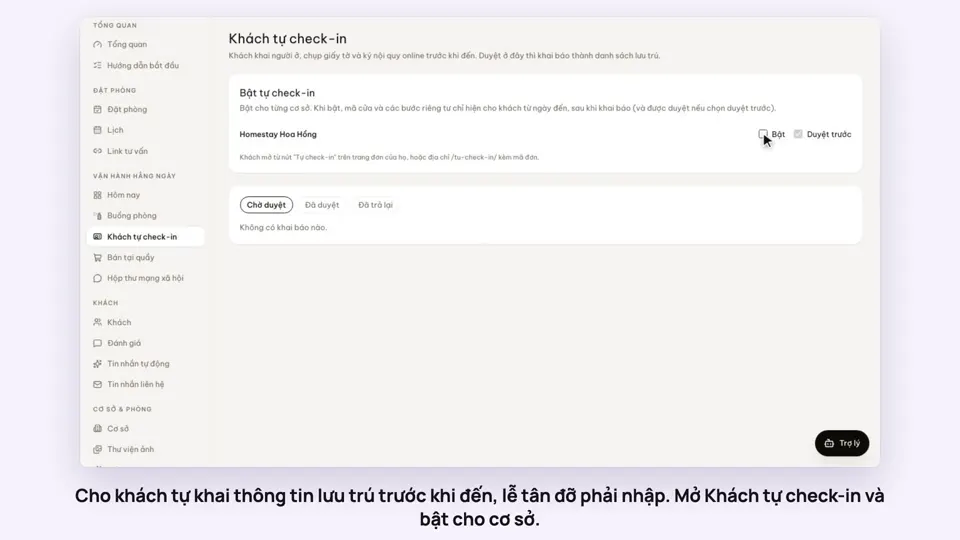 0:44Guests check in online before they arrive客人与提醒
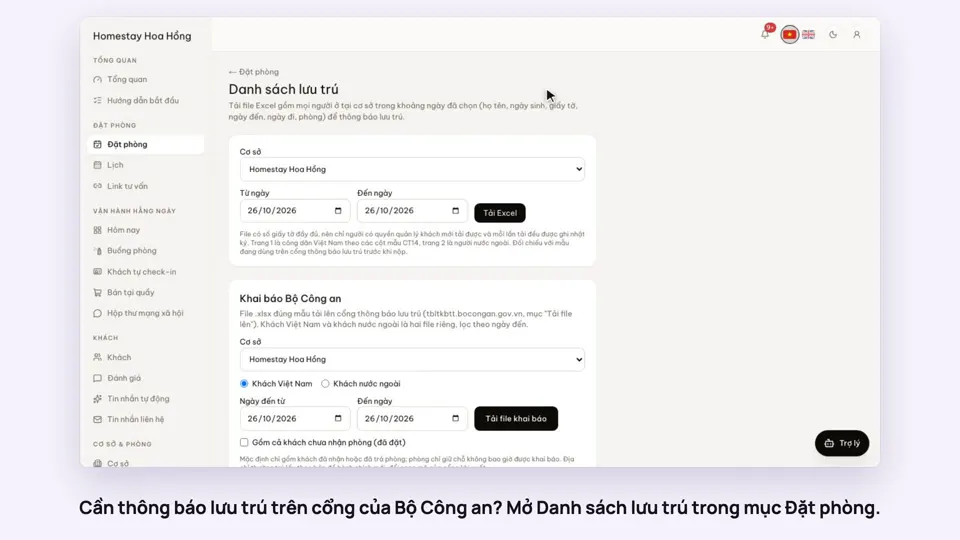 0:33Export the residence file in the police portal’s format客人与提醒
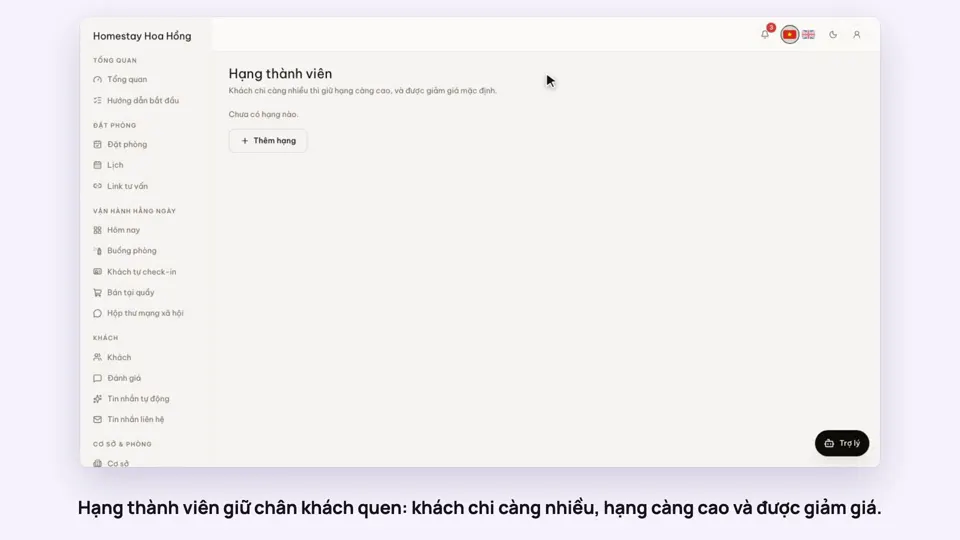 0:31Loyalty tiers for returning guests销售客人与提醒
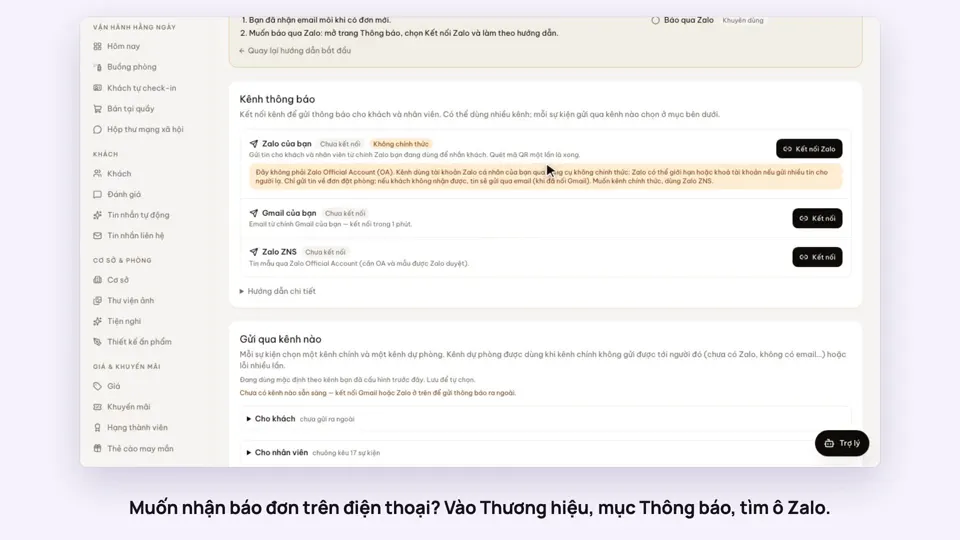 0:38Get booking alerts on Zalo客人与提醒
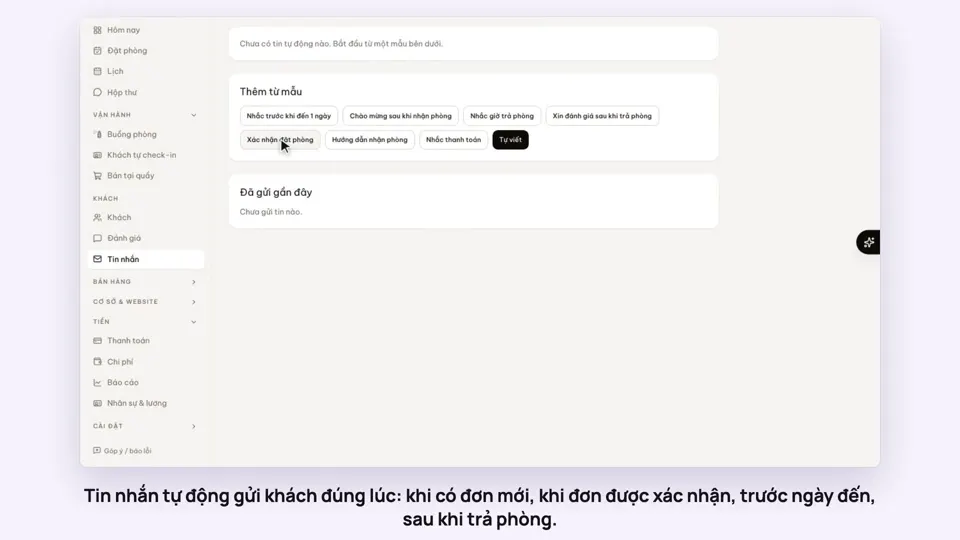 0:47Automatic messages to guests by email and Zalo客人与提醒