


← 全部操作视频
Guests check in online before they arrive
Switch on self check-in; guests declare who stays and photograph their papers, and the desk reviews and approves them.
越南语配音,配越南语字幕。
了解Guest self check-in →本视频内容
- Let guests fill in their stay details before they arrive, so the front desk has less to type. Open Guest self check-in and turn it on for the property.
- The guest opens the self check-in page from the button on their booking page, or from the address with the booking code that you send by Zalo, then enters the phone number used for the booking.
- The guest fills in each person staying on the stay form: full name, ID number, date of birth, nationality.
- They agree to the house rules and then submit the declaration.
- The guest takes a photo of their ID on their phone; the photo is encrypted and deleted automatically after the guest checks out.
- The front desk sees the record in the queue, opens it to look at the people staying and the ID photos, then clicks Approve. The door code and directions to the room show to the guest from the arrival date.
本主题的更多内容
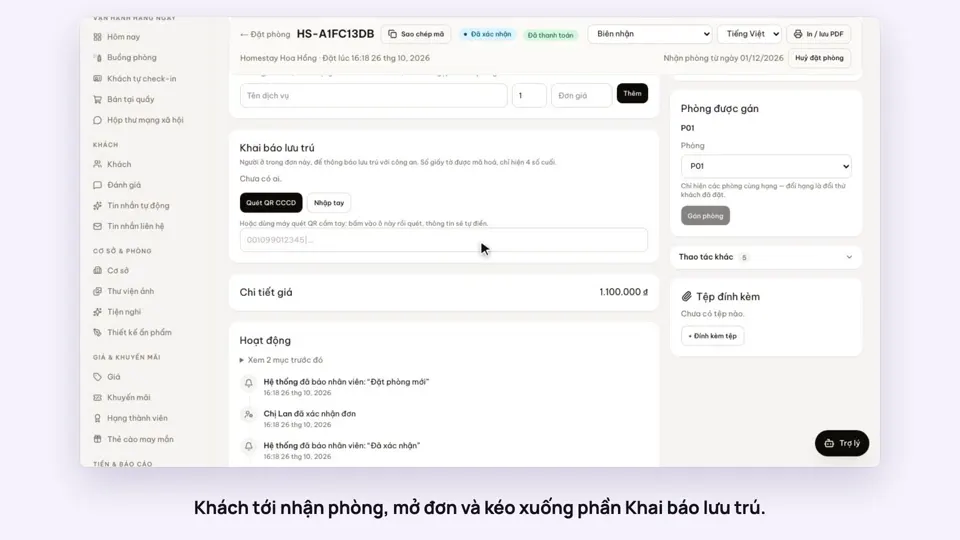 0:40Record guests by scanning their ID card’s QR今日与客房清洁客人与提醒
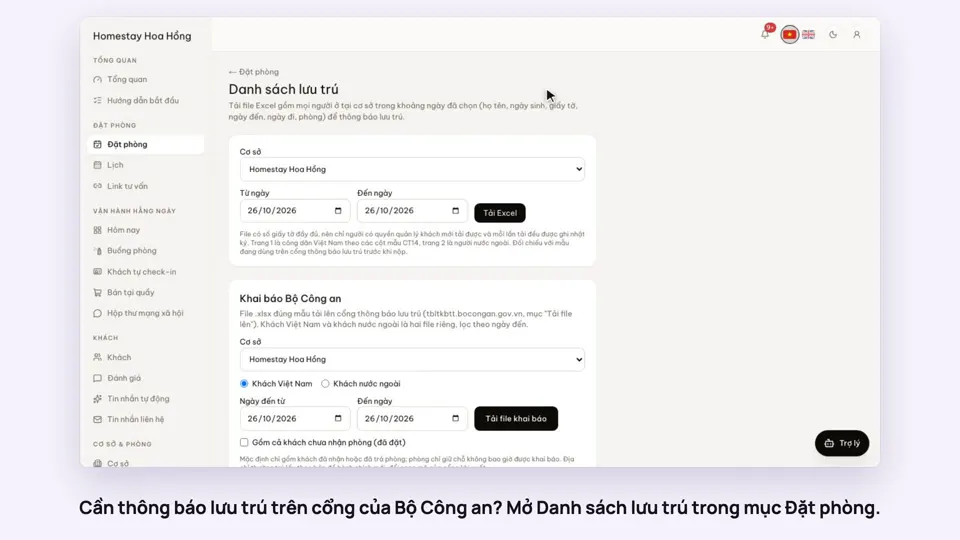 0:33Export the residence file in the police portal’s format客人与提醒
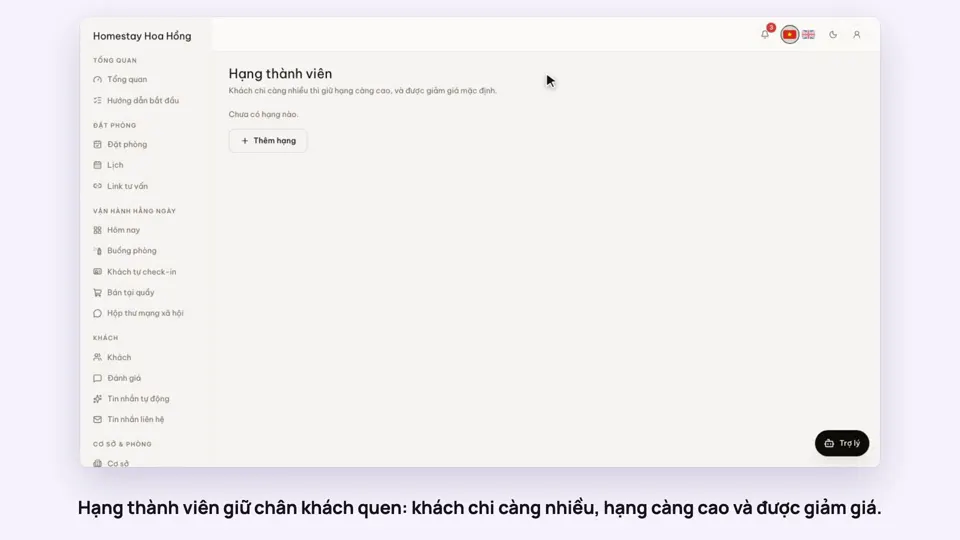 0:31Loyalty tiers for returning guests销售客人与提醒
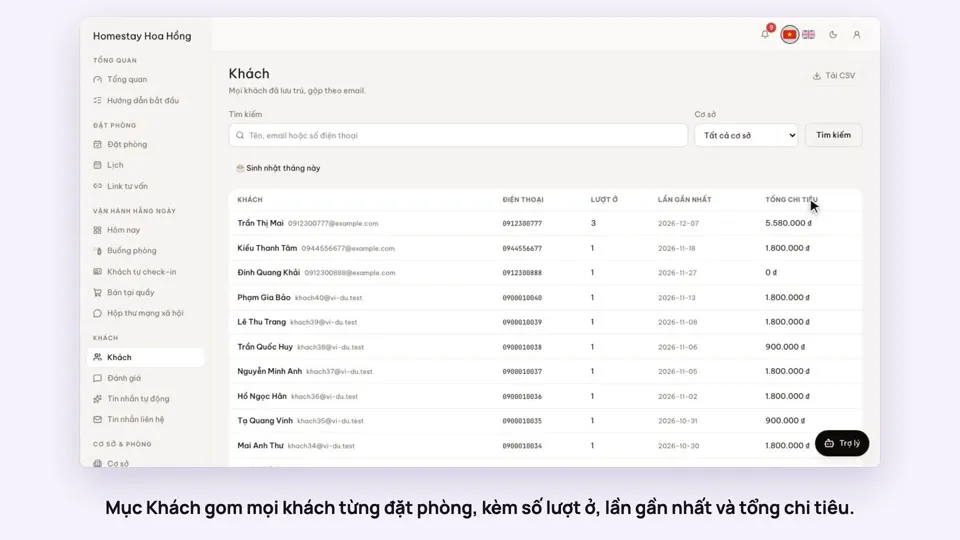 0:31Guest profiles: past stays and notes客人与提醒
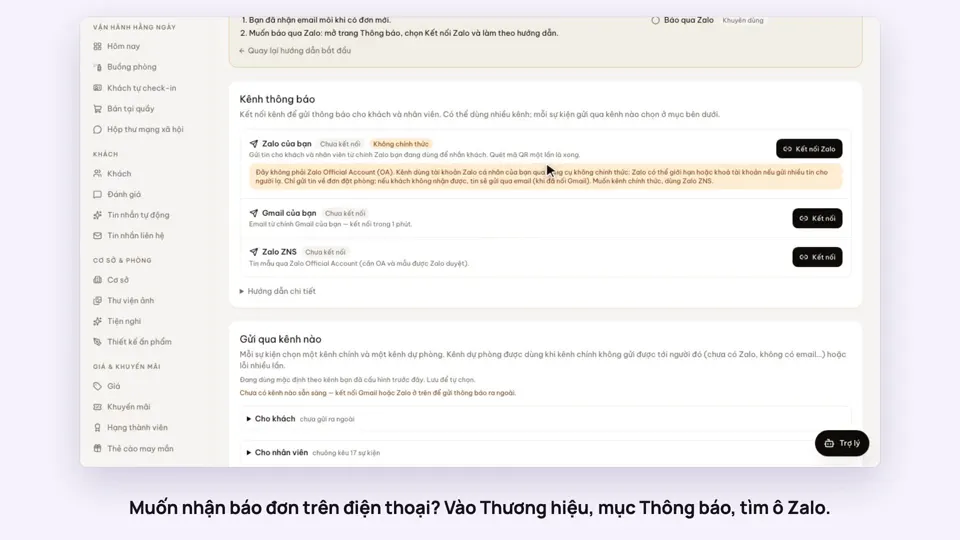 0:38Get booking alerts on Zalo客人与提醒
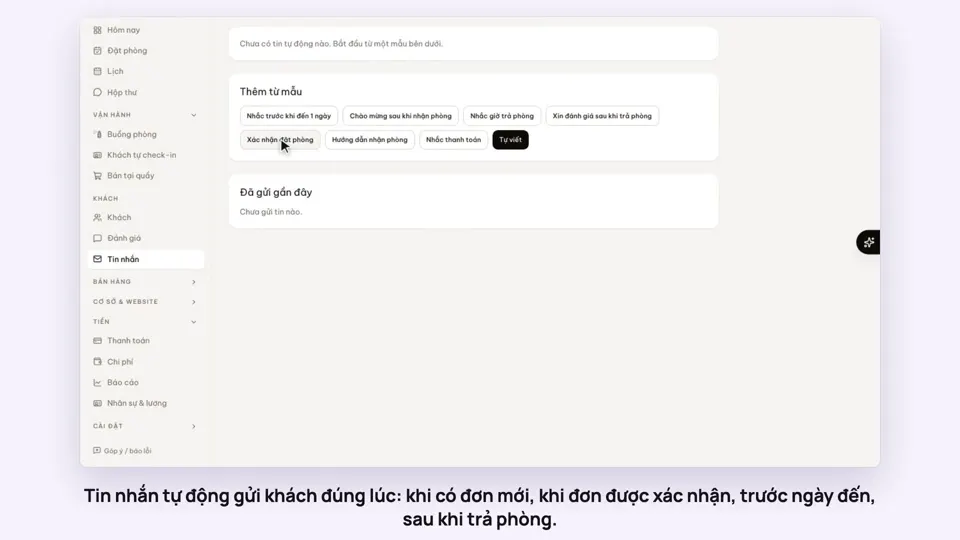 0:47Automatic messages to guests by email and Zalo客人与提醒