← 全部操作视频
Add a place, its room types and rooms
Make a new homestay with two room types, set how many rooms and their numbering, and the nightly price.
越南语配音,配越南语字幕。
了解Booking calendar →本视频内容
- Go to Properties and click Add property.
- Name the property, choose the type and how you sell by the night, then click Next.
- Choose the province and ward, and type the house number and street name.
- Check-in and check-out times are filled in; edit them if needed and click Next.
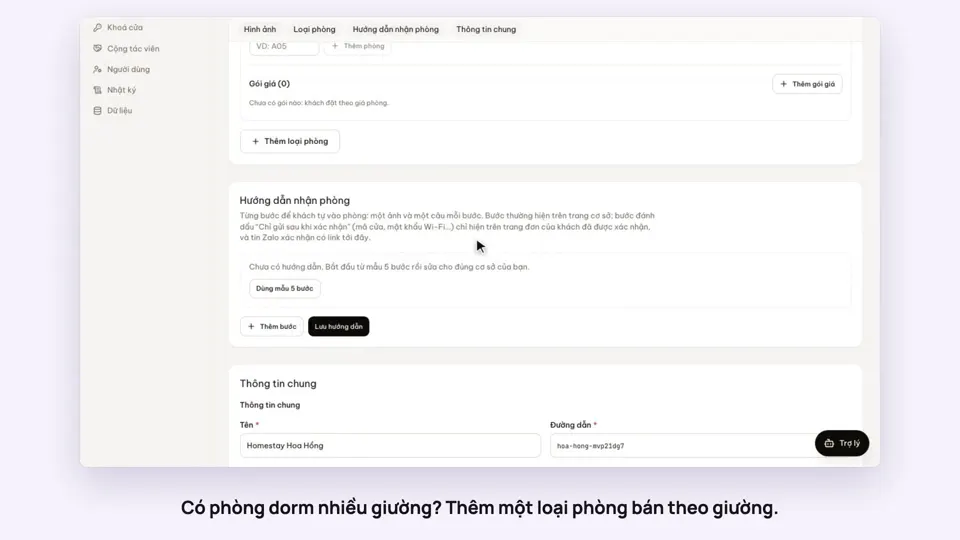
- The first room type: name, number of rooms, price per night and a prefix for numbering the rooms.
- Click Add room type for a second type, fill it in the same way and click Next.
- Review and click Create property: the rooms are numbered for you, and the property is a draft waiting for photos.