← 全部操作视频
Edit your home page: cover, headline, style
Change the cover photo, headline and welcome line, pick a page style, preview on desktop and phone, then publish.
越南语配音,配越南语字幕。
了解Booking website →本视频内容
- Go to Website, the Home page section, and click Open the home page editor.
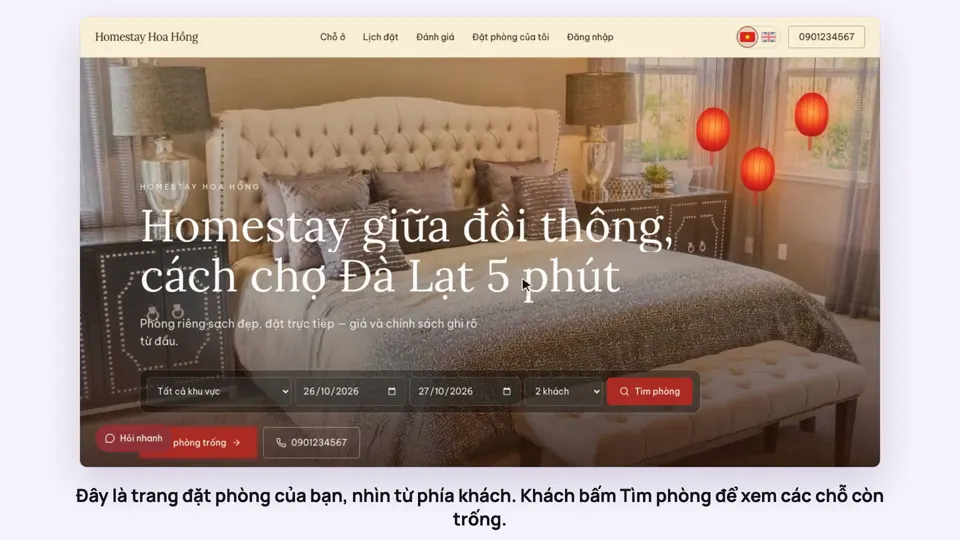
- On the left are the sections of the page, in the middle is the real home page; click Cover photo to edit the top of the page.
- Type the headline and the intro sentence, and the preview changes straight away.
- Click Choose photo to change the cover with a photo from your library.
- Change the page style to try other colours and fonts, then preview it on a phone.
- When you are happy, click Publish, and guests visiting your website will see the new home page.