

A booking website of your own
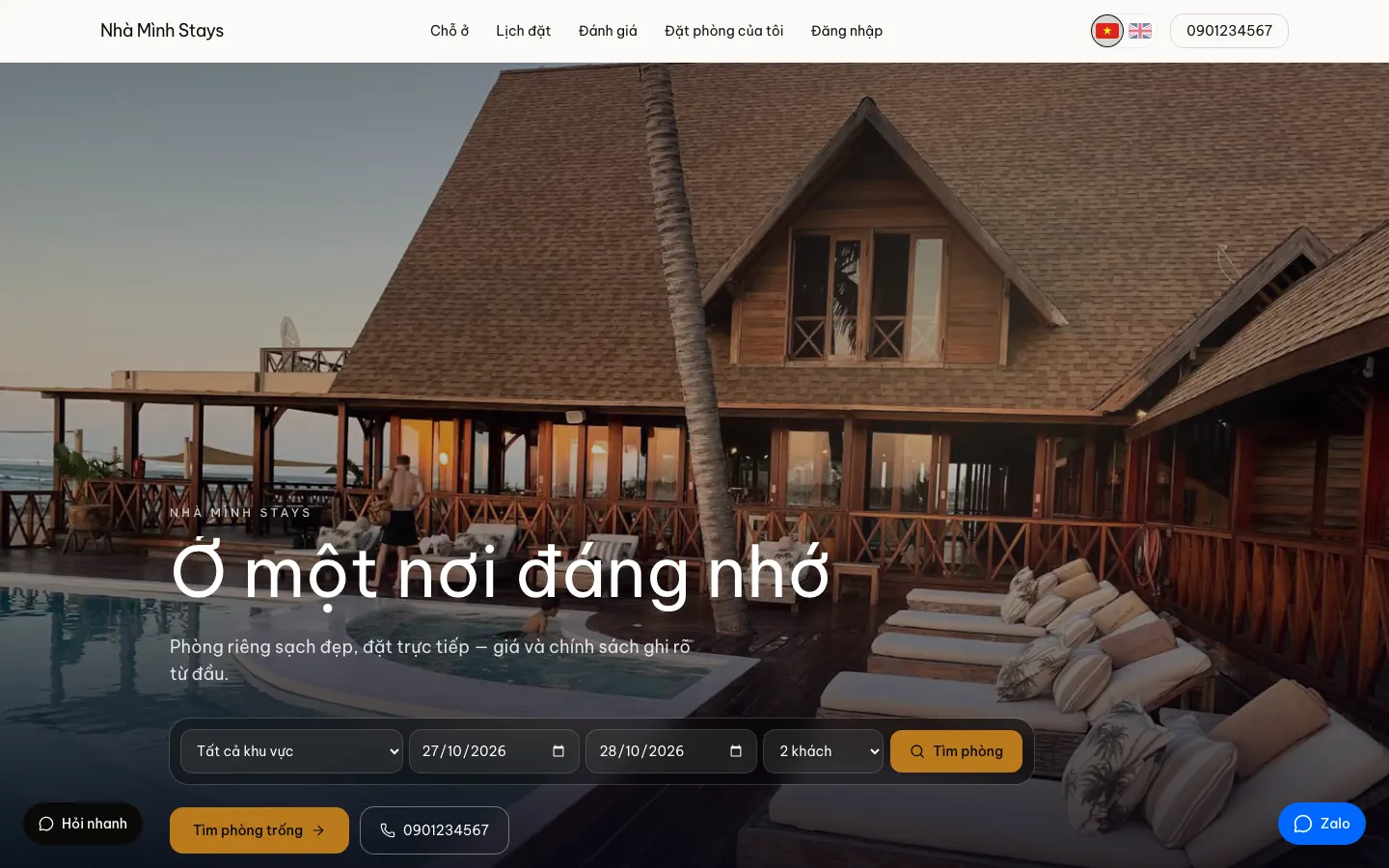
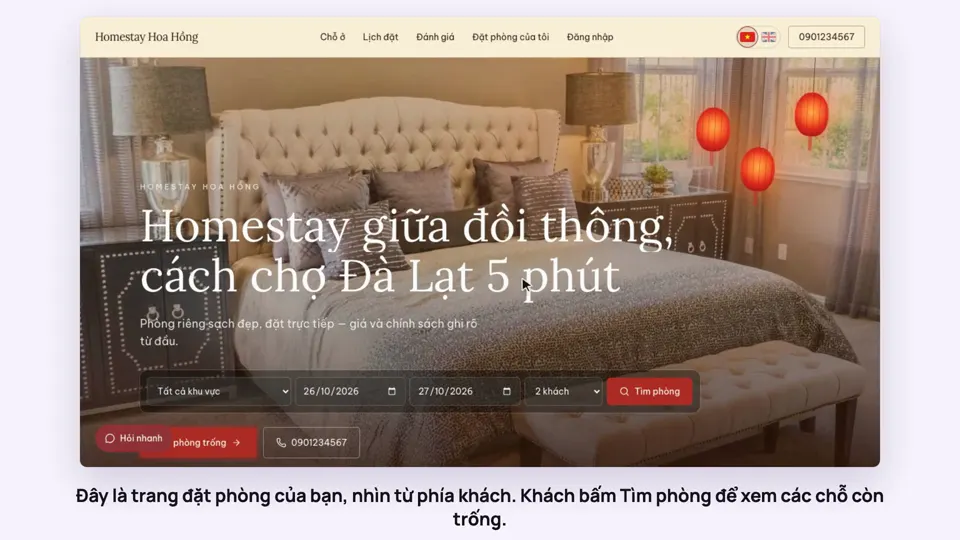
Every brand gets its own booking website. Guests look at rooms, see which dates and hours are free, book and pay a deposit without messaging you first.
Included from the Free plan.
 Tap to view
What it does
Booking website
Live as soon as you sign up
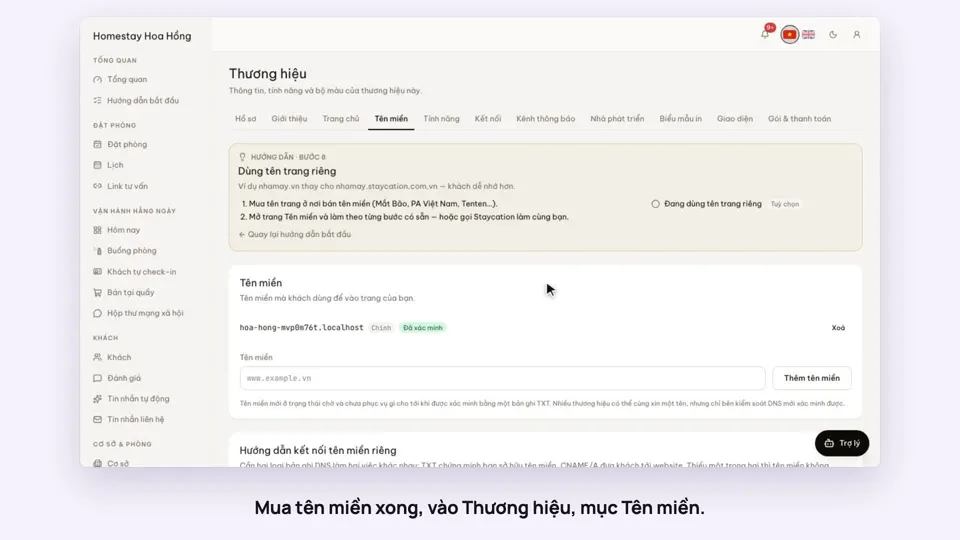
Your site runs at an address like yourname.staycation.com.vn. From the Basic plan you can add your own domain, like yourname.vn.
Book and pay on the site
Guests choose dates or hours, see the price worked out, book and pay the deposit by VietQR.
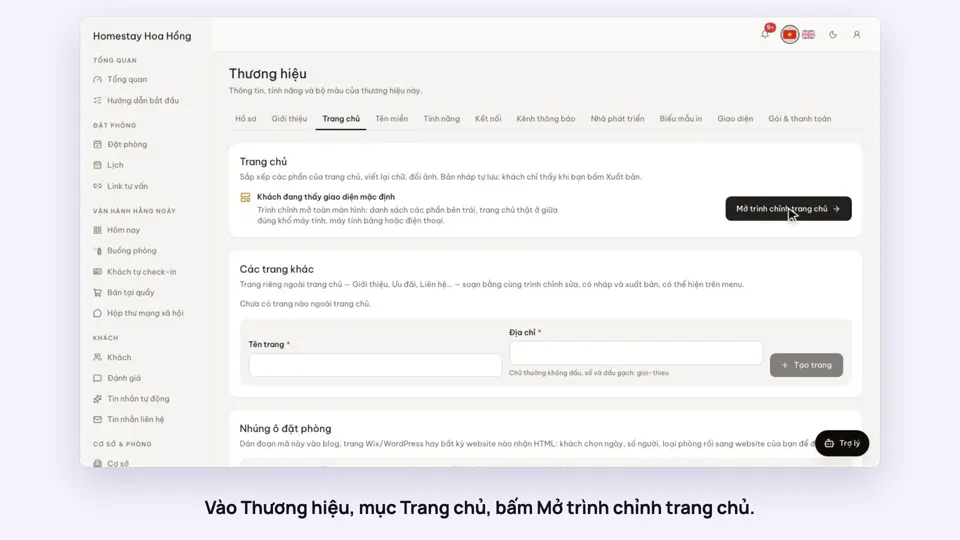
Edit your home page
Reorder sections, rewrite text, swap photos, preview on desktop and phone, then publish.
Themes
Start from a style such as minimal, coastal, old town, pine forest or cinema, then adjust colours and fonts. Text contrast is checked for you.
Vietnamese and English
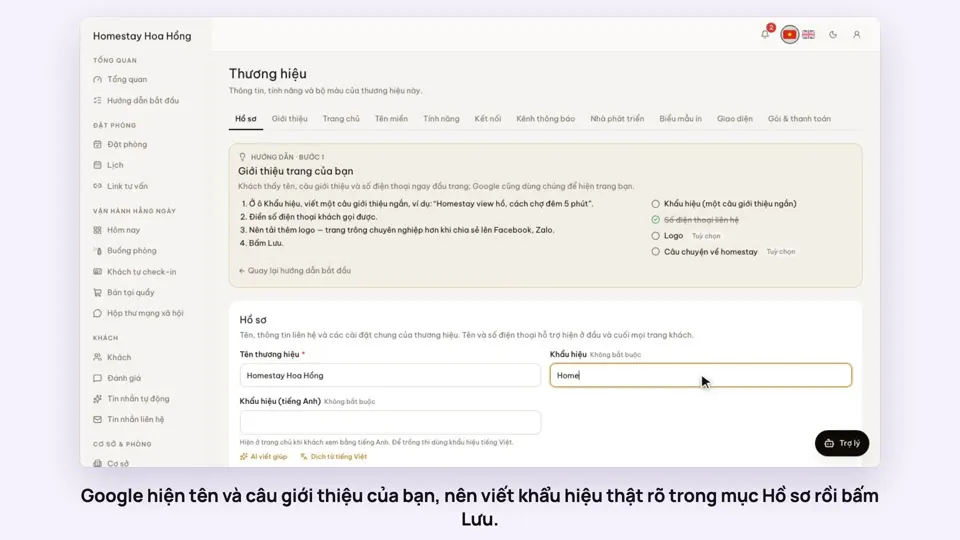
Every page comes in both languages. Titles, descriptions, data for Google and share images for Zalo and Facebook are built in.
Guests search in a sentence
Guests type something like "Saturday night, 2 people, under 500k" and the site suggests rooms that fit. This uses AI and starts on the Professional plan.
Rate plans per room type
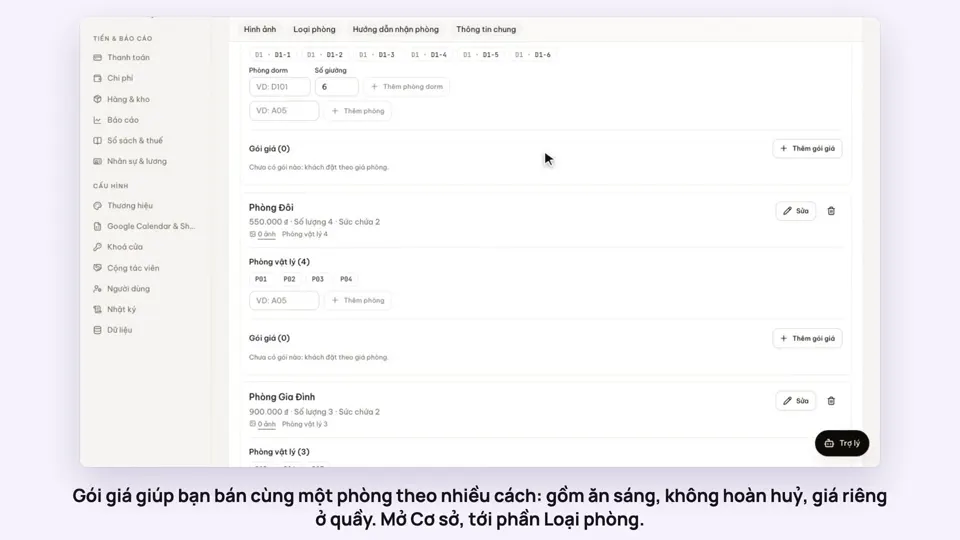
Each room type can have plans such as "Room only" or "Breakfast included": a Vietnamese and English name, a code, a percentage or a fixed amount per night up or down from that night’s price (seasonal and weekend prices included), and a floor and ceiling. Each plan is sold on the website, at the desk or on OTA channels, and each room type has one default plan.
Guests pick a plan at checkout
On the checkout page the guest picks a plan and the price updates at once. The desk picks a plan for bookings made there too. A breakfast plan marks the stay as eating breakfast, so it reaches the kitchen list.
Sold by the bed (dorms)
A dorm room type is sold by the bed, priced per bed per night, and guests choose how many beds. A party booking several beds is kept in the same room, and no more beds are sold than exist.
How it works
Up and running in a few steps
- 1
Sign up and choose your site name.
- 2
Add your property, room types, prices and photos.
- 3
Enter the bank account for deposits, then go on sale.
- 4
Share the link with guests on Zalo, Facebook and Google Maps.
The Free plan includes the website, with no limit on properties, rooms or bookings. Your own domain and online payment start on Basic or come with the Website Pro add-on; the home page editor and AI search start on Professional.
How-to videos
Questions
Common questions
Do I need to code or hire a designer?
No. You enter your details and photos and the site builds itself. To change the home page layout, use the drag-and-drop editor.
How do I connect my own domain?
Add the domain in the admin and create one TXT record where you bought it to verify it. There is a step-by-step guide.
Do guests need an account to book?
No. With an account they can find their bookings more easily and earn membership tiers if you turn them on.
Is there a booking limit on Free?
No. Free takes any number of bookings. Your own domain, online payment or guest self check-in come as add-ons or with a paid plan.