


← 全部操作视频
Sell drinks and snacks to guests at the desk
Add a product, open a shift with the opening cash, sell two bottles for cash and print the receipt, then close the shift and see the till difference.
越南语配音,配越南语字幕。
了解Point of sale →本视频内容
- Before selling, go to Goods and stock to add an item: name, selling price and unit.
- Click Save, and the new item appears in the product list.
- Go to Counter sales. Count the cash in the till, enter the opening cash and click Open shift.
- Click an item to add it to the basket. Click twice for two bottles.
- If the guest pays cash, click Cash. The receipt appears and can be printed on an 80 mm printer.
- Besides cash, you can take a bank transfer with a QR code, charge it to the room bill of a guest who is staying, or record it as debt.
- At the end of the shift, click Close shift and enter the cash you counted. The screen tells you whether it matches, or is over or short.
本主题的更多内容
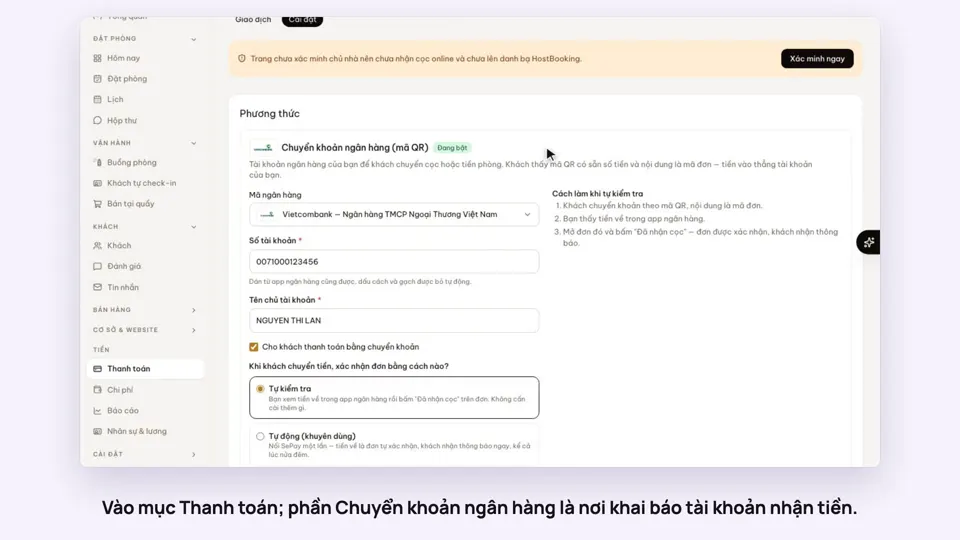 0:31Add your bank account to take payments by QR入门资金
 0:39Cancel a booking and refund the deposit预订资金
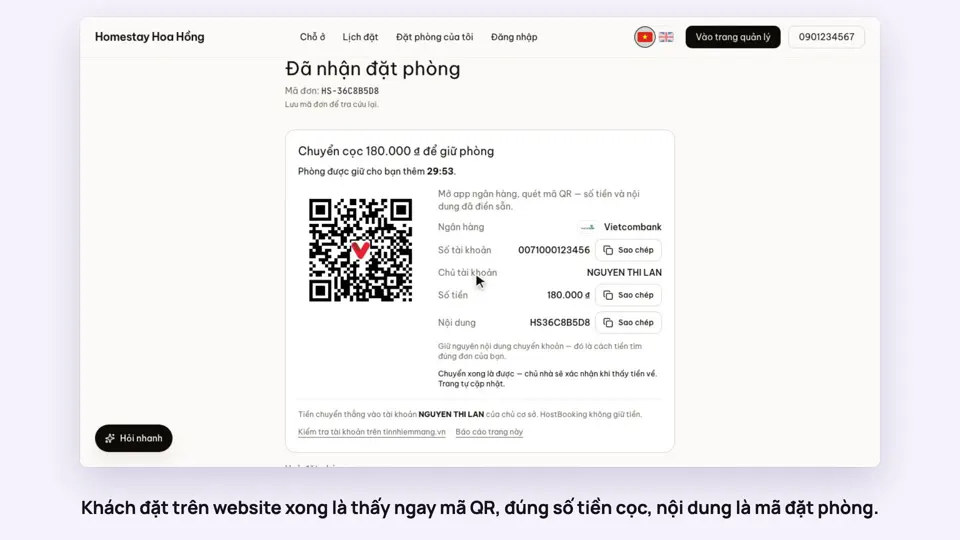 0:36Take a deposit with an exact-amount QR资金
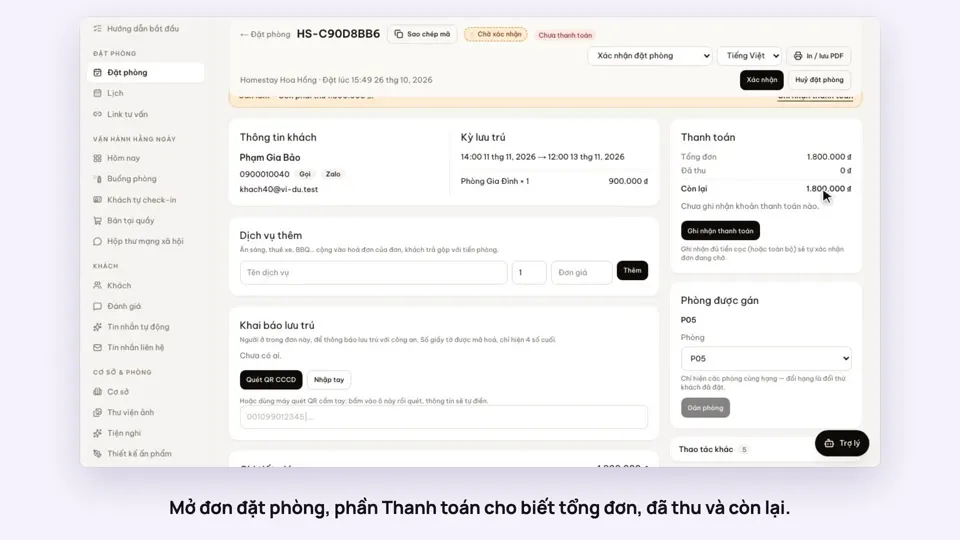 0:30Record cash, transfers and what is still owed资金
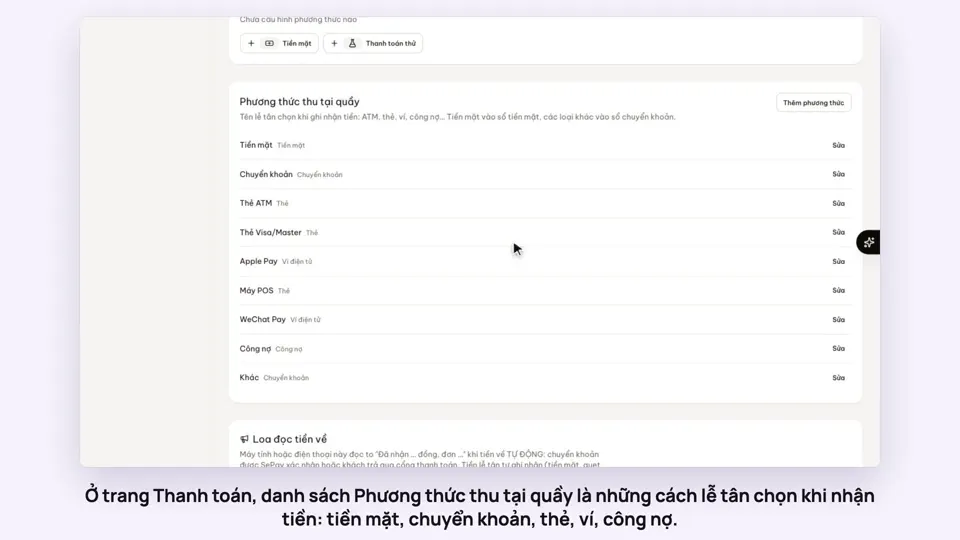 0:47Your payment methods, and guests paying in foreign currency资金
 0:58Print a receipt, booking confirmation or registration form资金