← 全部操作视频
Cancel a booking and refund the deposit
Cancel a booking with a reason, then record the deposit refund to the guest right on the booking.
越南语配音,配越南语字幕。
本视频内容
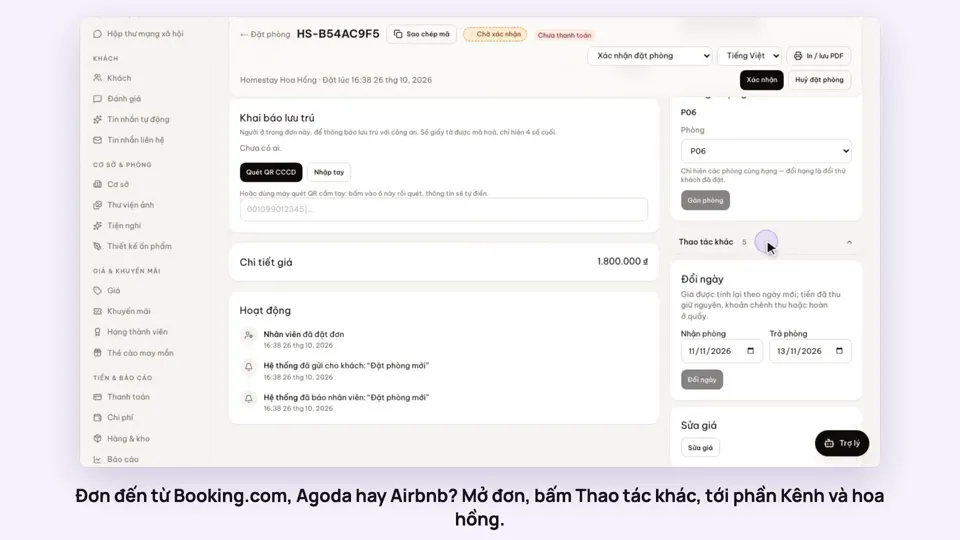
- A guest tells you they are cancelling? Open their booking; the Payments section shows how much deposit they have transferred.
- Click Cancel booking and enter a reason; the reason is saved in the booking’s log.
- Confirm the cancellation, and the room goes back on the calendar for other guests to book.
- Once you have transferred the deposit back to the guest, click Refund on the payment you received.
- Enter the refund amount and a reason, then click Confirm refund.
- The booking shows the amount refunded, and it also appears under Payments so you can reconcile it.