


← 全部操作视频
Record cash, transfers and what is still owed
Record a cash or transfer payment and see how much the guest has paid and how much is left.
越南语配音,配越南语字幕。
了解VietQR payments →本视频内容
- Open the booking. The Payments section shows the order total, what has been collected and what is left.
- Did the guest transfer a deposit? Click Record payment.
- Pick a method from your property’s list, here bank transfer, then enter the amount and the transaction code if you have one.
- Save the payment. Once the deposit is covered, a pending booking switches to confirmed by itself.
- The balance updates straight away; when the guest pays the rest at check-out, record another payment the same way.
本主题的更多内容
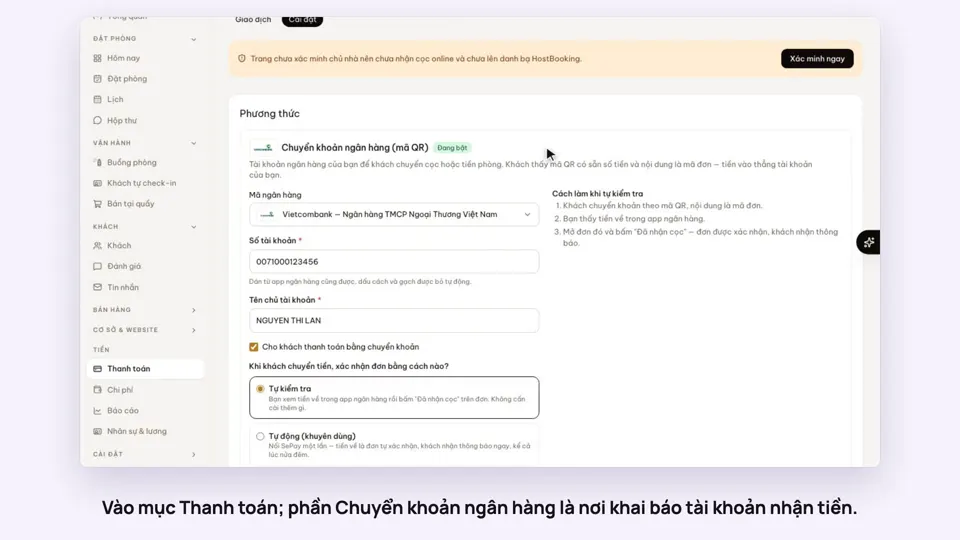 0:31Add your bank account to take payments by QR入门资金
 0:39Cancel a booking and refund the deposit预订资金
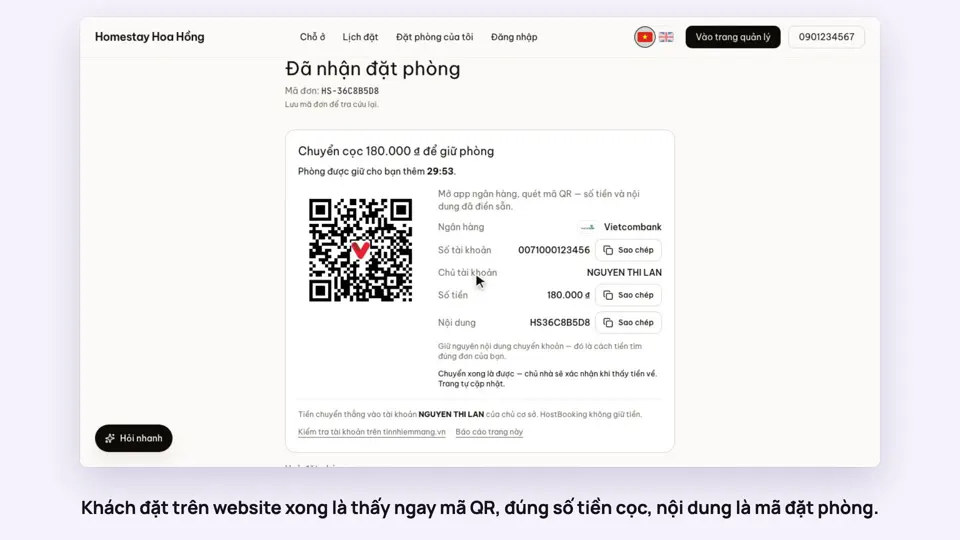 0:36Take a deposit with an exact-amount QR资金
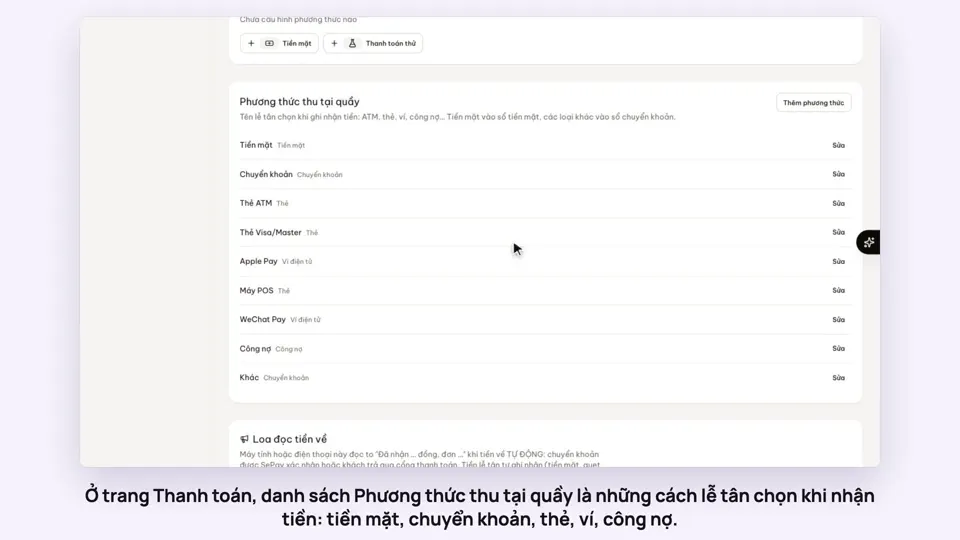 0:47Your payment methods, and guests paying in foreign currency资金
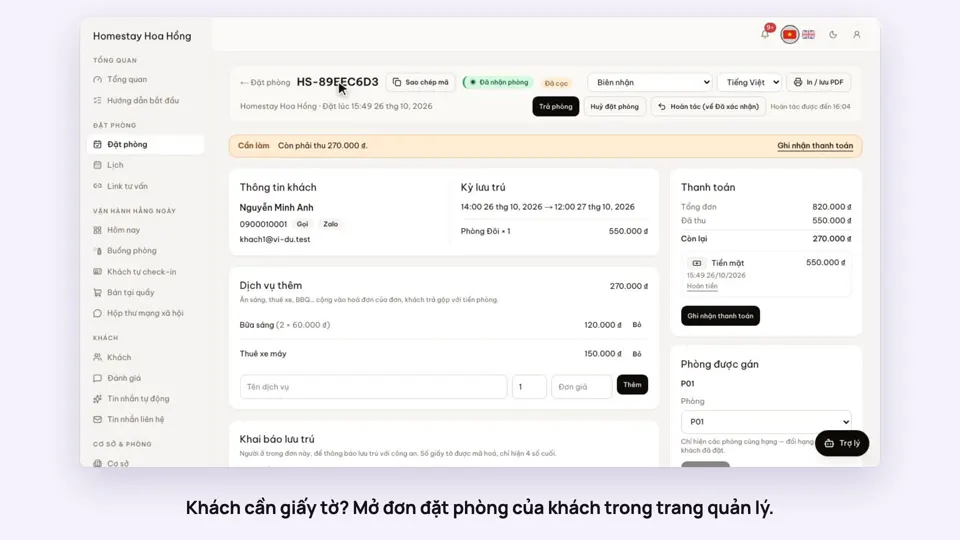 0:58Print a receipt, booking confirmation or registration form资金
 0:30Keep a guest’s invoice details资金