


← 全部操作视频
Check guests in and out
From today’s board: check a guest in, take the balance at check-out, and the room is marked for cleaning.
越南语配音,配越南语字幕。
了解Today room board →本视频内容
- Open the Today section. A room with a guest arriving soon shows the arrival time and the guest’s name.
- When the guest arrives at the desk, click Check in right on that room’s tile.
- If a guest is about to check out but still owes money, the room tile shows the amount left. Click the guest’s name to open the booking.
- Collect the rest: click Record payment, enter the amount left and save.
- Then click Check out.
- Go back to Today: that room automatically changes to not cleaned, and a cleaning task is ready for housekeeping.
本主题的更多内容
 0:37Set weekend and holiday prices入门预订
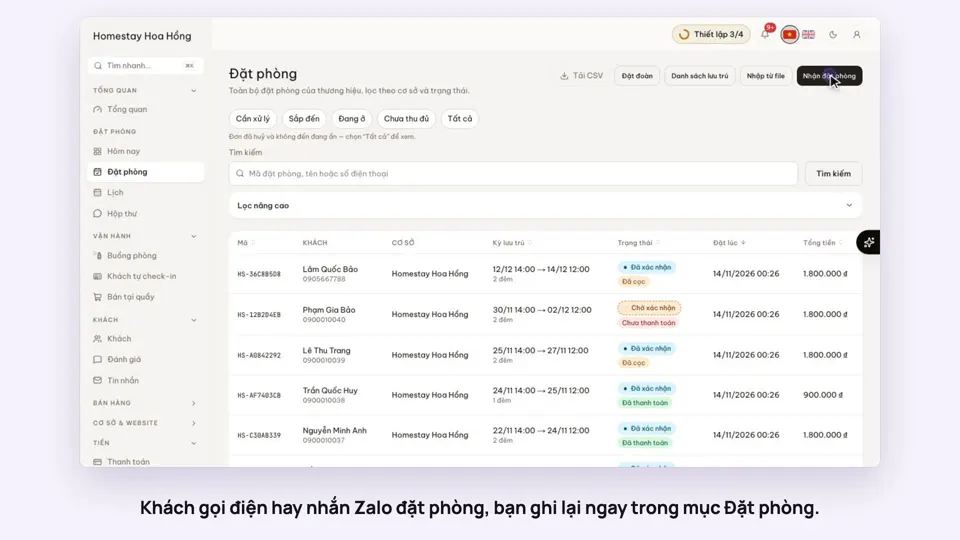 0:43Take a booking from a phone call or a Zalo message预订
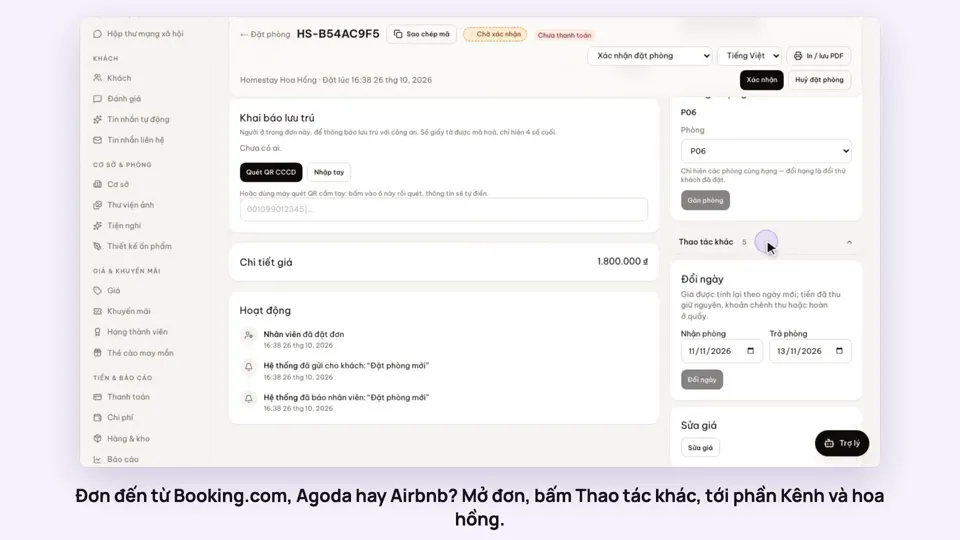 0:42Record the OTA, its booking code and commission预订
 0:30Confirm a booking made online预订
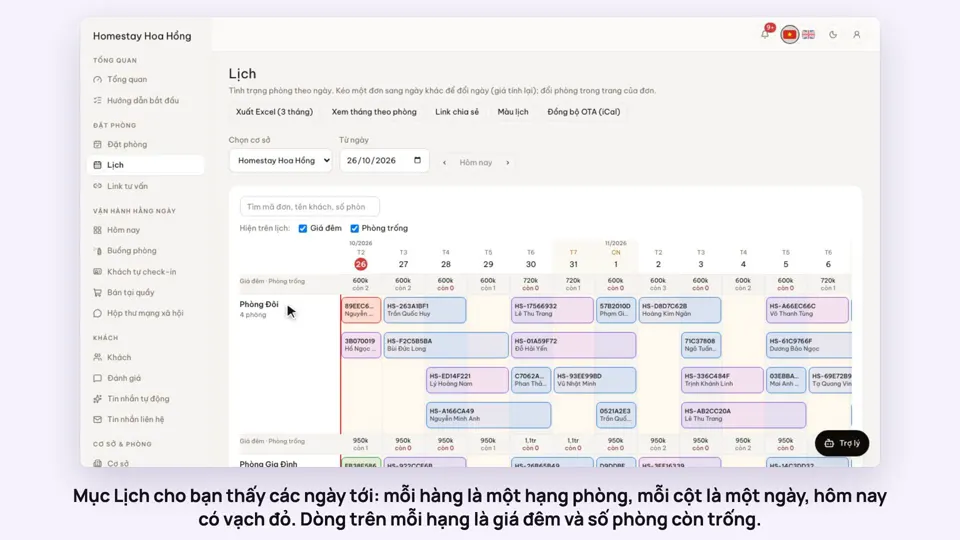 0:54Read the room calendar by day, week and range预订
 0:36Share a view-only calendar, recolour it, see a room’s month今日与客房清洁