


← 全部操作视频
Keep a guest’s invoice details
Company name, tax code and address for the invoice, kept on the booking itself.
越南语配音,配越南语字幕。
本视频内容
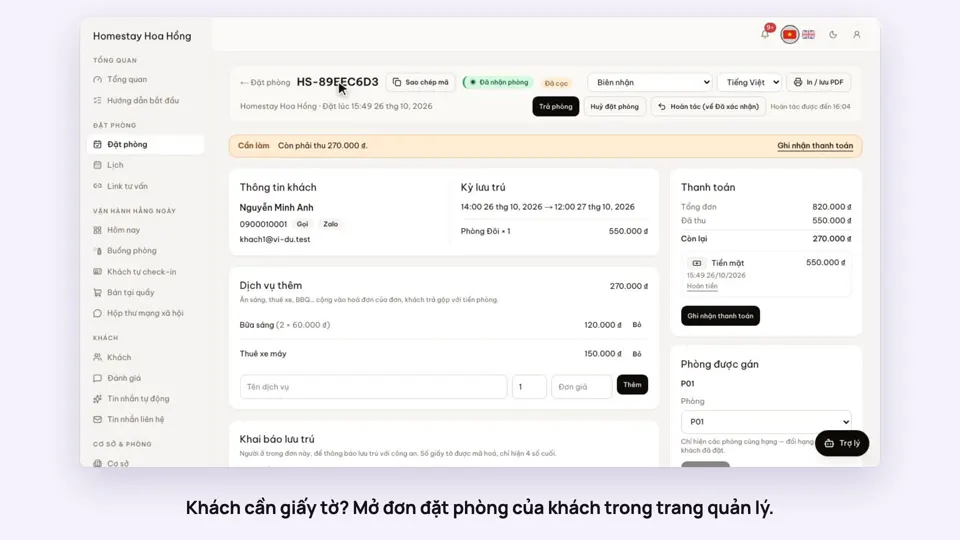
- Does the guest need a company invoice? Open the booking, click More actions and go to Invoice details.
- Click Add invoice details and choose Company or Individual.
- Enter the tax code, company name and address exactly as the guest sent them.
- Add the guest’s accountant email, where you will send the invoice.
- Click Save. The details stay in the booking, and when you open it you can issue an e-invoice.
本主题的更多内容
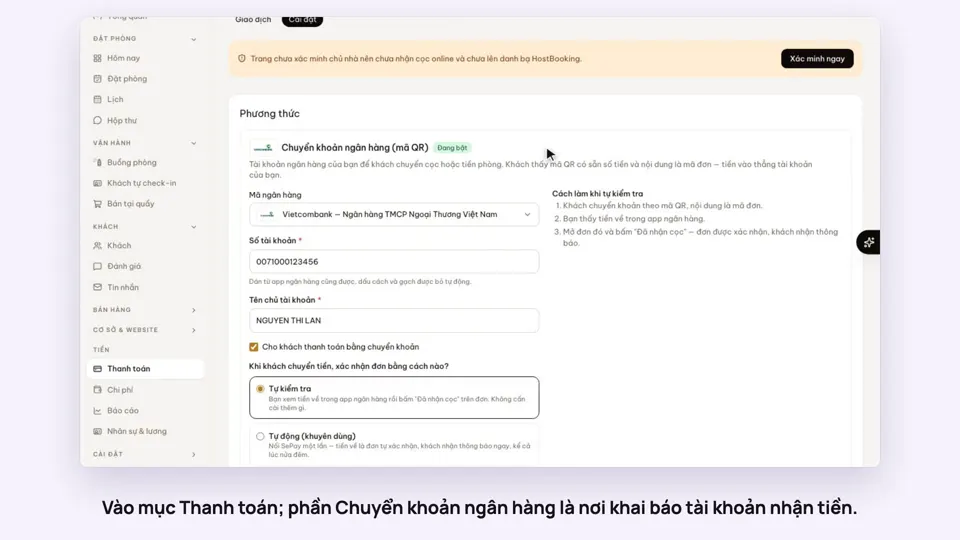 0:31Add your bank account to take payments by QR入门资金
 0:39Cancel a booking and refund the deposit预订资金
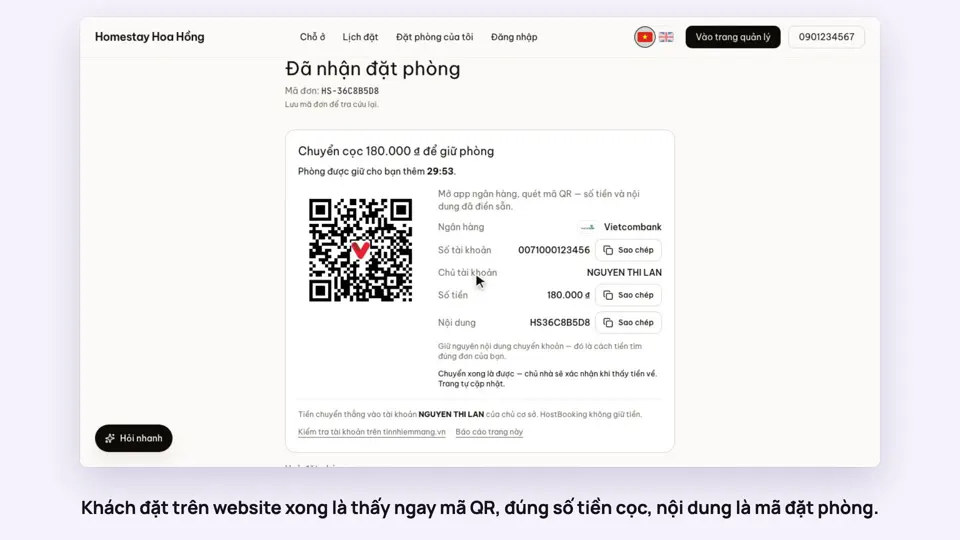 0:36Take a deposit with an exact-amount QR资金
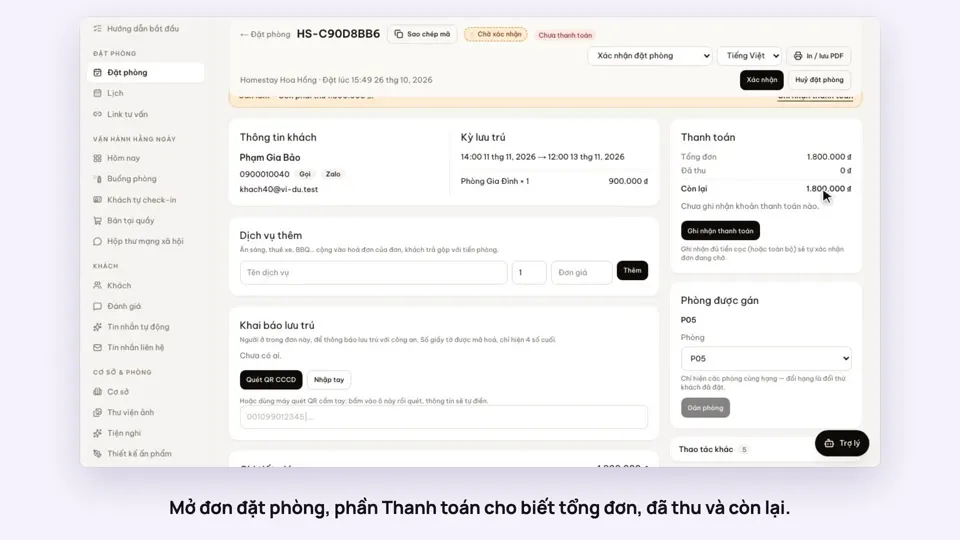 0:30Record cash, transfers and what is still owed资金
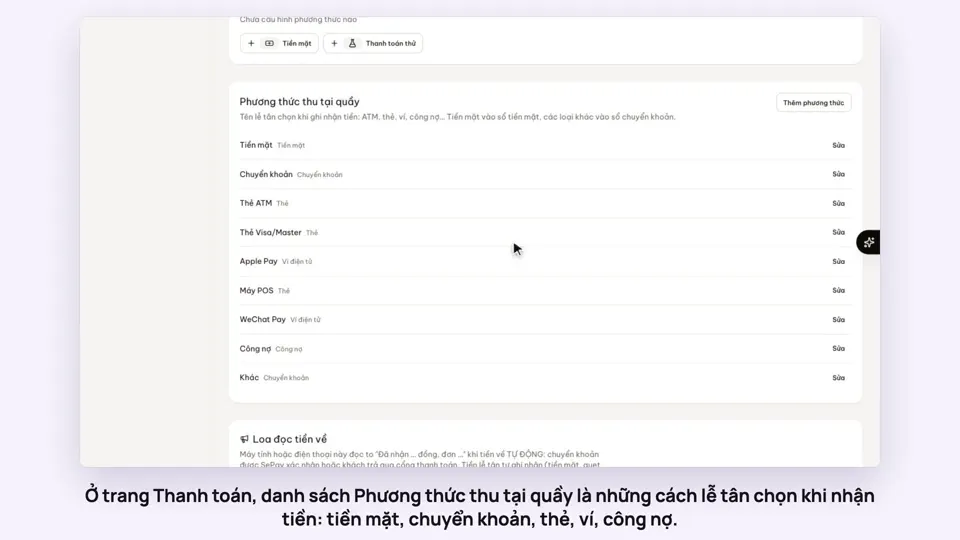 0:47Your payment methods, and guests paying in foreign currency资金
 0:58Print a receipt, booking confirmation or registration form资金