← 全部操作视频
Confirm a booking made online
New bookings from your site wait to be confirmed; check them, then confirm or cancel in one click.
越南语配音,配越南语字幕。
本视频内容
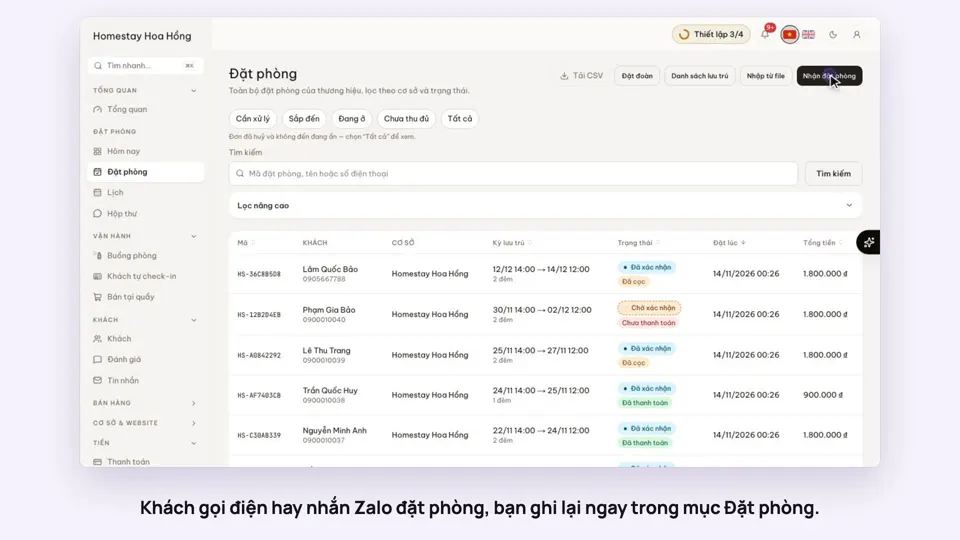
- A guest books on the website, and the new booking appears in Bookings with the status pending confirmation.
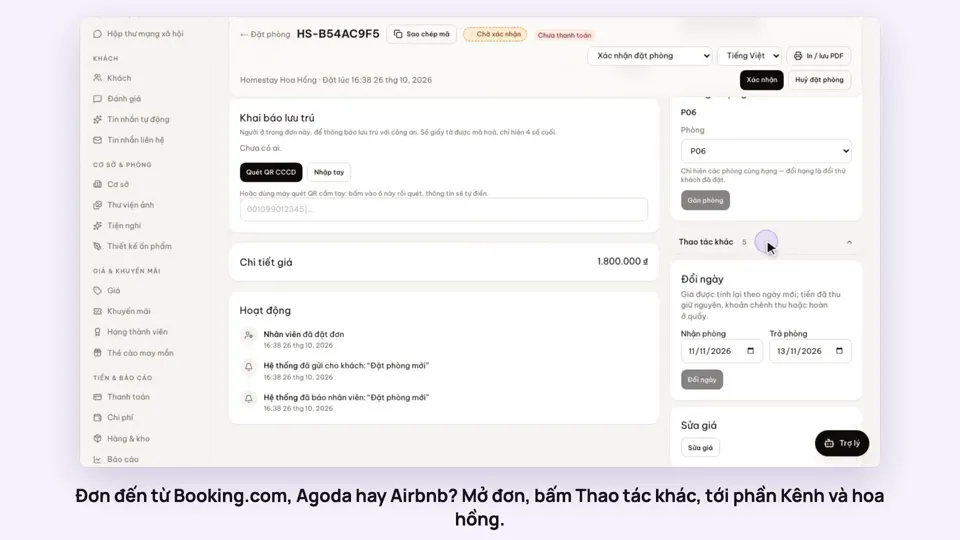
- Click the booking to see who the guest is, which dates, which room and how much they have paid.
- You can call or message the guest on Zalo from here if you need to ask more.
- If everything is fine, click Confirm, and the guest gets a notice that the booking is confirmed.
- If you cannot accept this booking, click Cancel booking and write the reason for the guest.