

Messages that go to each guest at the right moment
No more remembering to send each guest the check-in time, directions, Wi‑Fi or a review request. Each flow sends once per booking, at the moment you choose.
Included from the Basic plan.
 Tap to view
What it does
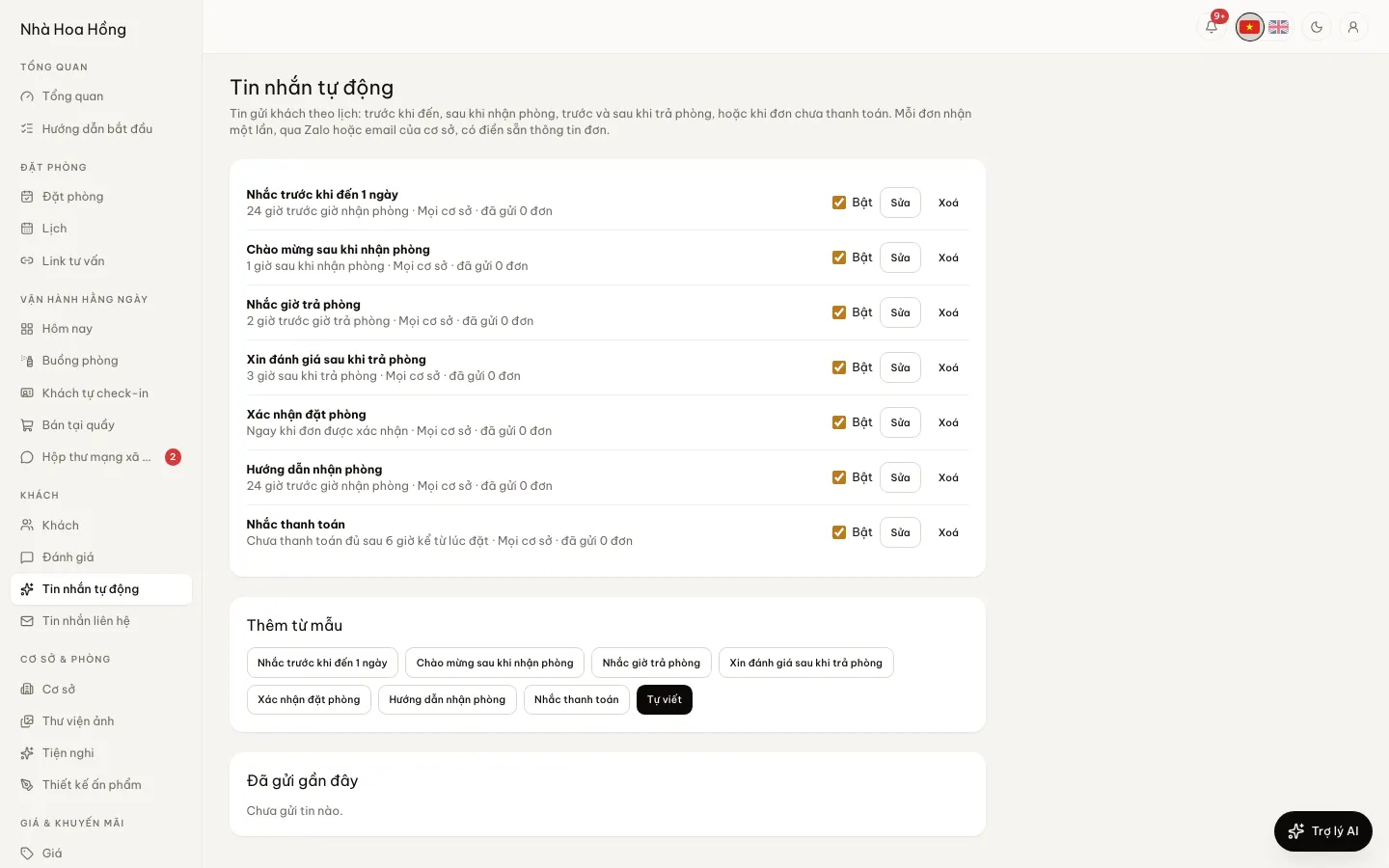
Scheduled messages
Seven moments
After a new booking, after confirmation, before arrival, after check-in, before check-out, after check-out — each plus or minus the hours you choose — and while a booking is unpaid.
Ready-made templates
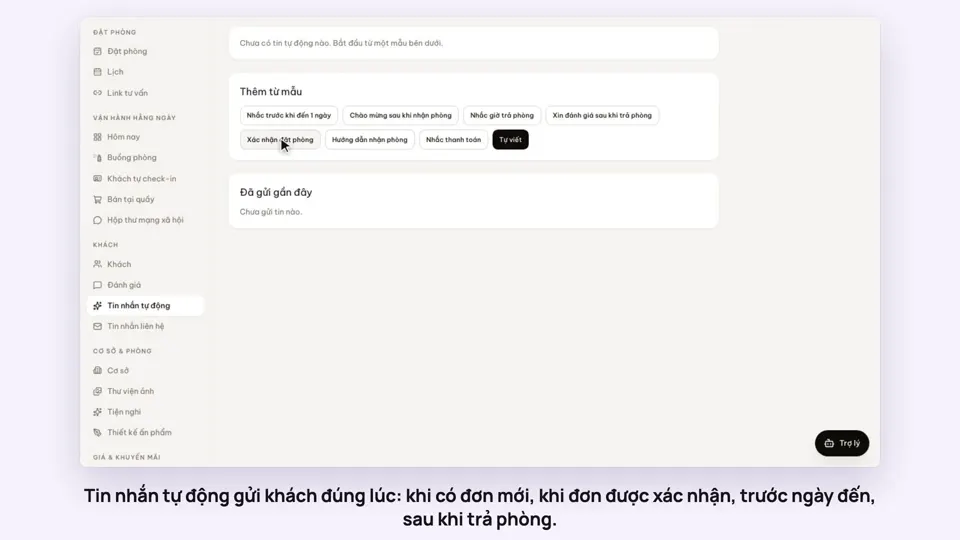
Start from a booking confirmation, a check-in guide, an arrival reminder, a welcome, a check-out reminder, a thank-you with a review link or a payment nudge, then make it yours.
Booking details filled in
Insert the guest’s name, booking code, dates, address, map, hotline, self check-in link and review link — each booking’s own.
English for guests from abroad
Add an English version and guests whose nationality is not Vietnamese receive it.
Sent once, logged
Each flow sends at most once per booking, even if the system runs again. The log shows which bookings received it.
Only the bookings you mean
Limit a flow to certain booking sources, OTA channels or room types. For example, a guide just for guests who booked on your website, or for long-stay apartments.
Choose how it is sent
Each flow goes by email, Zalo, both, or follows the shared settings under Notification channels.
Formatted emails
Bold, italics, headings, lists, quotes, links and booking details, all in the editor. The content is cleaned when saved so the email that goes out is safe.
Know whether it arrived
The send log shows the real state of each message: pending, sent or failed.
How it works
Up and running in a few steps
- 1
Open Automated messages and pick a template or start a new flow.
- 2
Choose the moment and hours, and every property or one.
- 3
Edit the subject and text, inserting booking details from the suggestions.
- 4
Choose email, Zalo, both or the Notification channels setting, then switch it on.
Messages go through the brand’s notification channels: email or Zalo for guests must be on. From the Basic plan; on Free, buy the scheduled messages add-on.
How-to videos
Questions
Common questions
Can a guest get the same message twice?
No. Each flow sends once per booking and records it before sending.
What about a booking made after its moment?
If the moment passed less than 24 hours ago it still goes; older than that it is skipped, so guests do not get stale news.
Can a branch manager edit flows?
Flows belong to the whole brand; only the owner or a brand-wide manager can change them.